


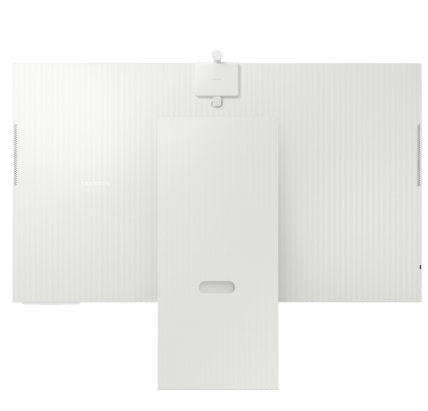
Key Features
Display Size : 32 INCH
Brightness: 400 cd/㎡
Resolution : 4K (3,840 x 2,160)
Viewing Angle (H/V) 178/178
Product Descriptions
New AI Smart Monitor

Key features at a glance

Watch Together with your AI Companion

Ask your companion anything
Samsung Vision AI Companion
Getting help from an AI companion has never been more visualized and comprehensive with multiple AI agents—whether it’s questions about a scene now playing, recommending what to wear for trending clothing styles, or finding the perfect taco spot nearby. Responses come instantly with related video/image options to choose from, making your discovery richer and more personalized.

Meet Copilot. Now on Smart Monitor
Copilot
Whether you're looking for answers to complex questions, learn a new language, or prep for an interview —just ask and Copilot responds with smooth, natural-like voice-based answers. Enjoy effortless handsfree conversation right on your monitor.

Instant access to your favourite streaming content
Smart TV Apps
Stream content directly from your monitor, or tune into Samsung TV Plus to get free live TV channels and on-demand content. 1

Where gaming comes together
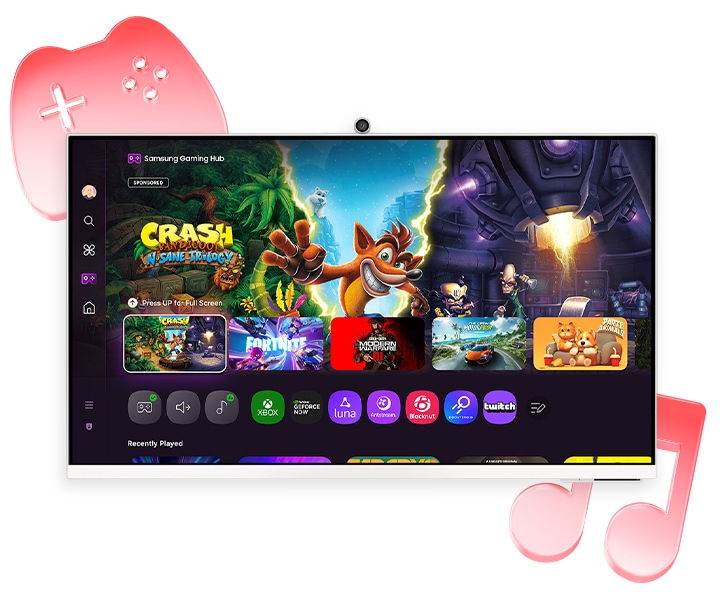
Gaming Hub
Samsung Gaming Hub is the ultimate home for gaming. Instantly play the biggest games from top streaming partners, with no PC or console needed. Discover new games or replay old favourites all in one place. 2
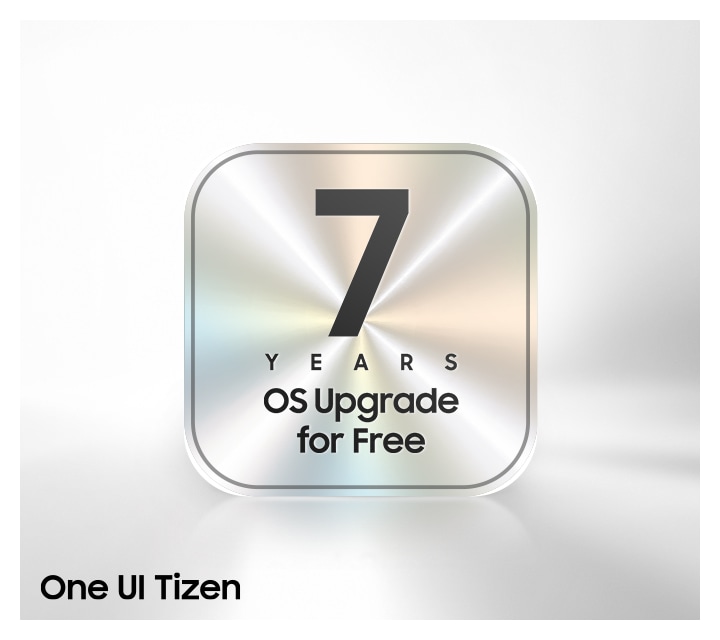
Enjoy 7 years of Monitor upgrades for free
One UI Tizen
One UI Tizen is your personalized and enhanced screen experience, powered by Samsung Tizen OS. With One UI Tizen, you can take advantage of the latest and innovative Samsung features. One UI Tizen will also support Tizen OS upgrades for up to the next seven years.3
AI-Powered Picture and Sound

Upscale your streaming content with AI
4K AI Upscaling
Unlock the full potential of a 4K screen when streaming content directly on your monitor. Powered by the NQM AI Processor, AI upscaling turns lower resolution content up to nearly 4K, transforming entertainment with new levels of definition.
Optimally tailored visuals with AI
AI Picture Optimizer
Experience optimal picture quality adjusted to your needs. AI Picture Optimizer adapts the visuals to help you work on documents with comfort, get fully immersed in games with deep, rich blacks and watch videos in vibrant colours.4

Feel the big match live with AI
AI Football Mode Pro
Follow player and ball movement with stunning clarity. Feel the crowd's energy, the intensity of the game, and the thrill of every goal. With AI Football Mode, experience a stadium-like atmosphere. Enjoy the match on your smart monitor, where picture and sound blend seamlessly.5

Hear every word clearly with AI
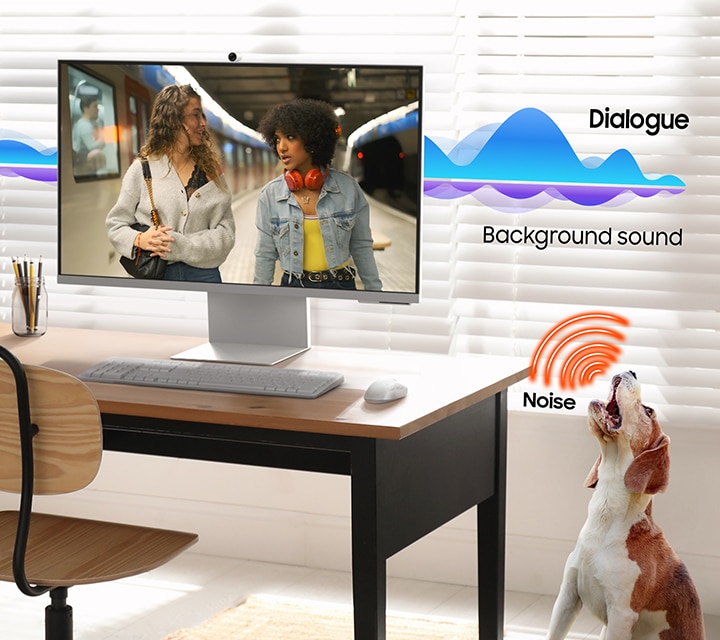
Active Voice Amplifier Pro
Enjoy an unparalleled audio experience with AI technology. Active Voice Amplifier Pro uses advanced audio processing to analyze voices and background sounds in your content and ambient noises around the monitor — delivering every word with crystal clarity.6
Safe and Easy Connections

Simple control for your smart home
SmartThings
See your smart home devices in a 3D Map View and manage them with ease. You can also check the energy usage and cost by device, and save money by putting them in energy-saving modes. Simply tap into the all-in-one IoT hub using your mobile phone or voice command — without pausing shows.

Your privacy. Secured on Samsung monitors.
Knox Security
Samsung Knox helps keep your monitor data safe and confidential with robust, multi-layered security and tightly controlled access.It also enhances the security of IoT connections made through your Smart Monitor. Plus, Smart Monitor comes with KnoxVault—a built-in hardware chip designed to safeguard sensitive —adding an extra layer of protection for peace of mind. 7


Faster, easier access to your work tools
Workspace
Access and control your PC remotely, or work directly on the monitor. Built-in apps like Microsoft 365 let you bypass the PC for a simpler, more streamlined work experience. Plus, with Multi View you can see apps side-by-side and take your productivity to new levels.8

Expand your workflow with seamless control
Multi Control
Take multitasking and productivity to the next level. Seamlessly drag and drop documents and images across multiple Samsung devices onto your Smart Monitor for a clearer view and larger workspace — all with a single mouse and keyboard.9
Style and Convenience


Video calls without hassle
SlimFit Camera
Seamlessly stay connected with your friends, family and coworkers. SlimFit Camera attaches to your monitor and provides clear picture quality — allowing you to have video calls with ease.

Enjoy a stylish and comfortable setup
Adjustable Design
Elevate your workspace with Smart Monitor, which offers a stylish look and provides comfort. Its adjustable stand lets you effortlessly tilt, pivot, and change the height — so you can view long documents with less scrolling.