Skip to product information
1 of 4

SAMSUNG

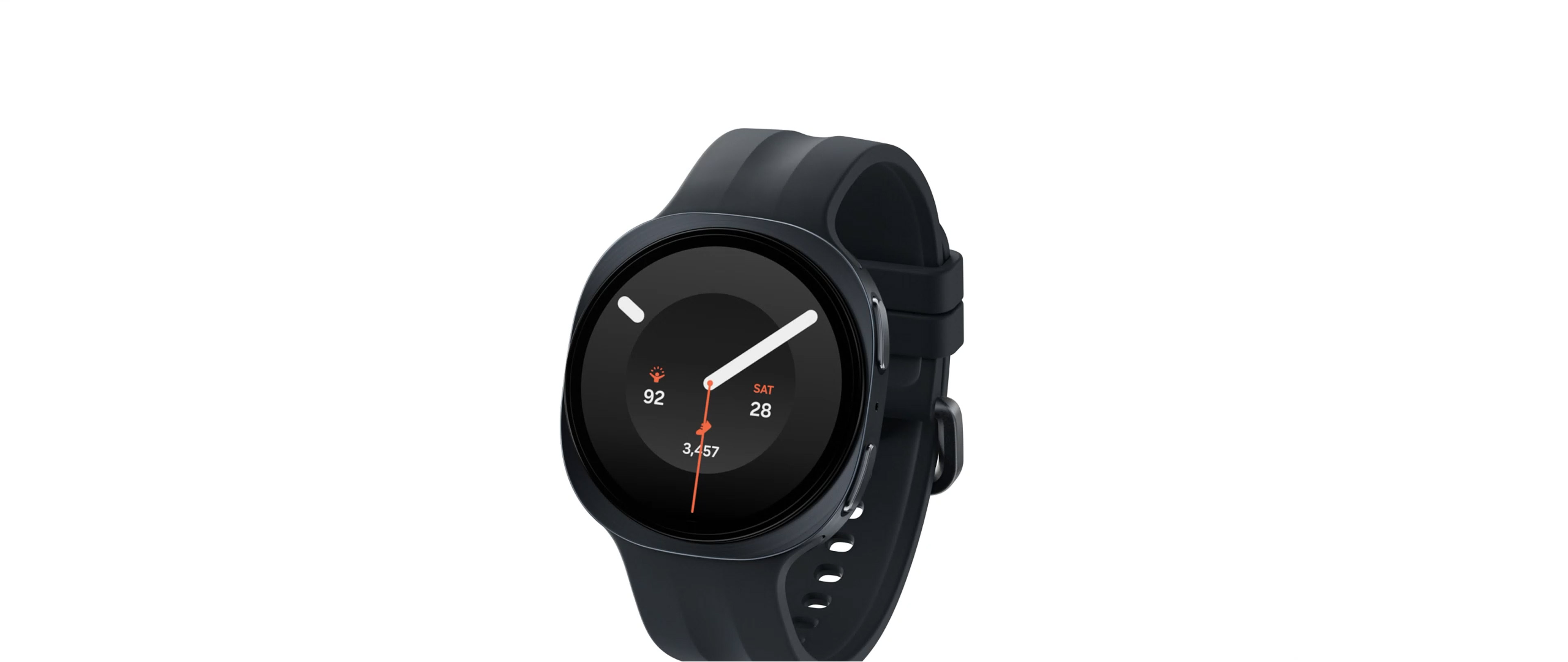
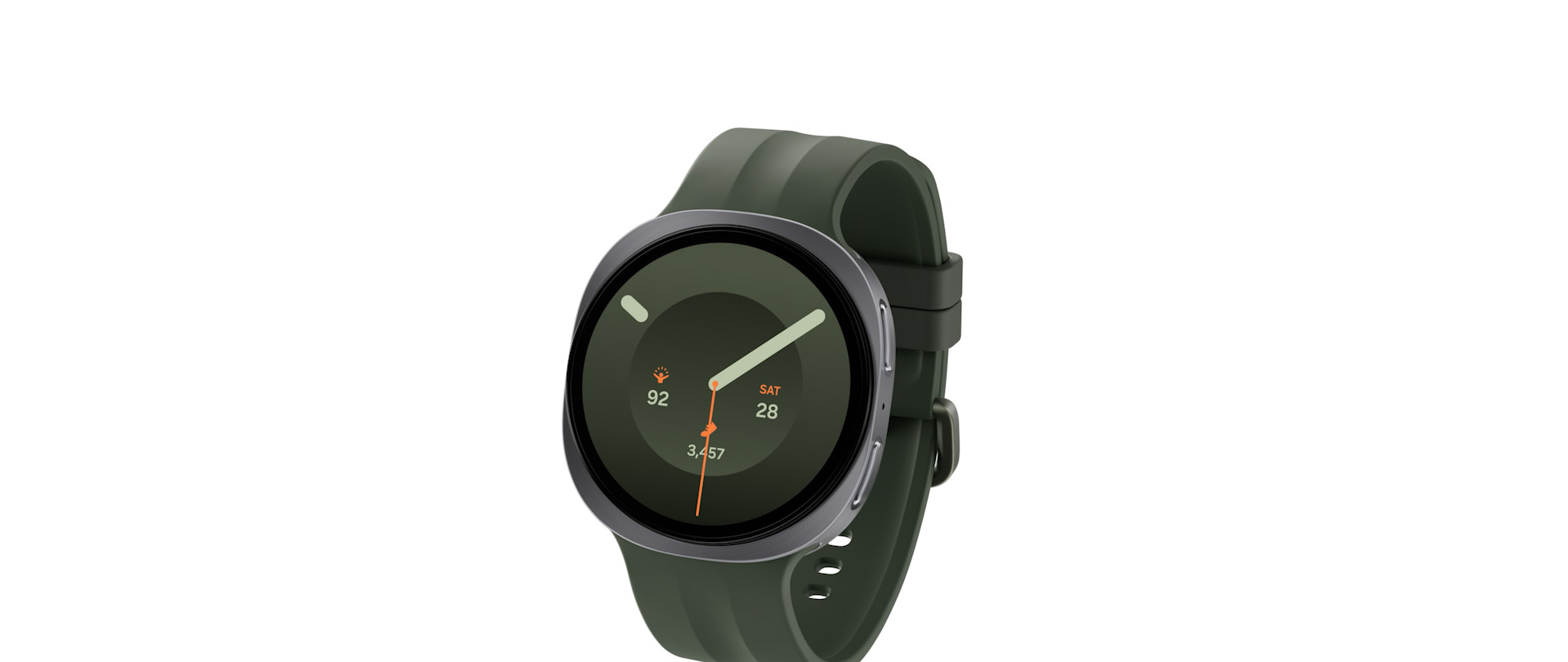
SAMSUNG 40MM GALAXY WATCH 9

SAMSUNG 40MM GALAXY WATCH 9

SKU:

Regular price GH₵4,999.00
Regular price Sale price GH₵4,999.00
Sale Sold out

In stock

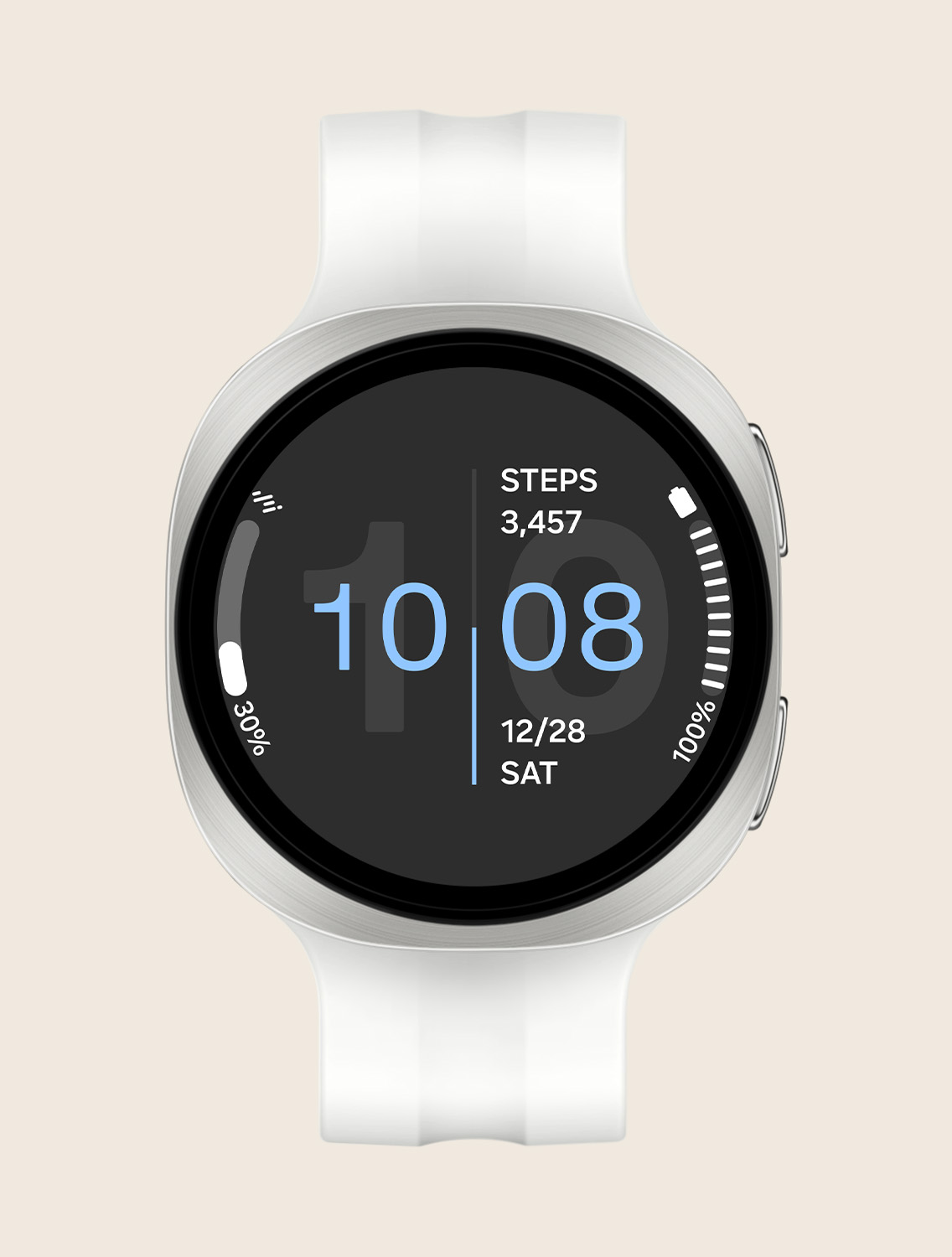
Case color: Cream
Quantity

FEATURES

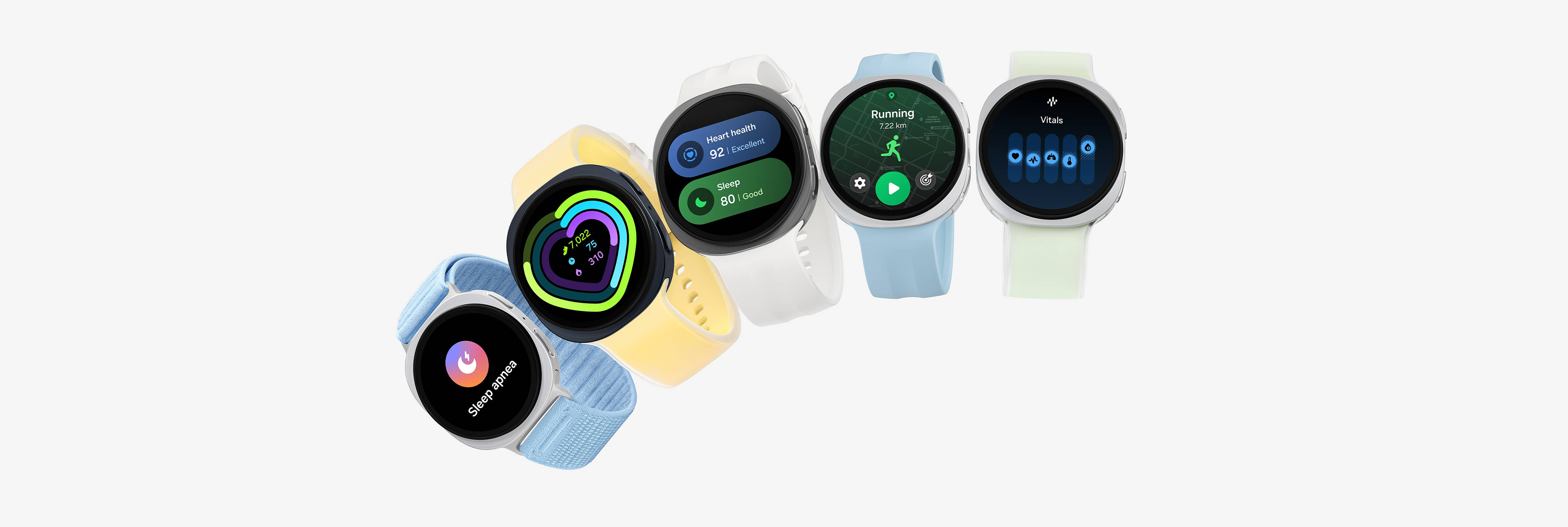
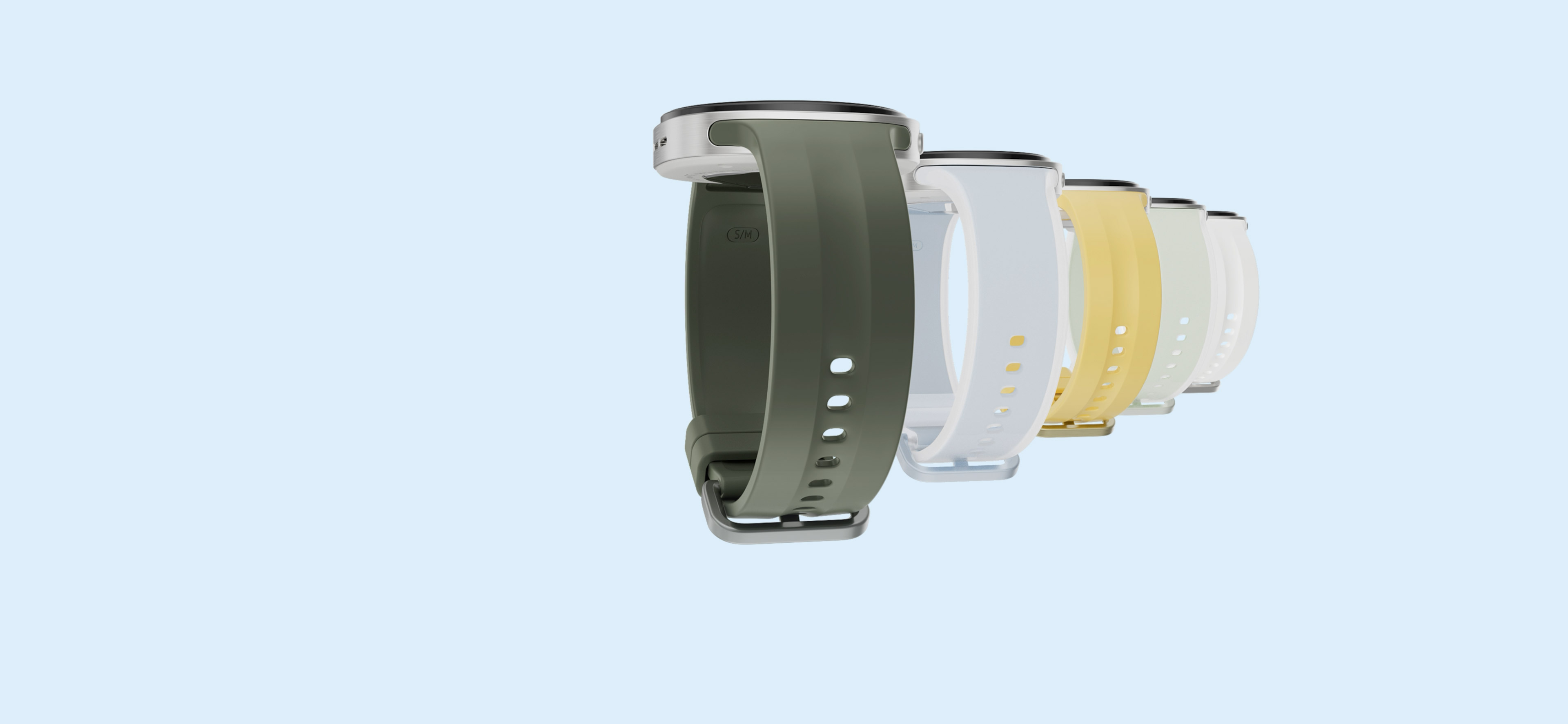
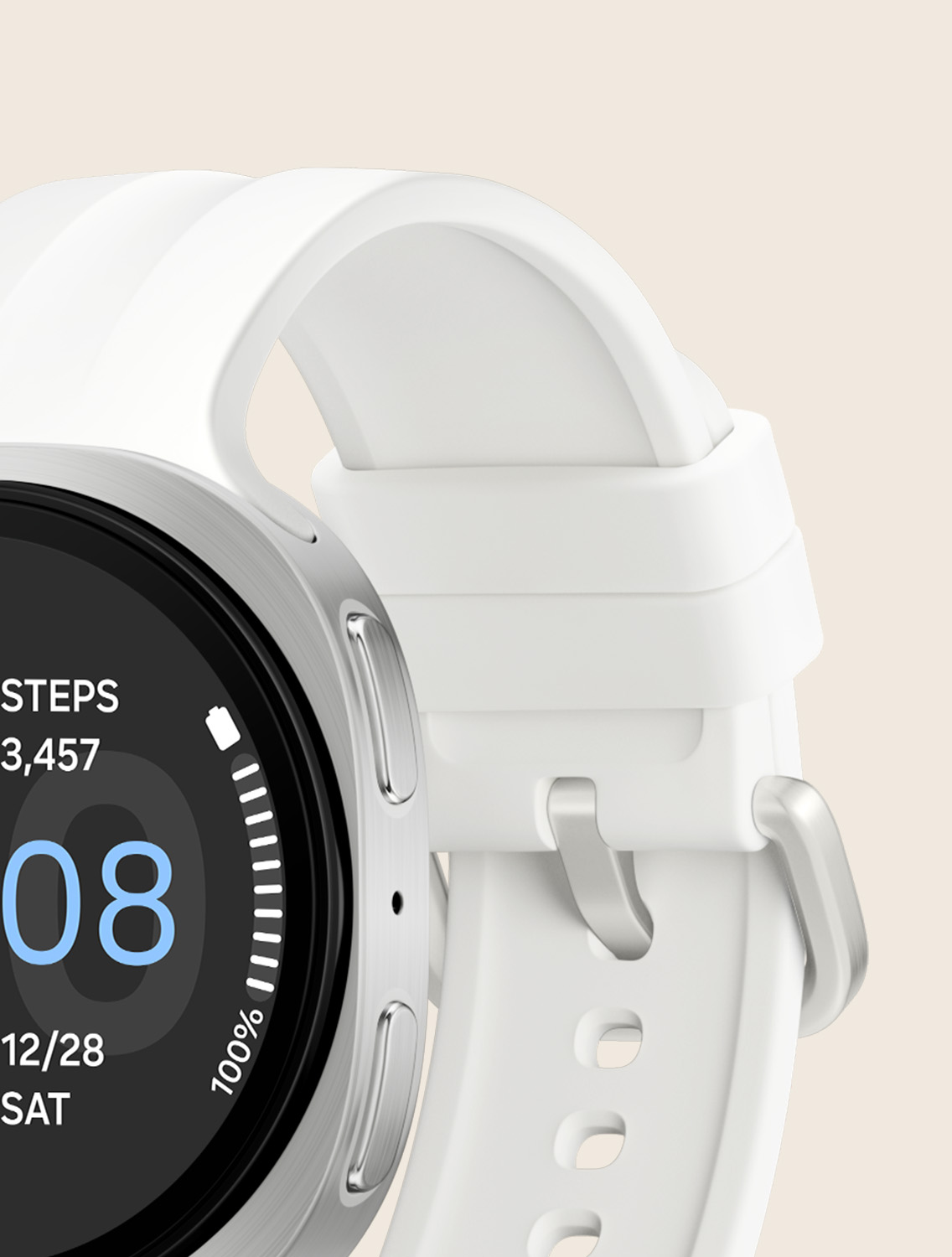
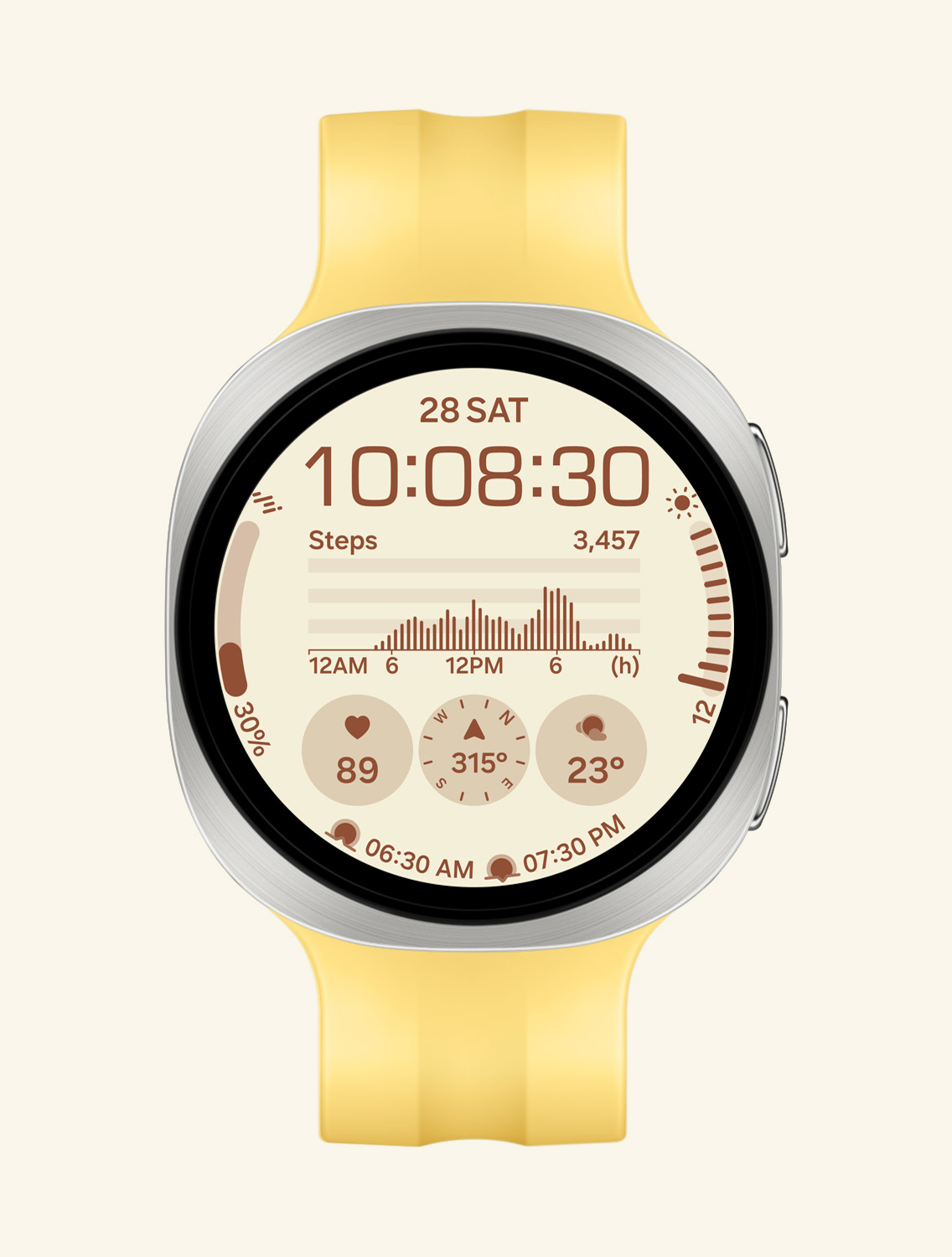
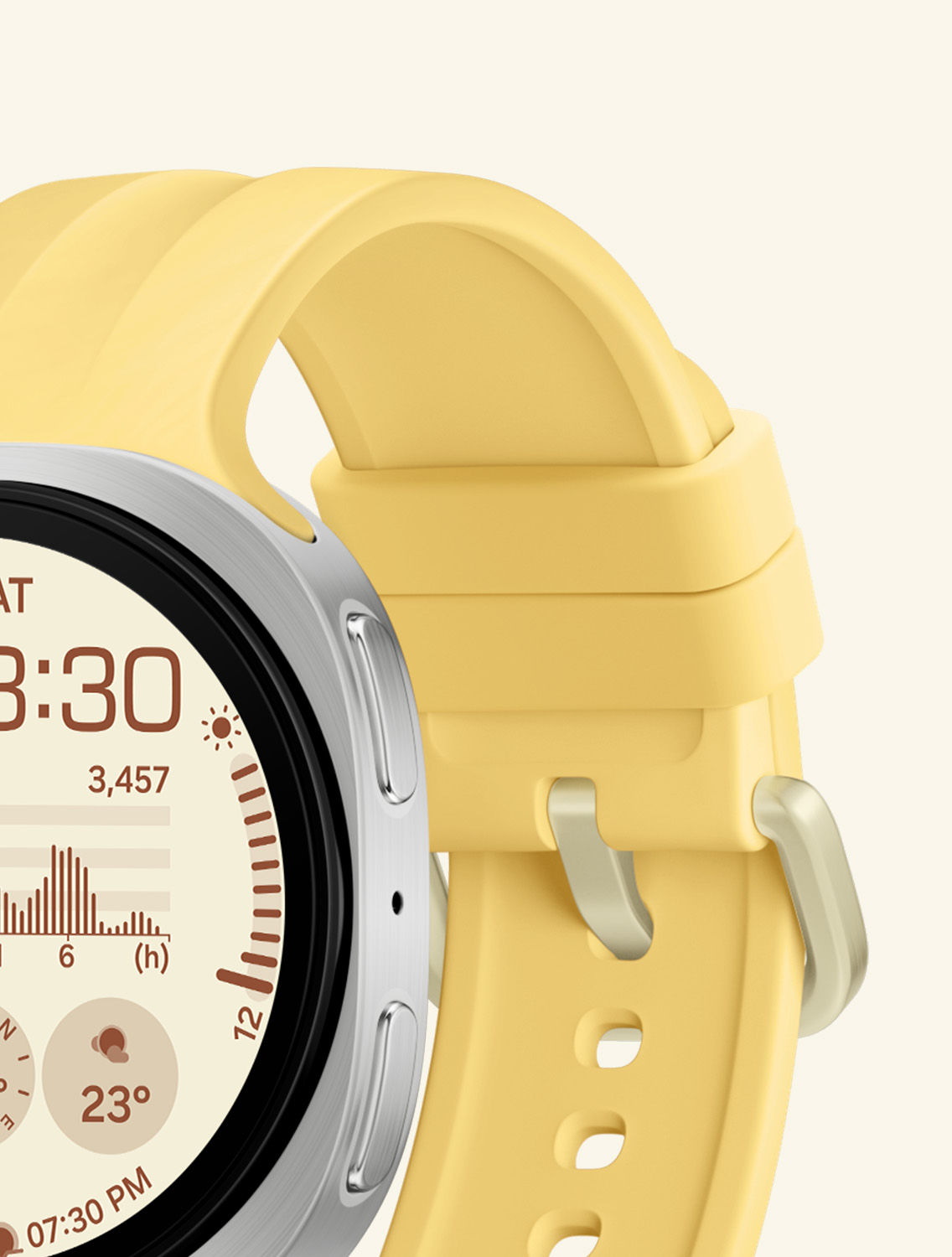
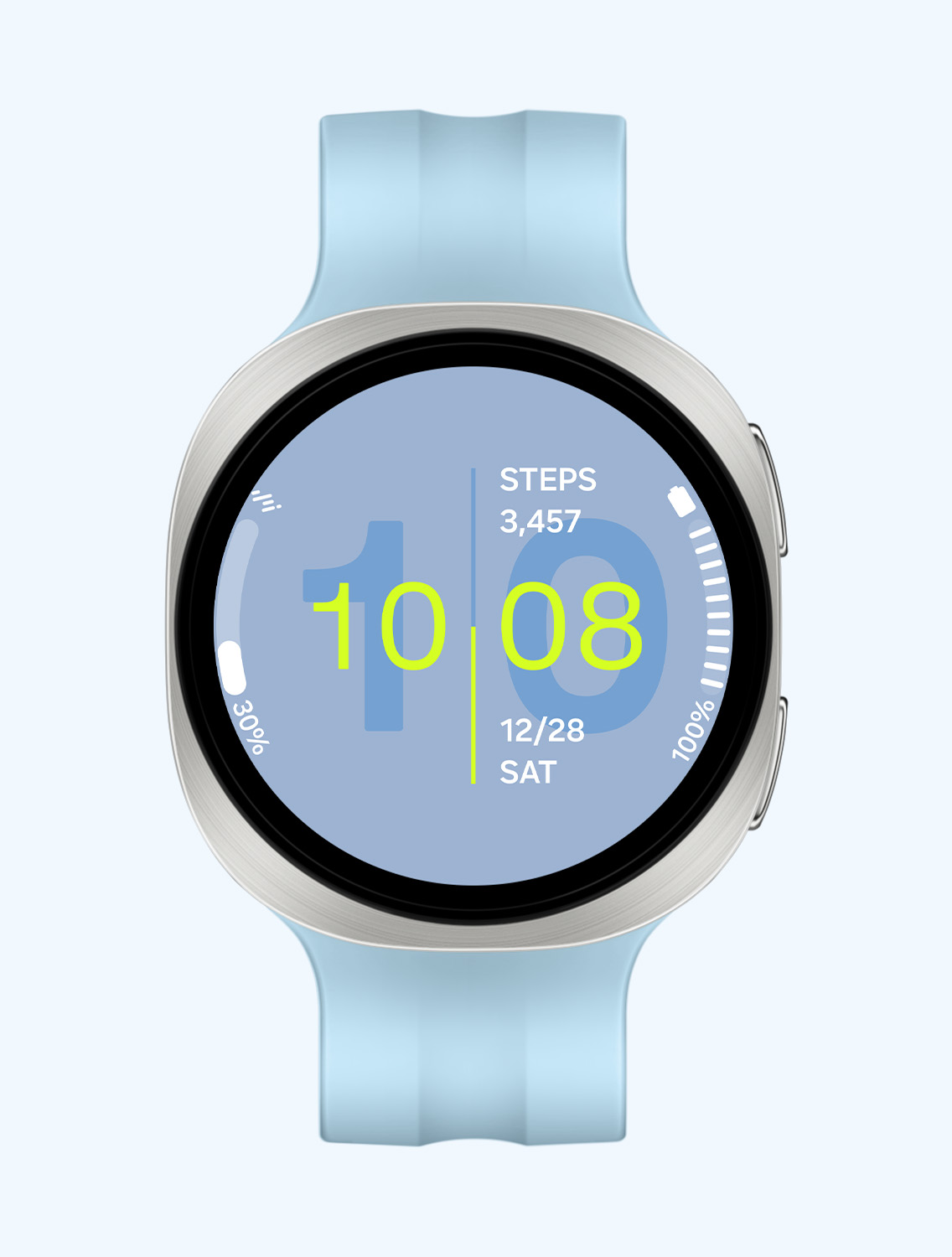
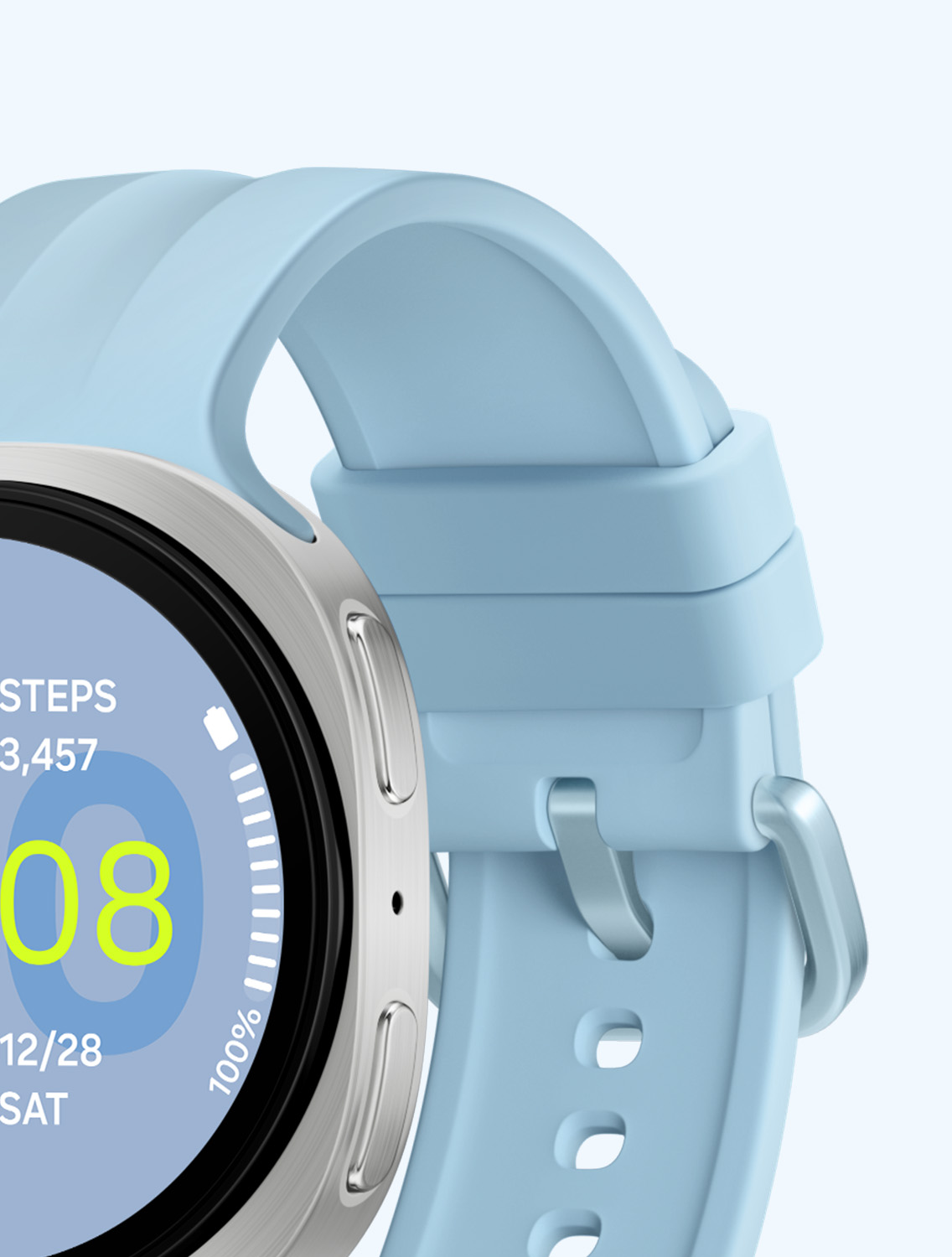
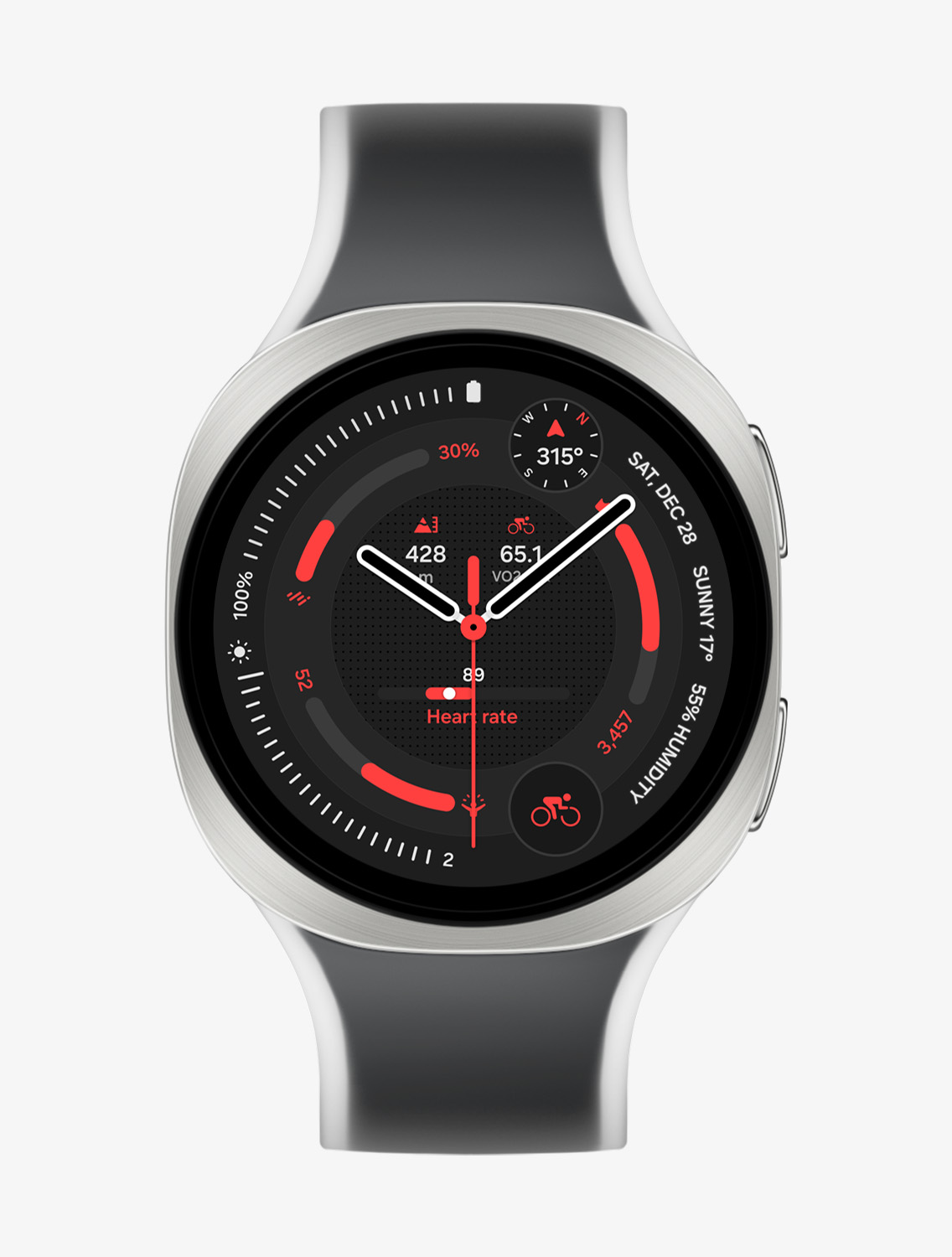
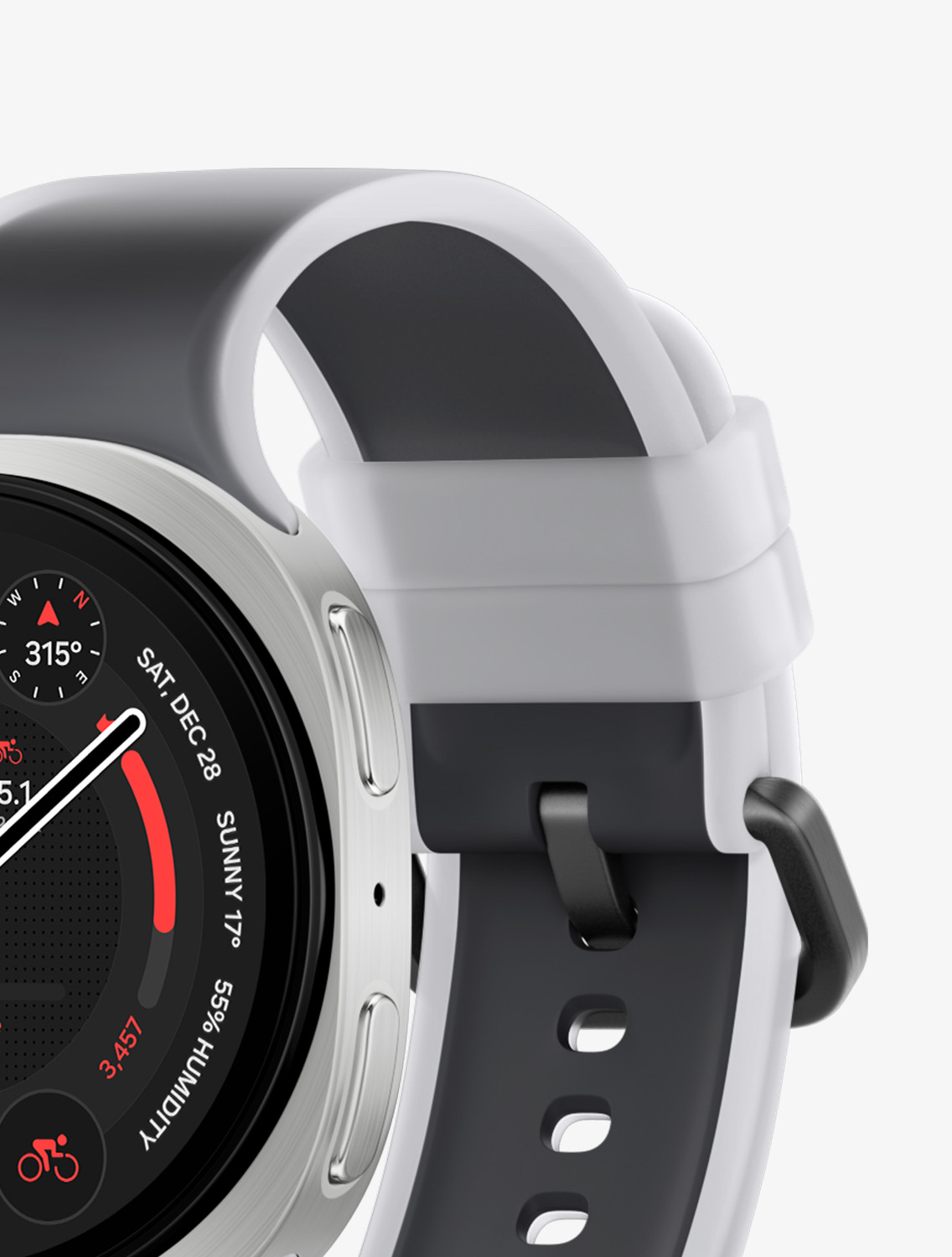
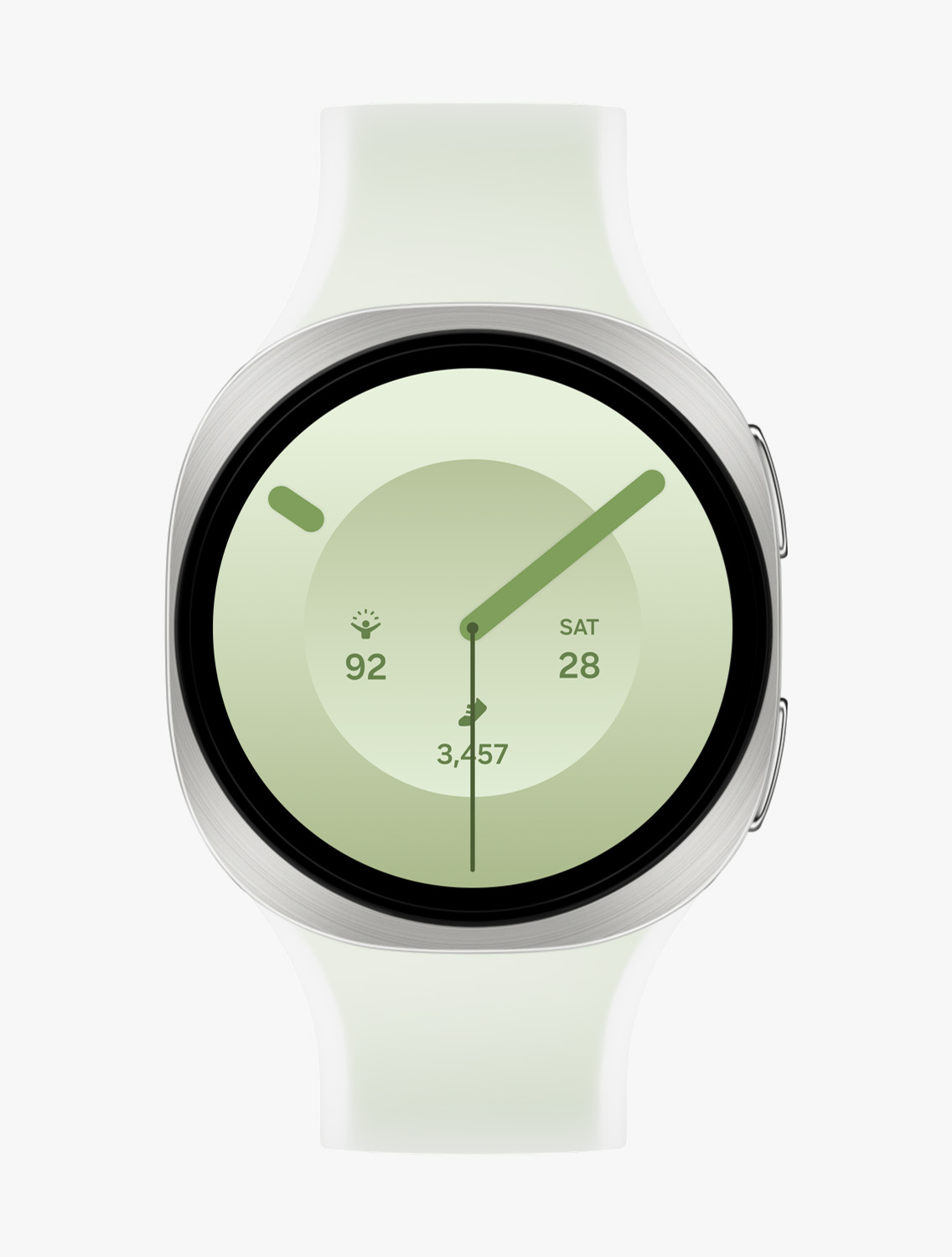
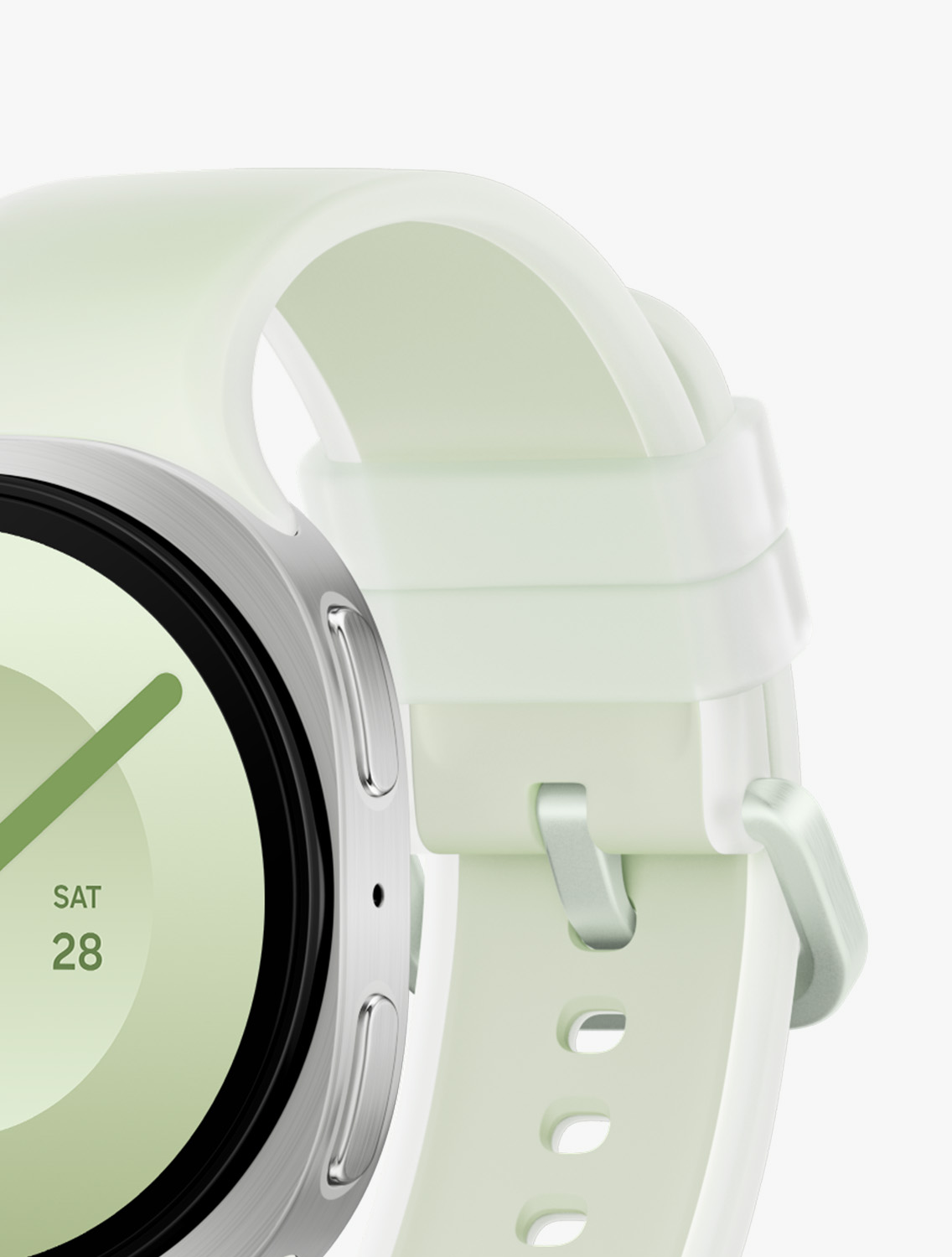
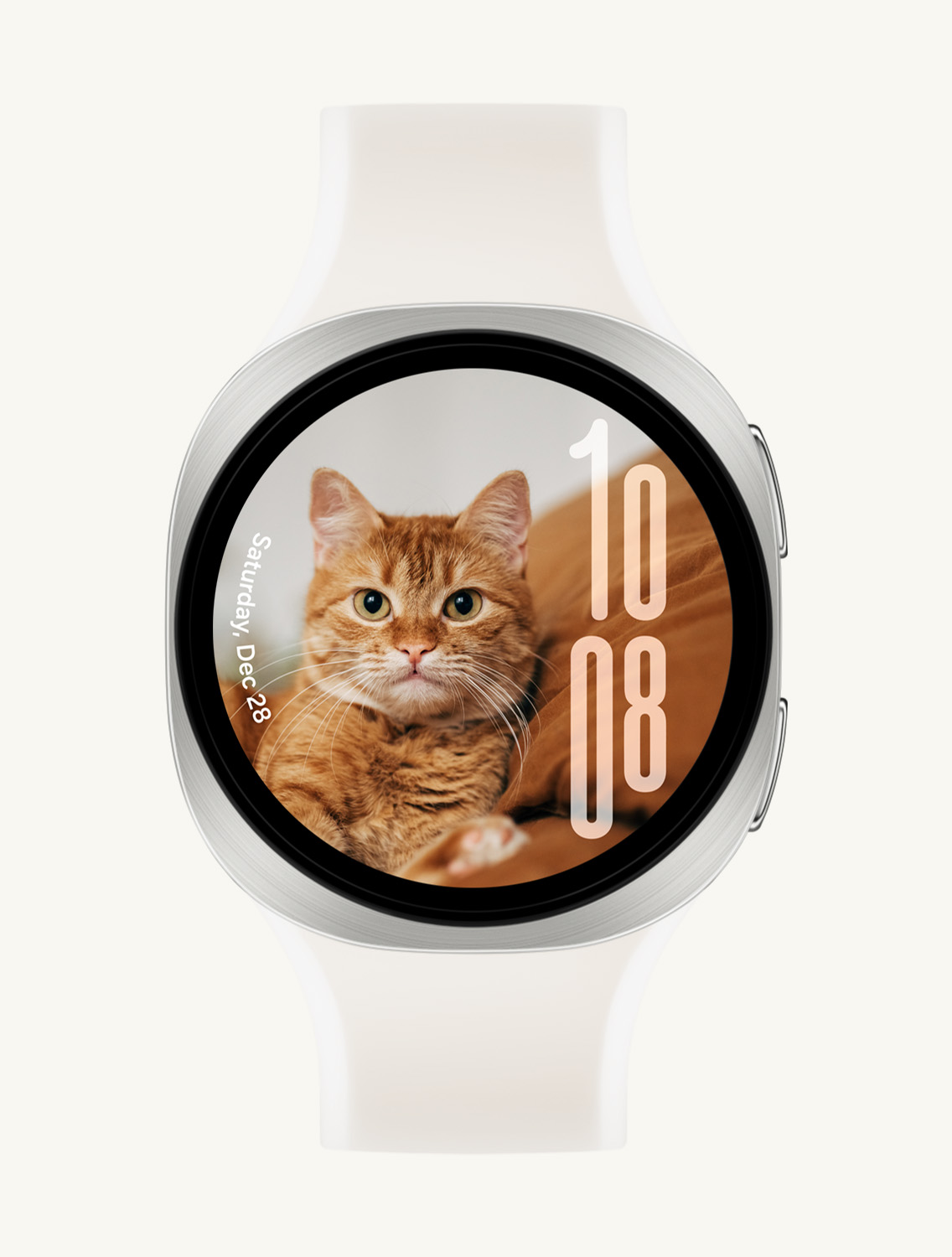
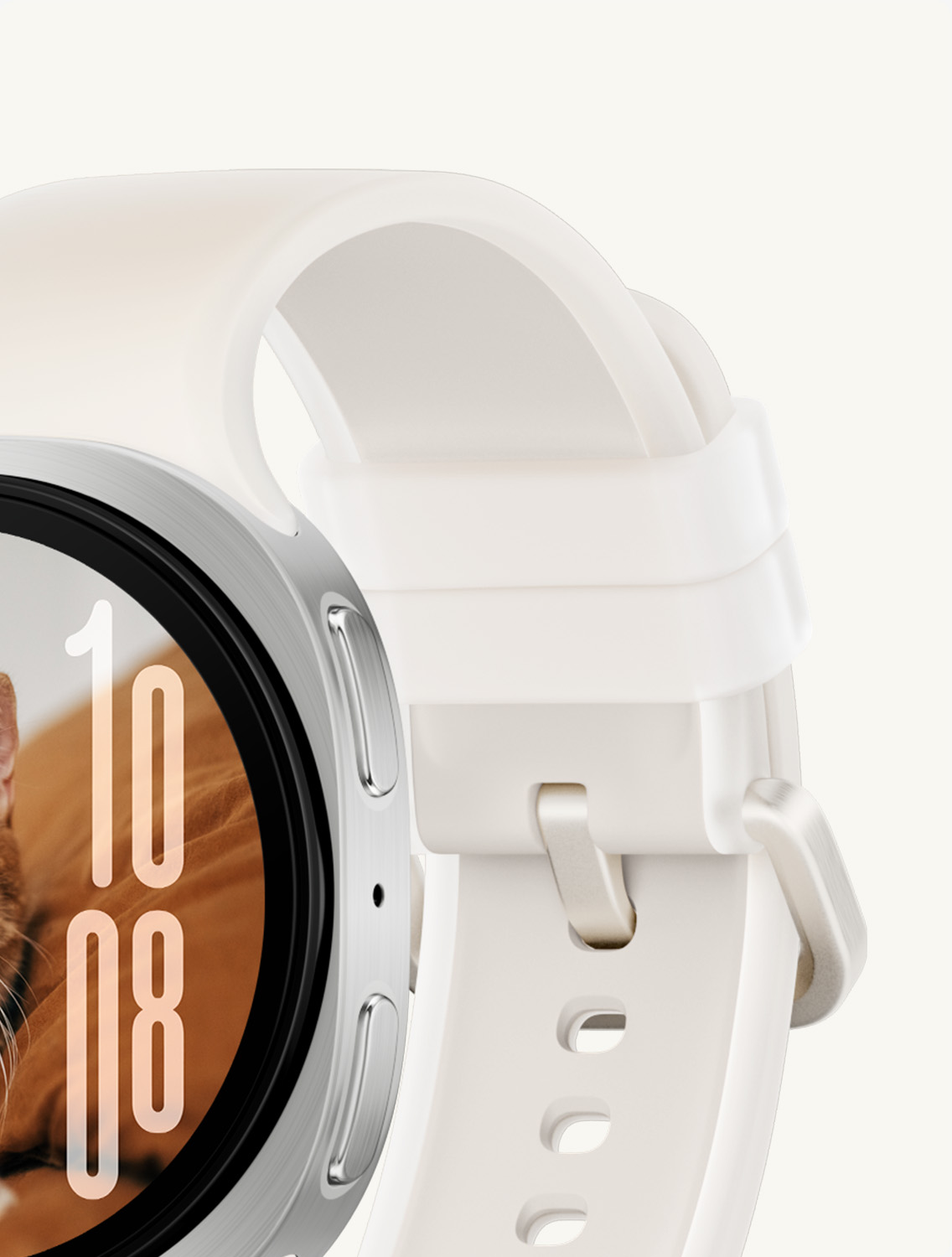
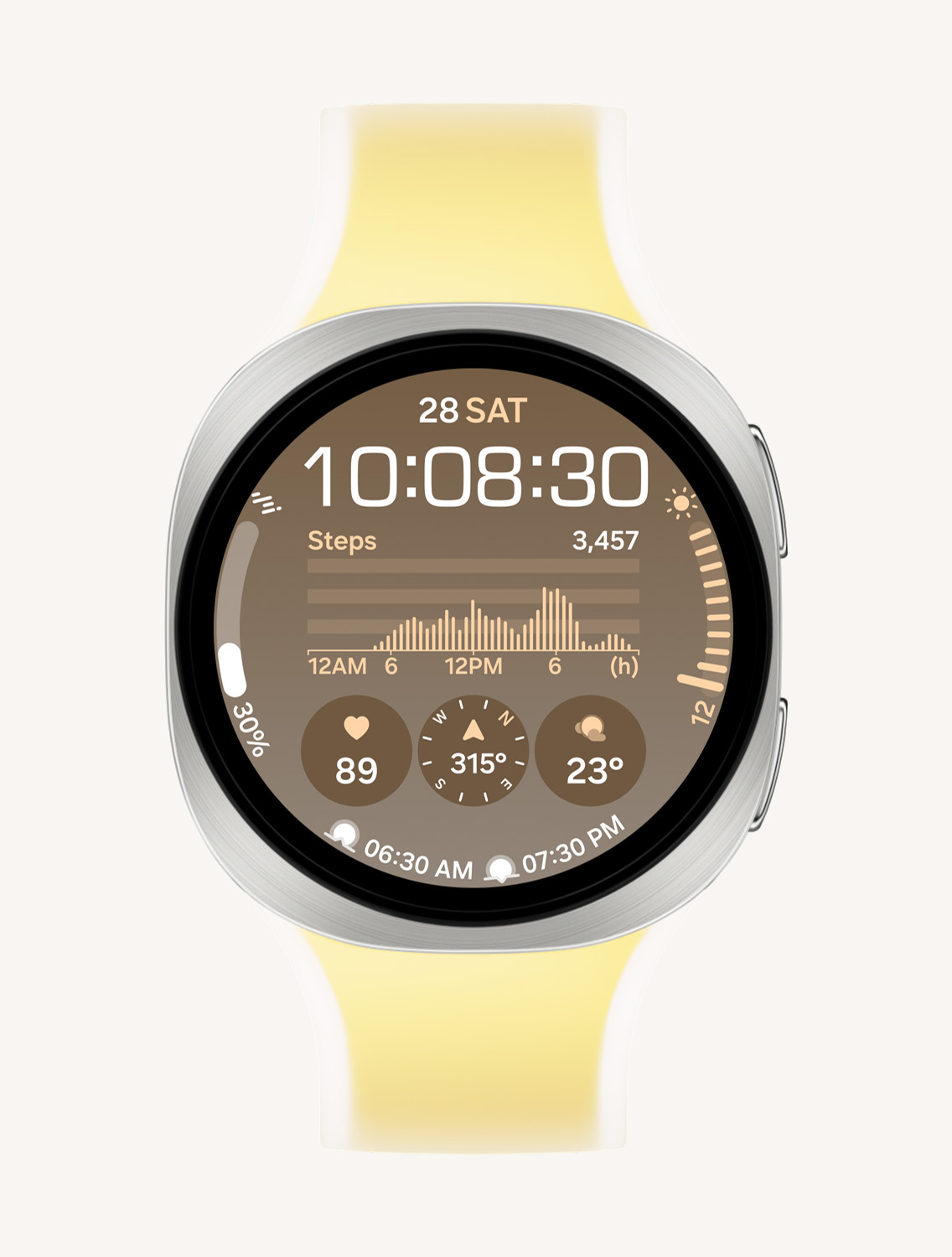
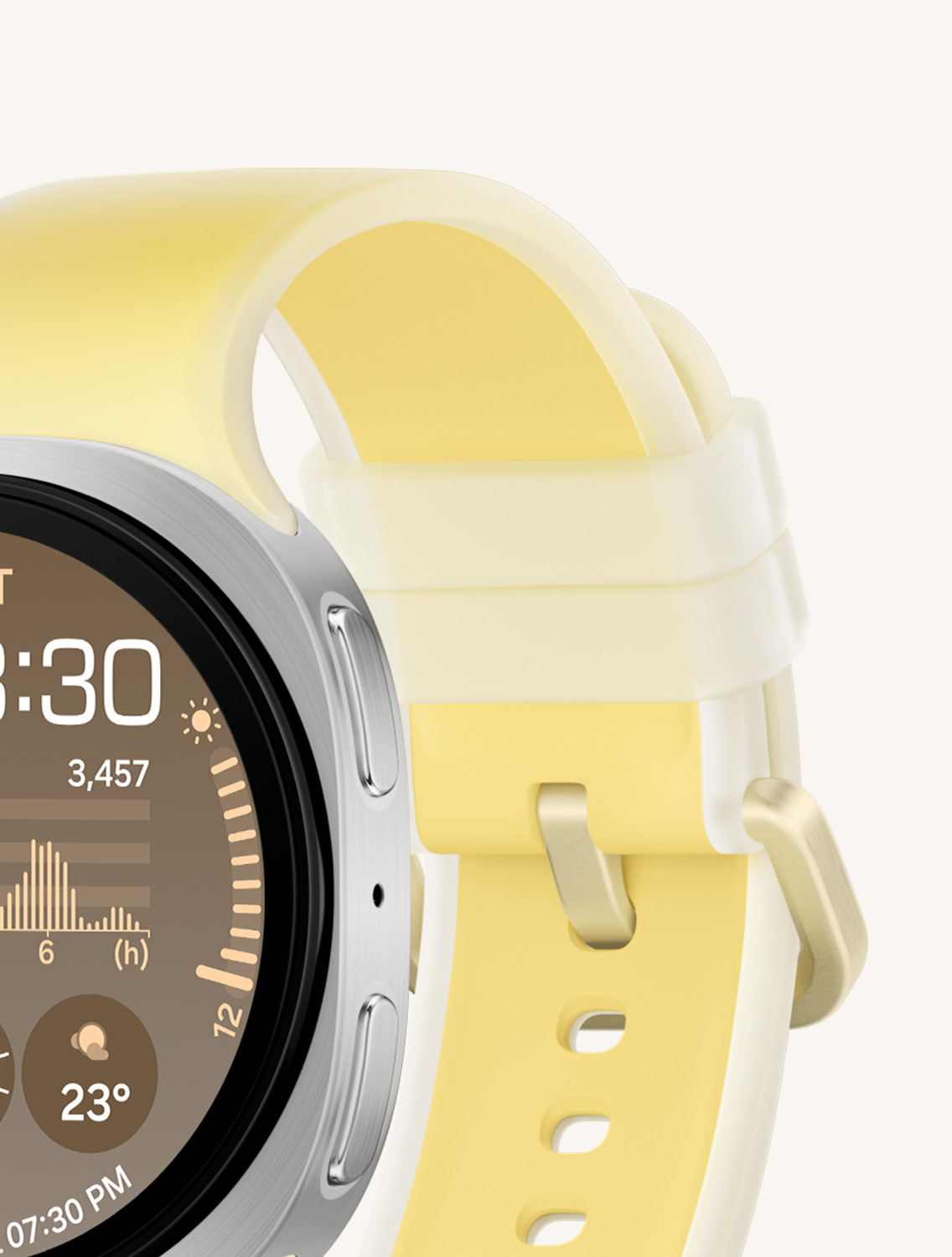
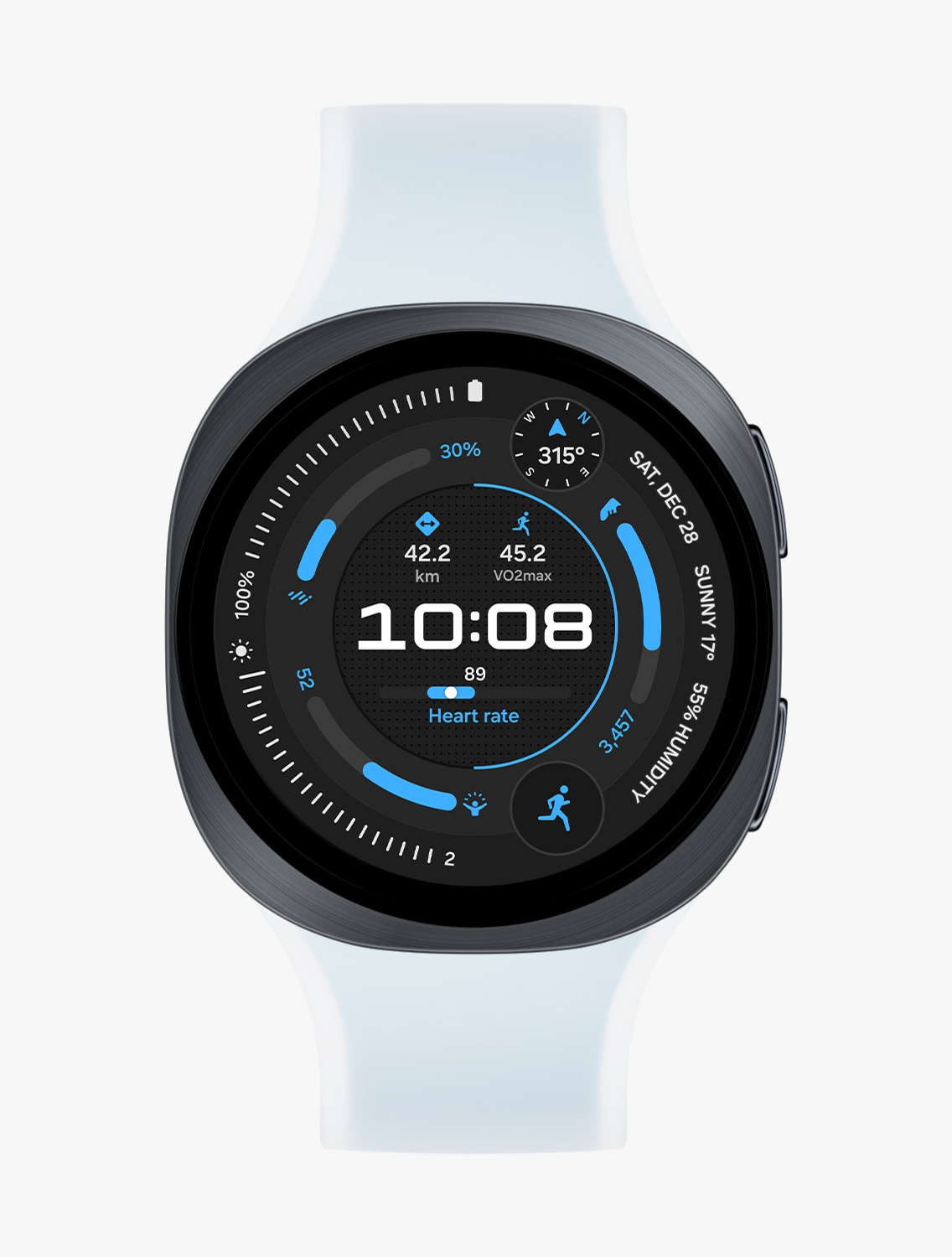
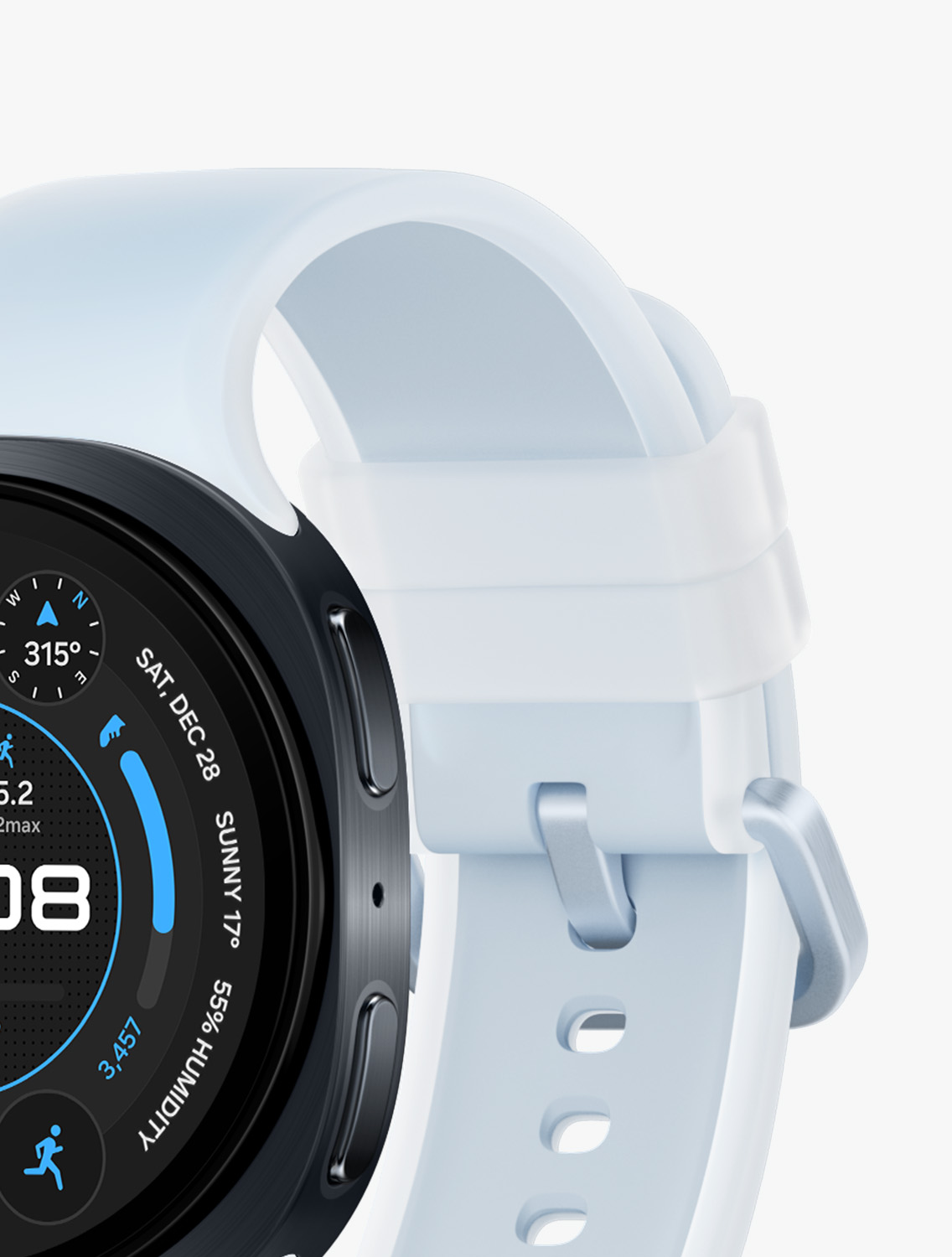
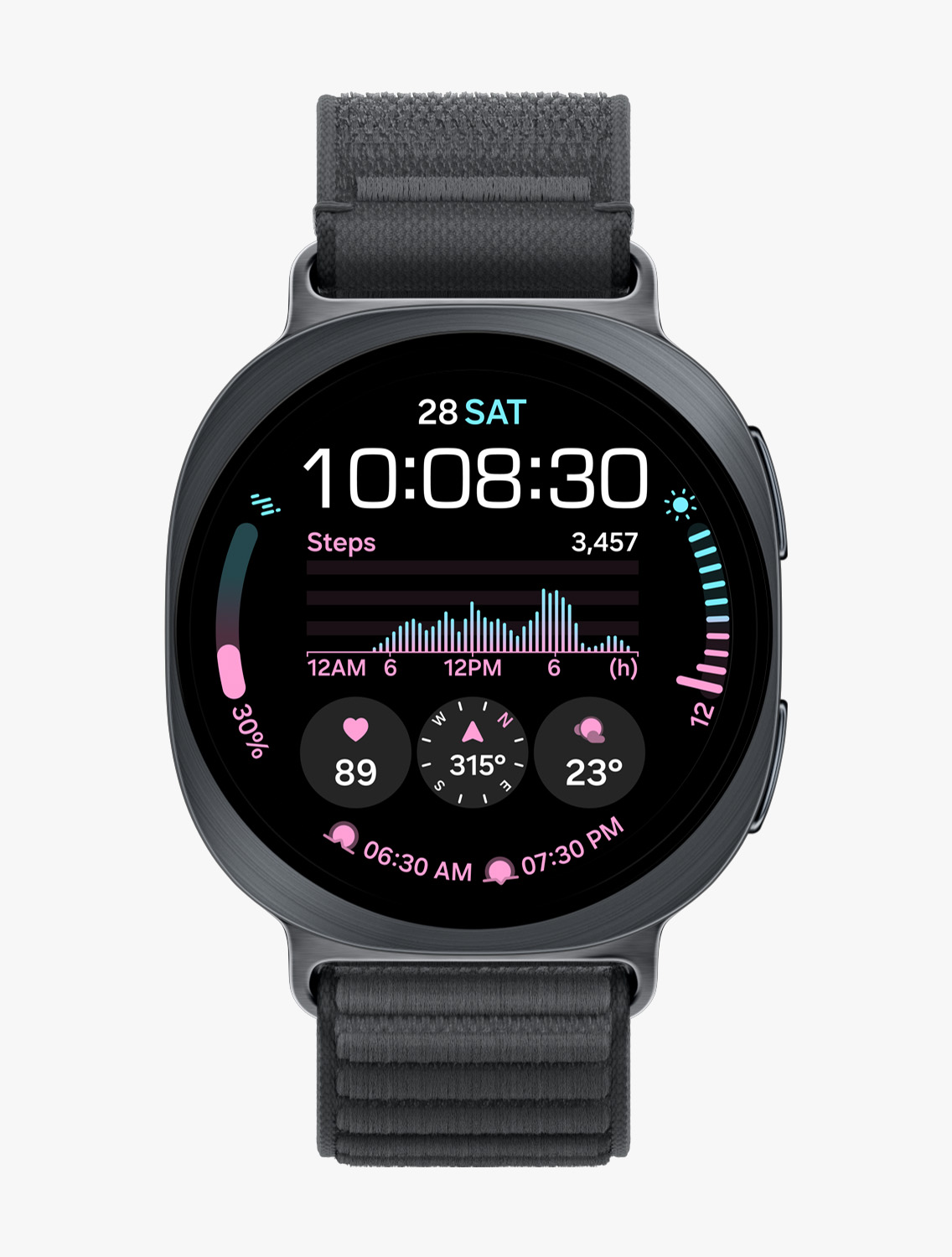
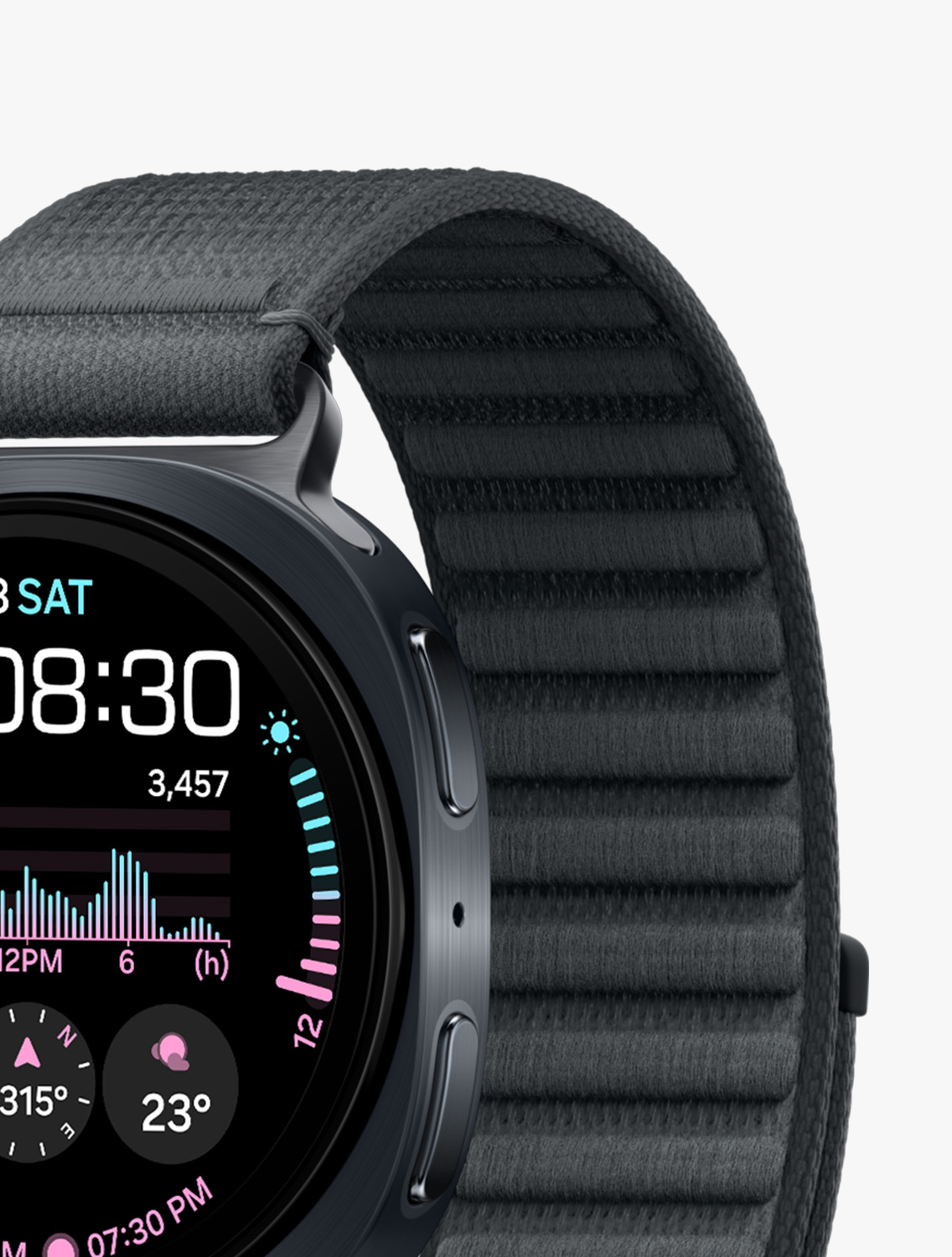
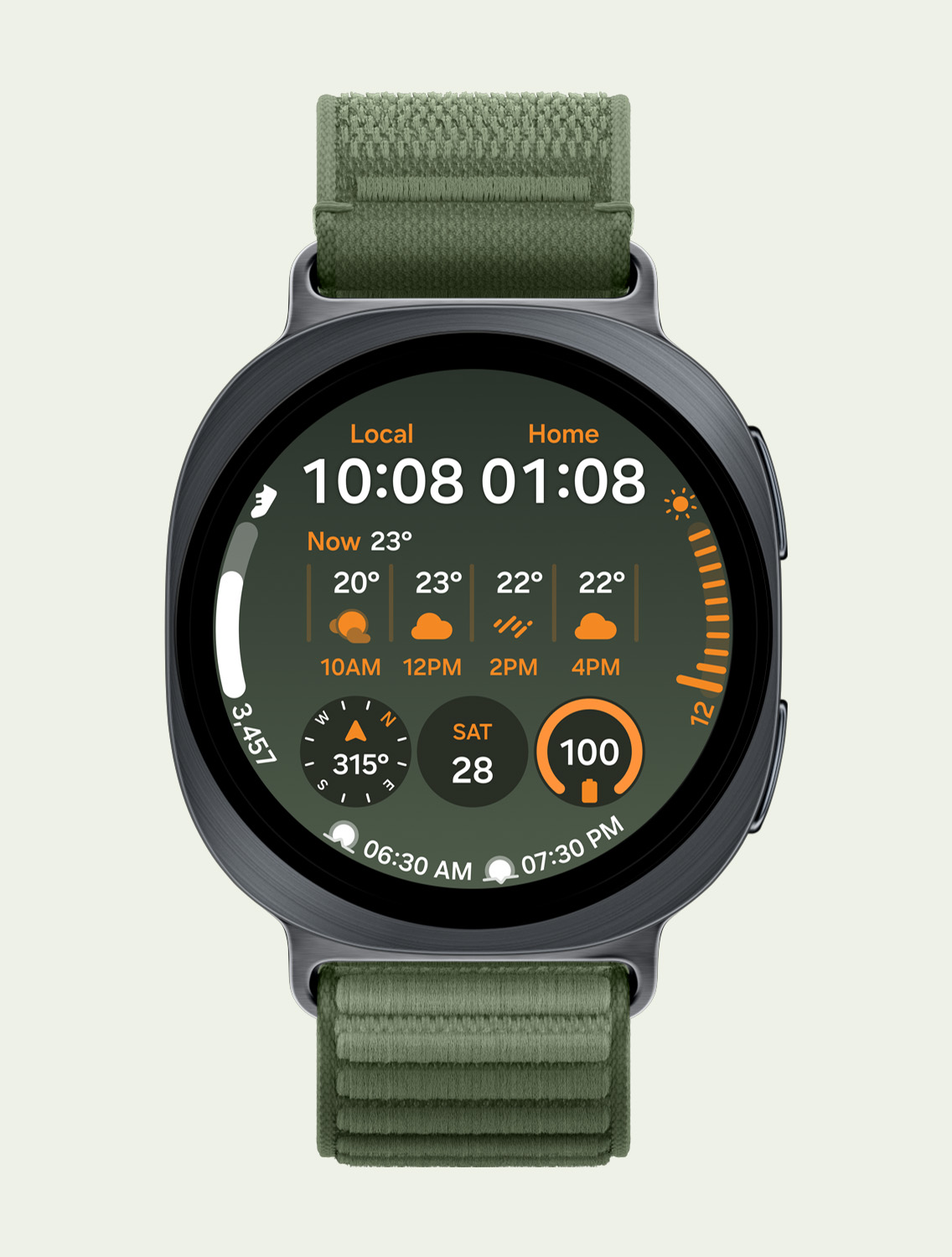
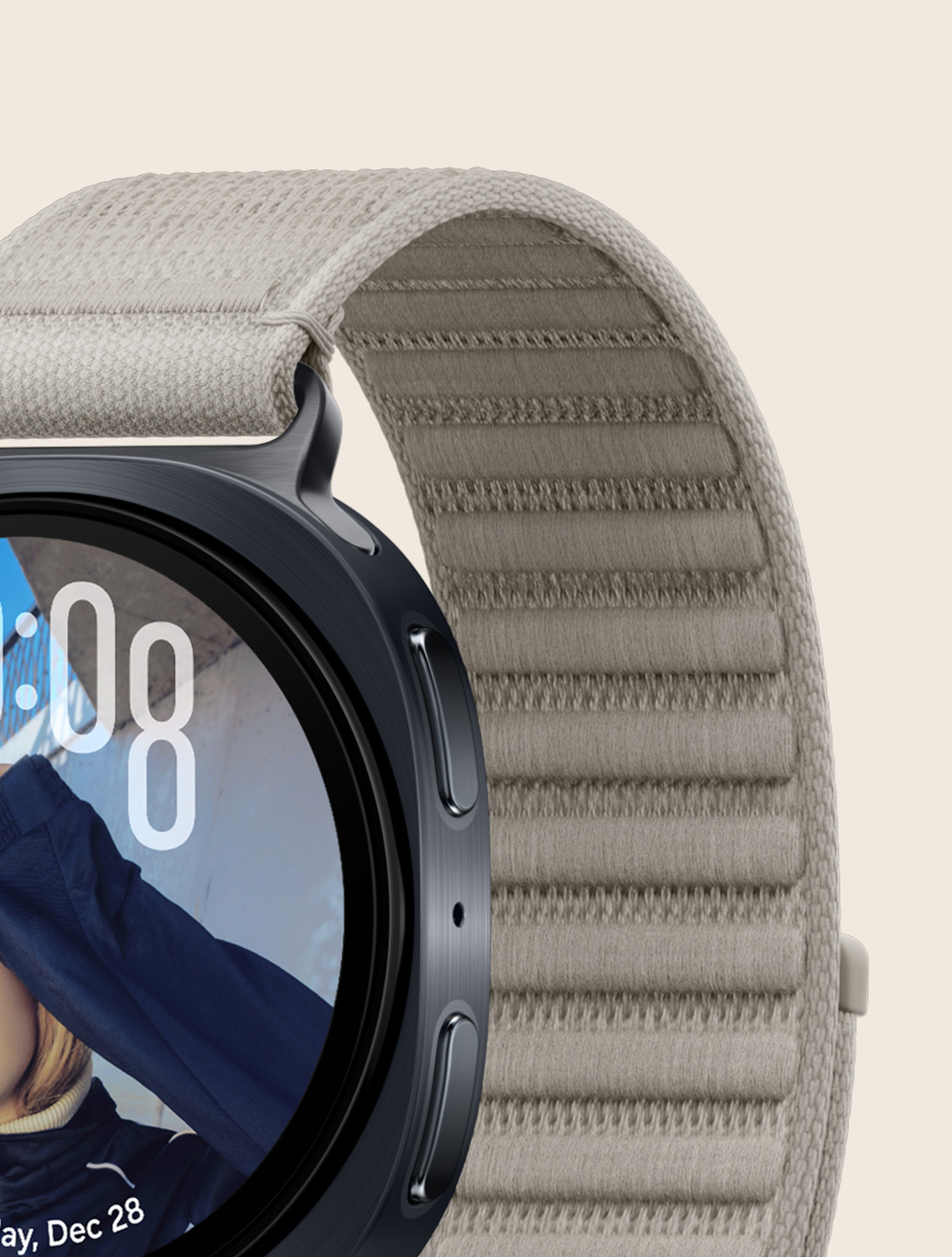
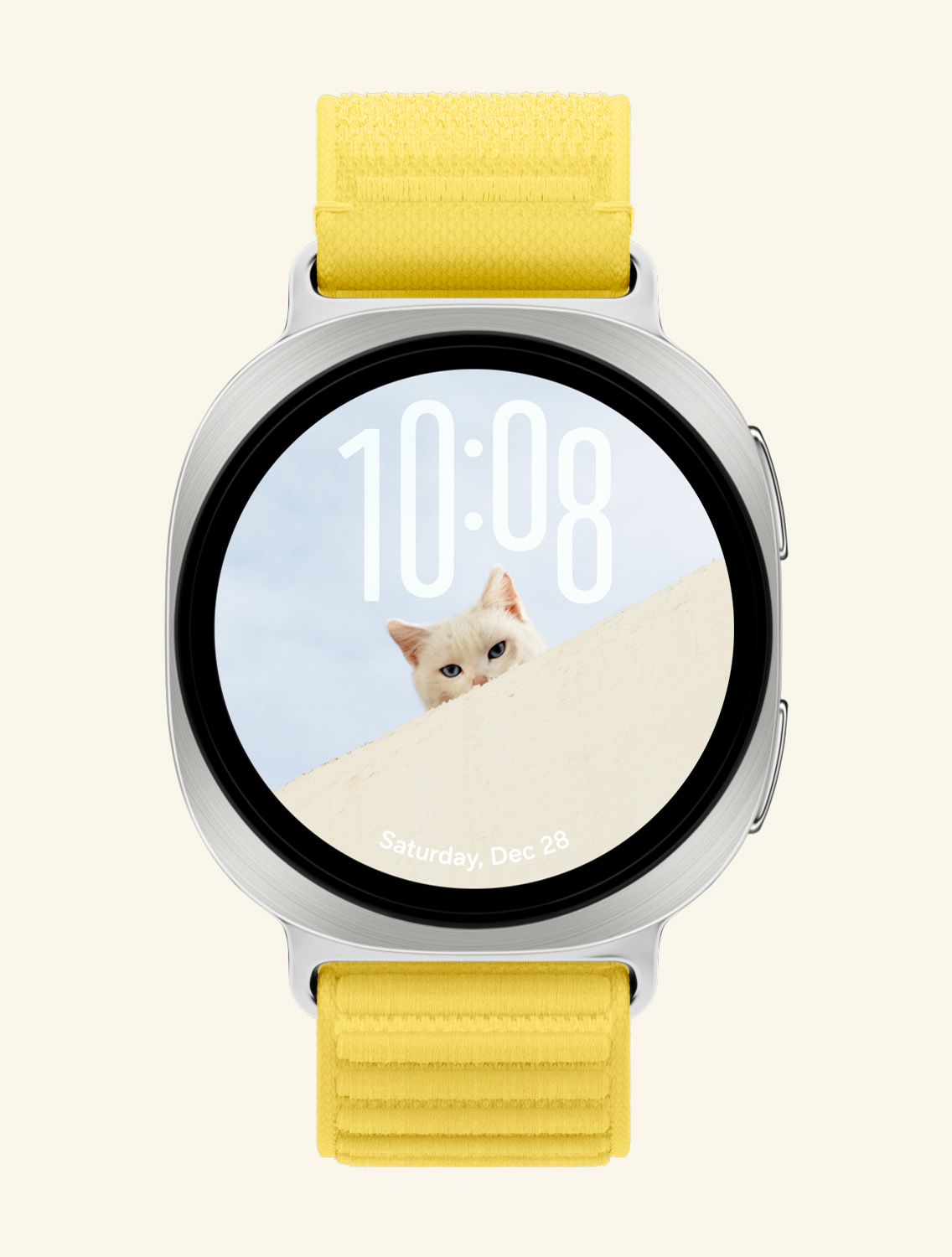
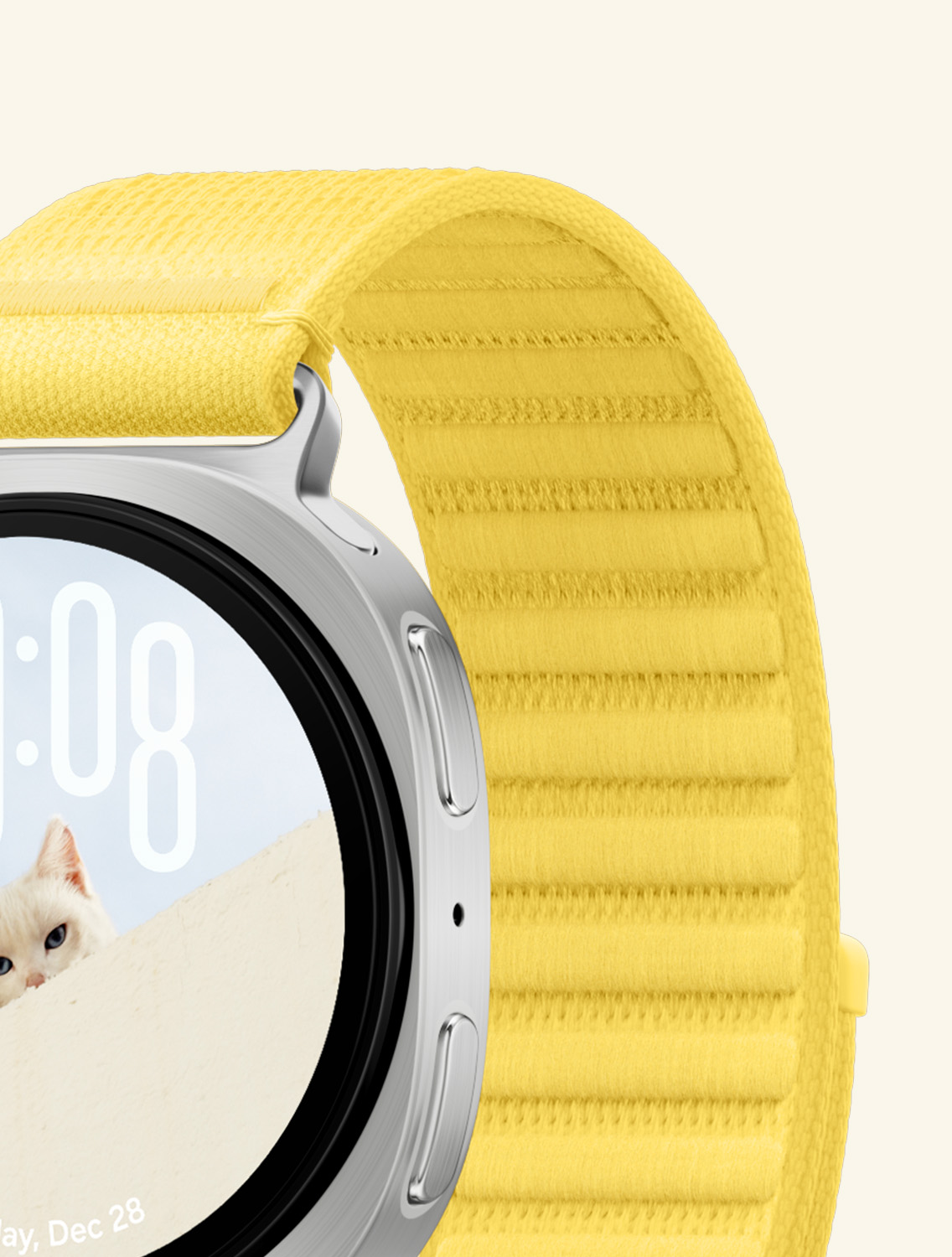
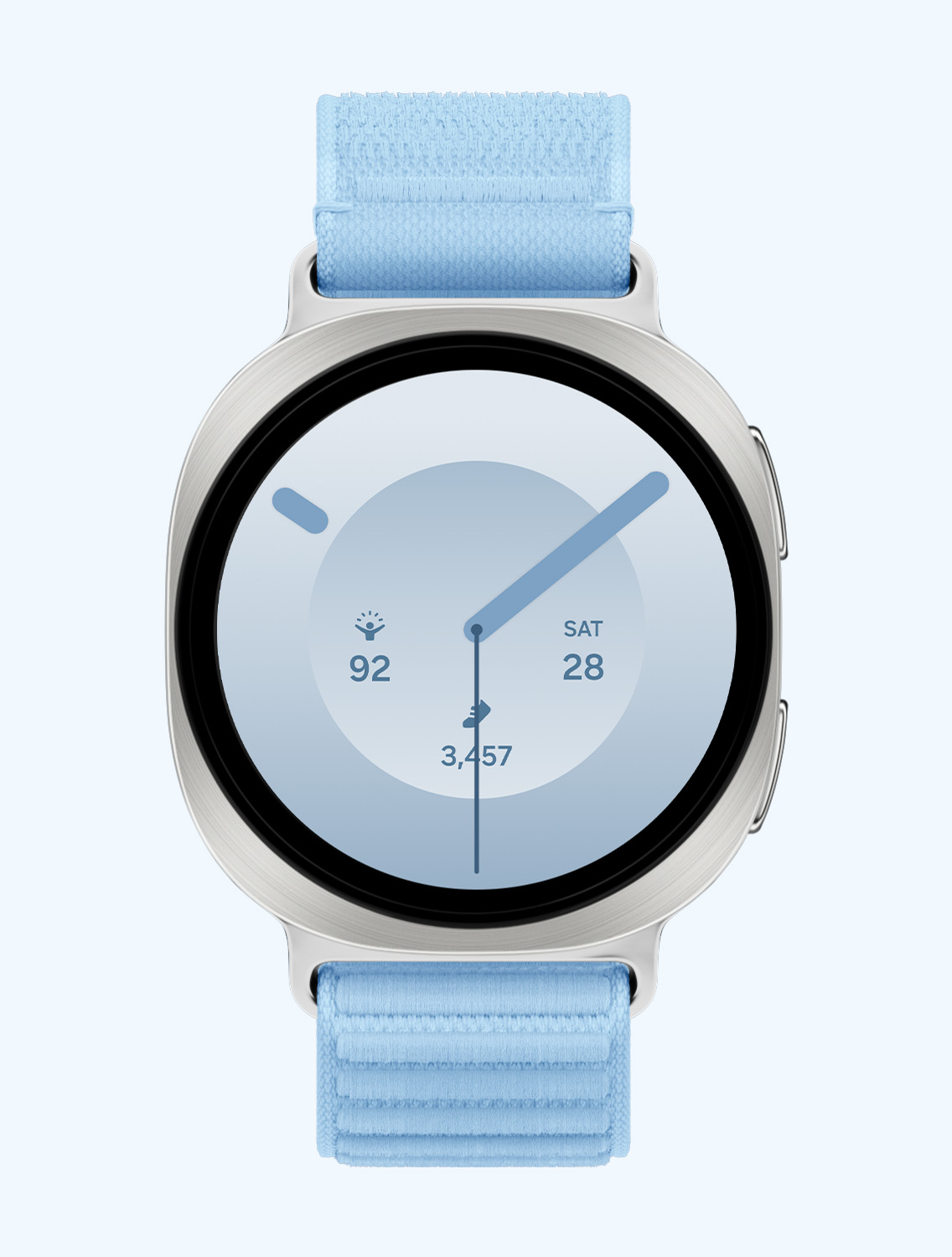
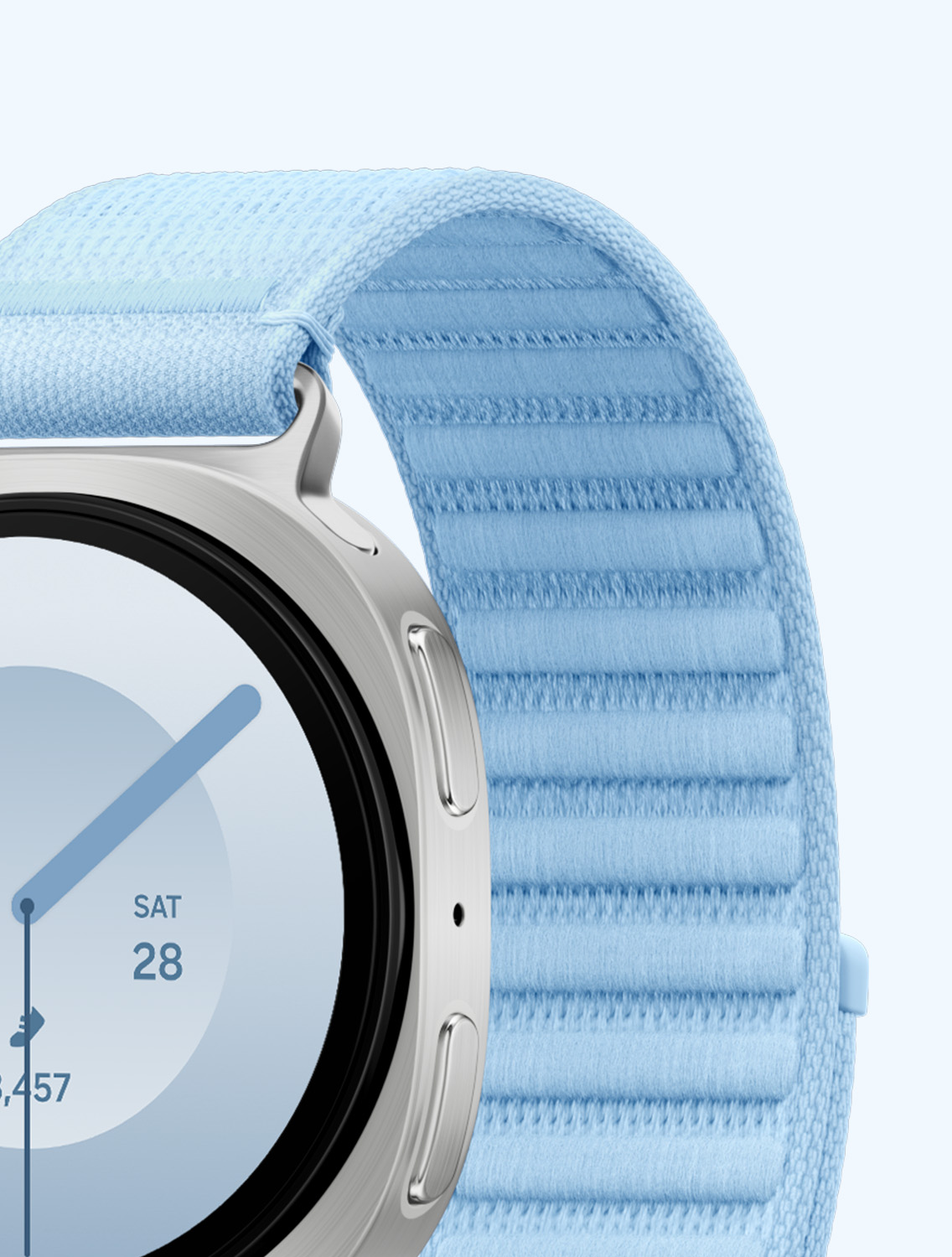
Galaxy Watch9Galaxy Watch9 40 mm model in Cream with a Fabric Band in Blue, Galaxy Watch9 44 mm model in Graphite with a Misty Band in Yellow, Galaxy Watch9 44 mm model in Silver with a Sport Band in Cream, Galaxy Watch9 40 mm model in Cream with a Sport Band in Blue and Galaxy Watch9 40 mm model in Cream with a Misty Band in Green are lined up to showcase the light, comfortable and versatile design of the watch and compatible bands.Galaxy Watch9 is your personal health companion on the journey to better wellness. The new Galaxy Watch transforms daily routines into meaningful insights on sleep, activity, recovery and overall health. It adapts to your lifestyle in real time, offering personalized guidance backed by a long-lasting 390 mAh battery and the advanced Snapdragon® Wear Elite Platform. Start small and build healthier habits that last — with Galaxy Watch9 understanding you better over time. 1

HIGHLIGHTS

  •  

    Catches unusual vital signals before you feel it


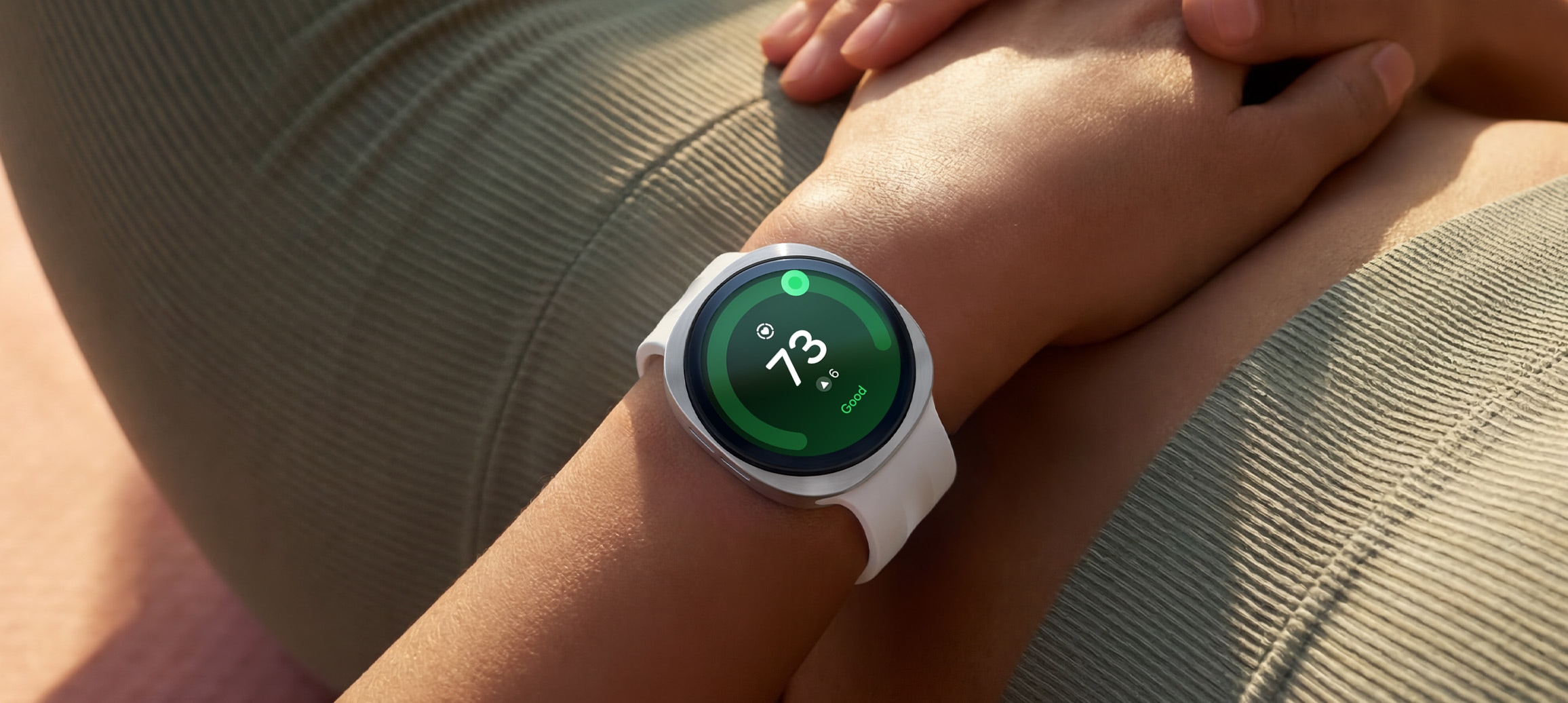
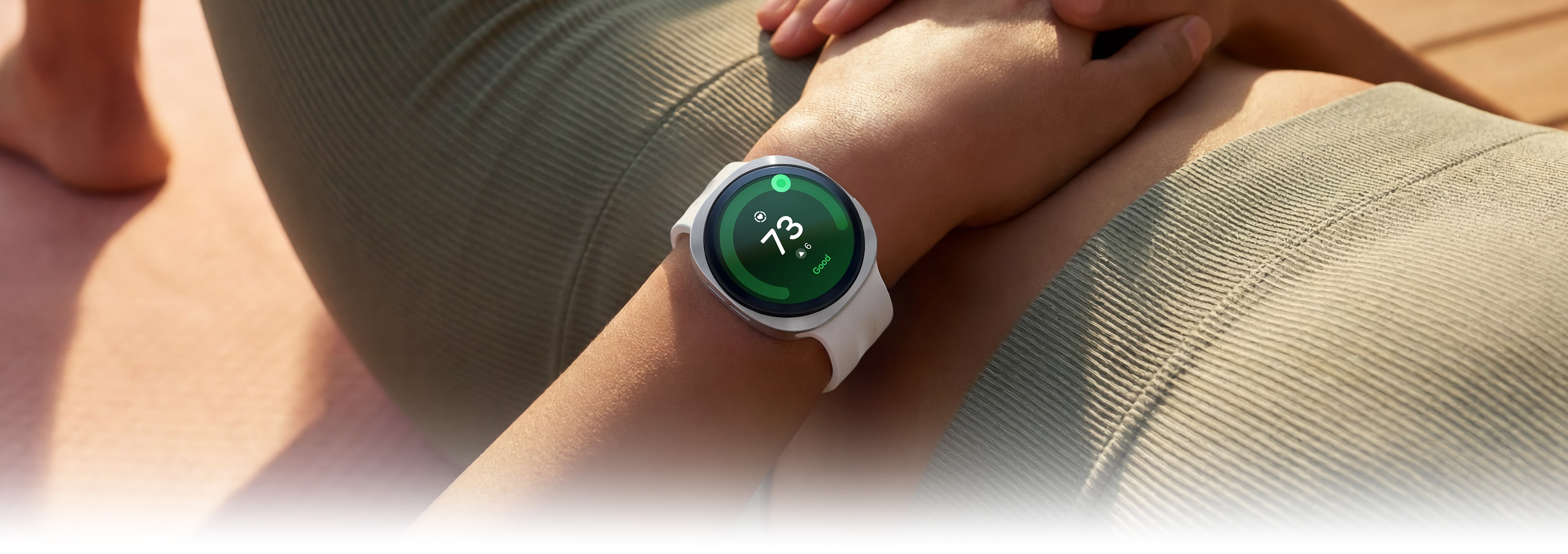
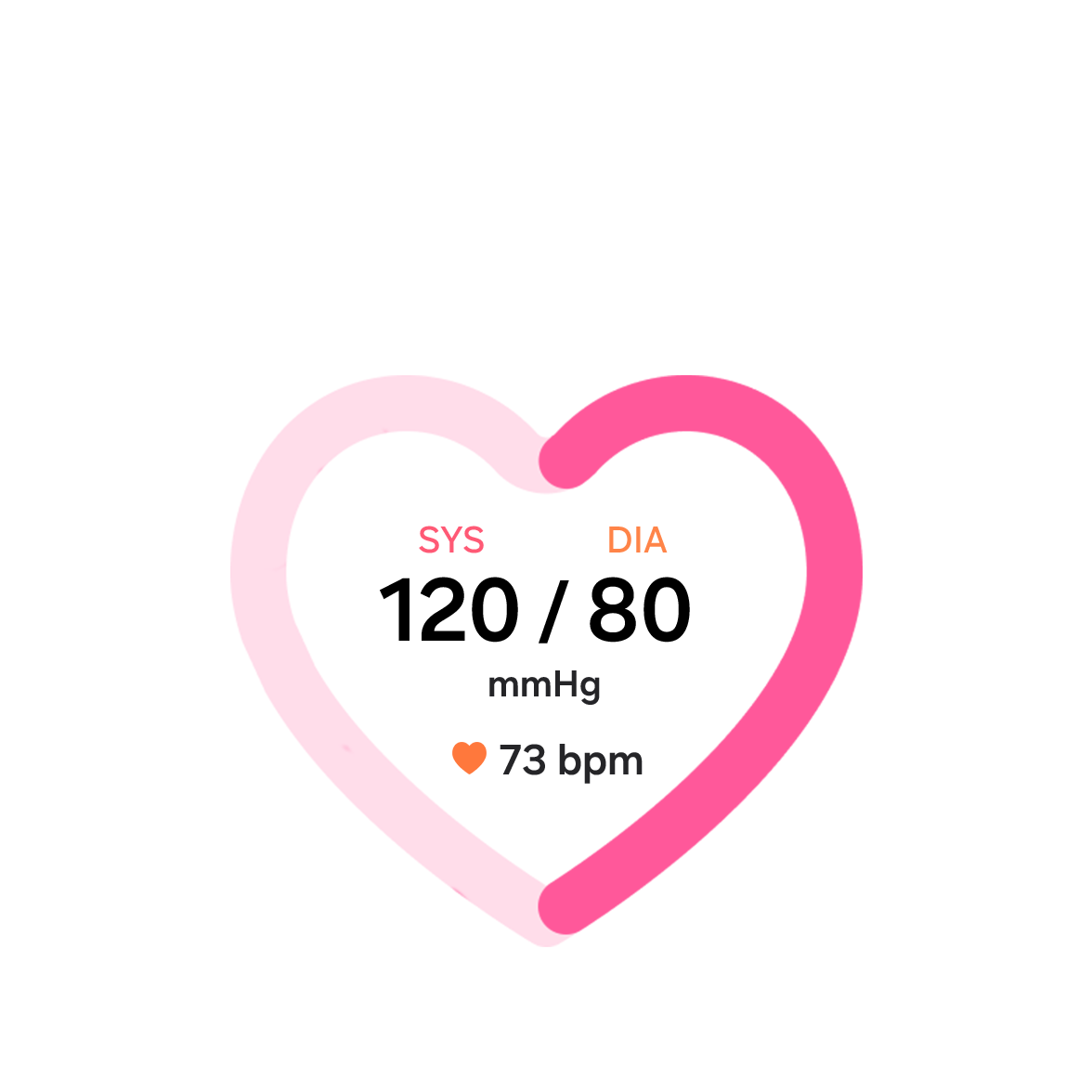
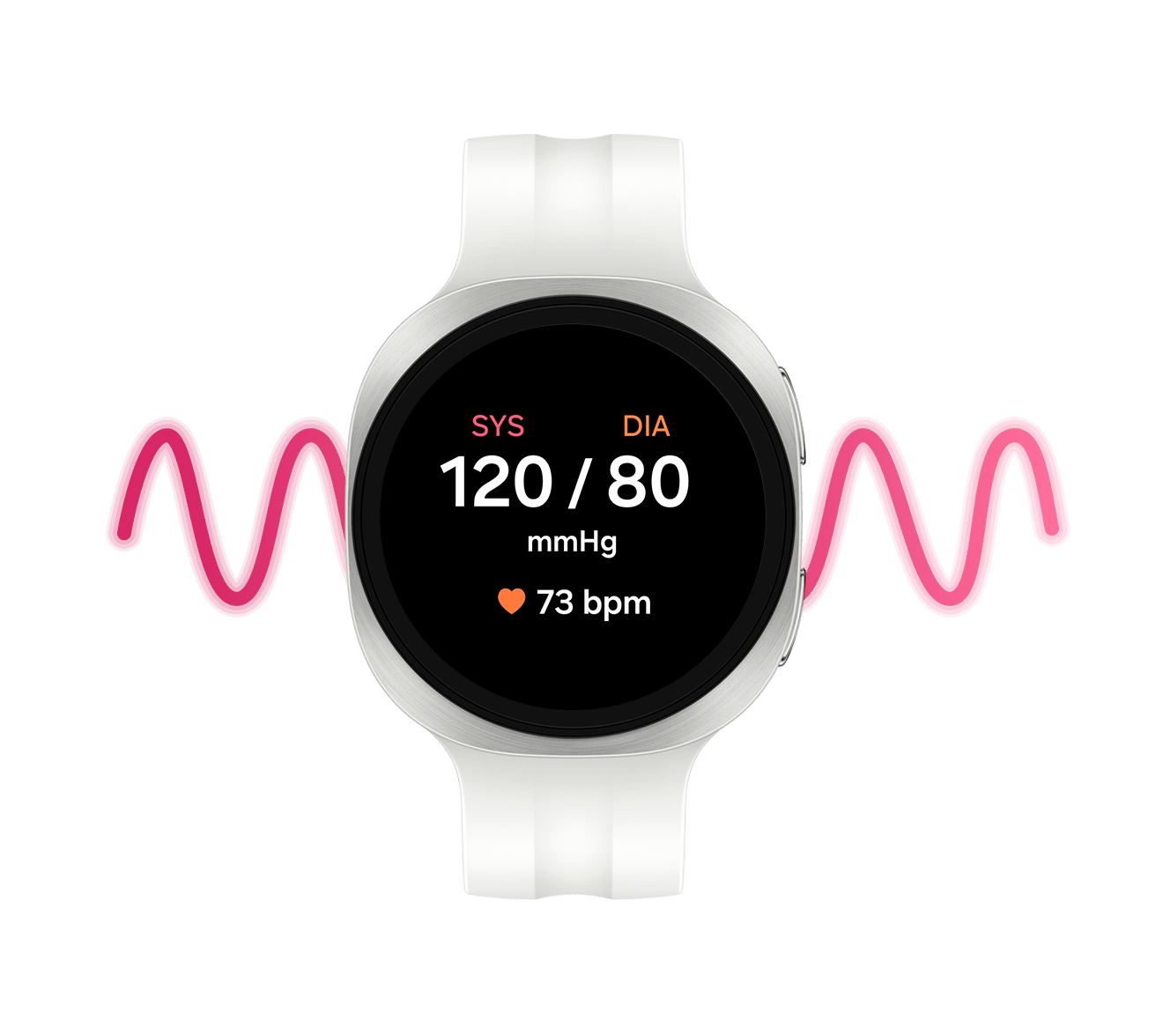
    A person lying on their back is wearing Galaxy Watch9 in Cream with a Sport Band in Cream on their wrist and a Heart Health Score of 73 is shown on the watch display, showcasing the heart health tracking capabilities of Galaxy Watch9.

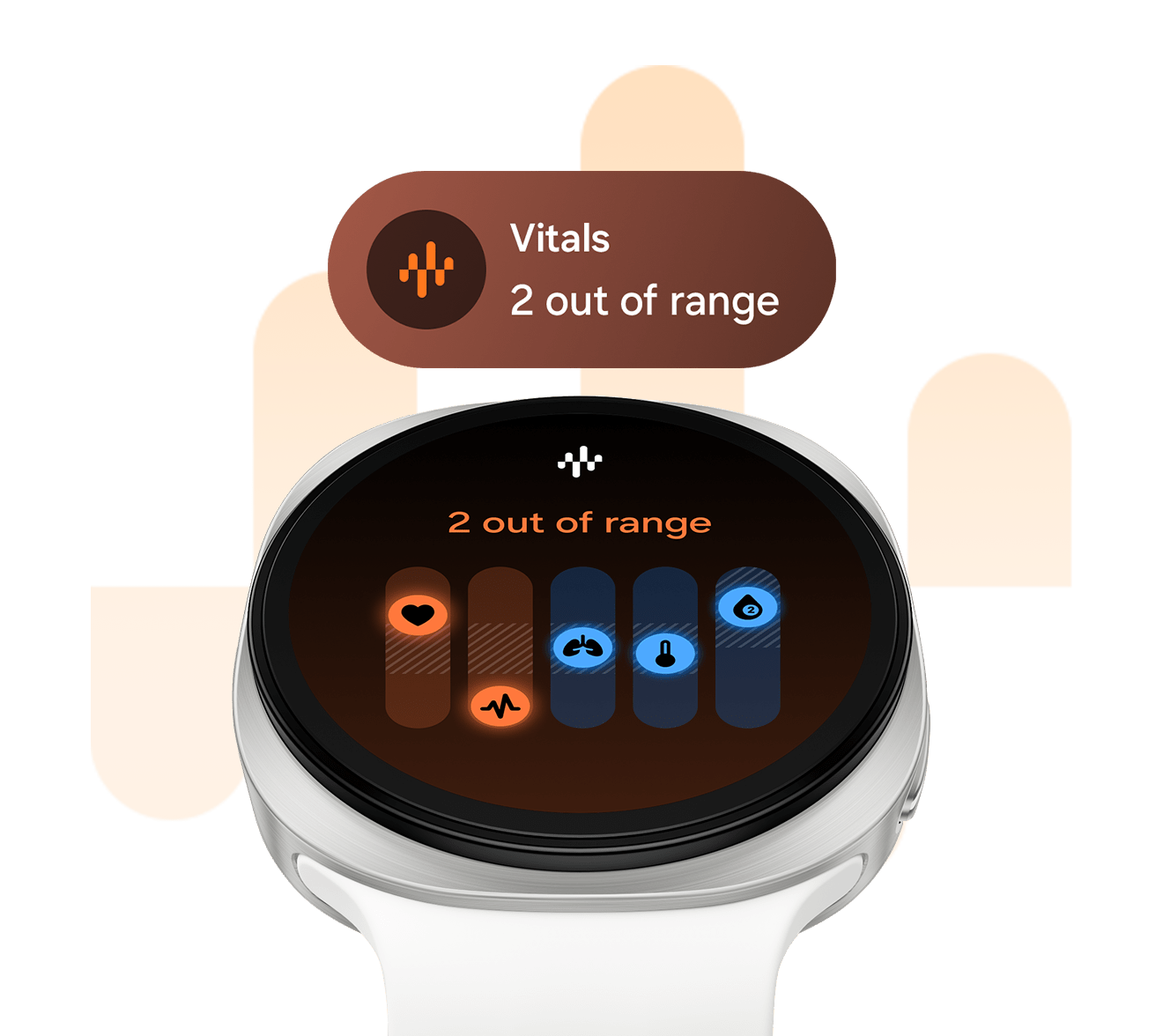
    Vitals on Galaxy Watch9 catches subtle changes in your body by tracking heart rate, heart rate variability, respiratory rate, skin temperature and blood oxygen during sleep. Monitor the signals to stay aware of your current status. 2

  •  

    Tomorrow is built tonight


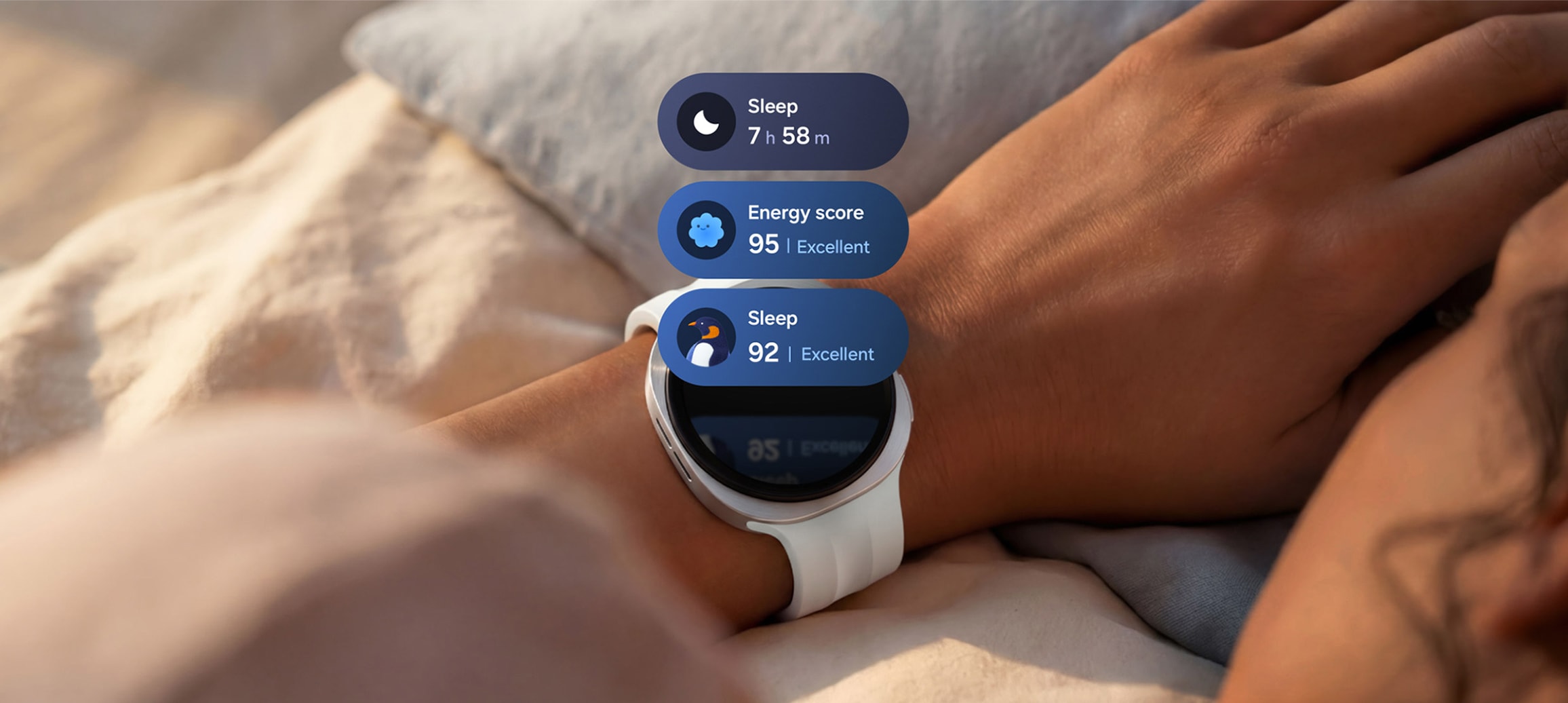
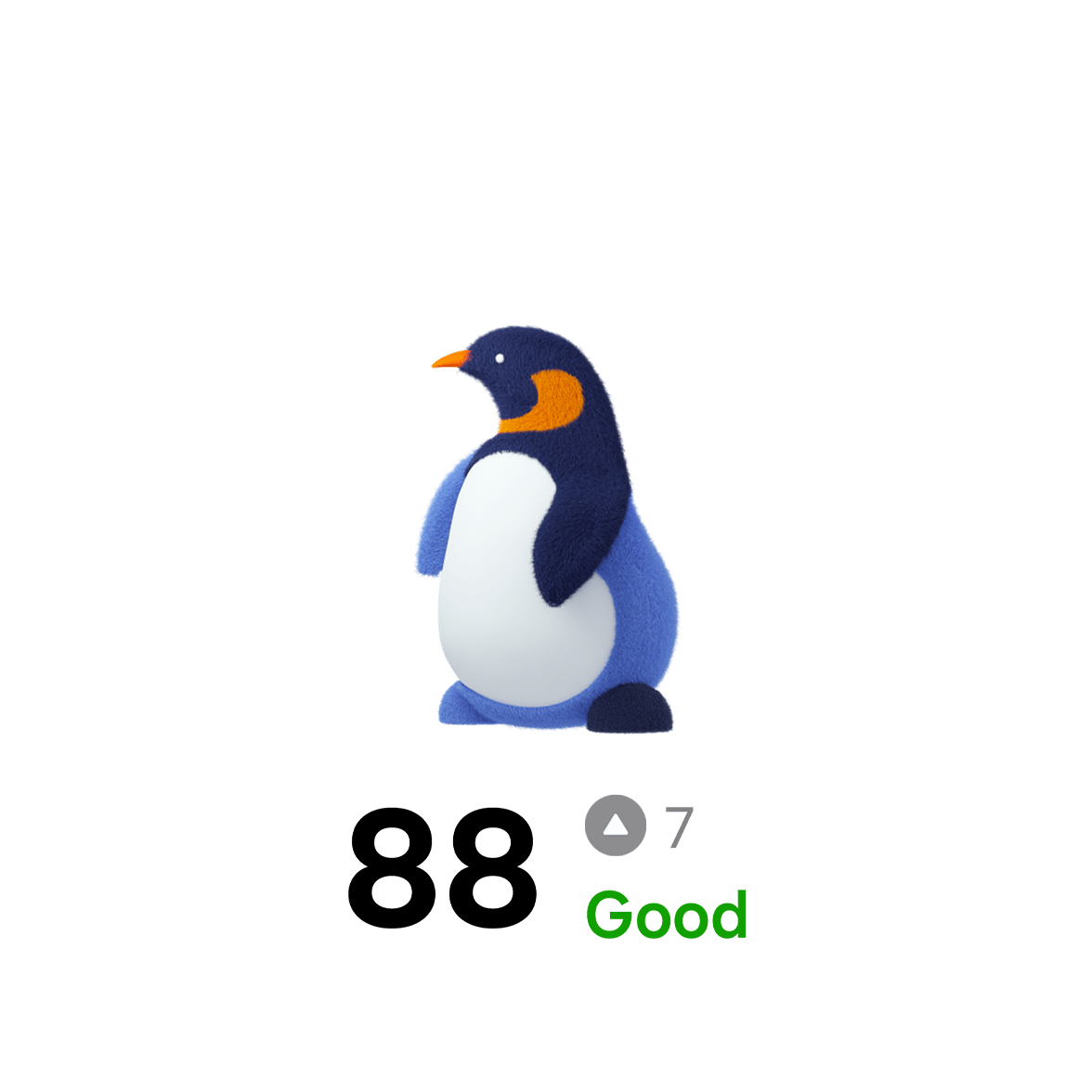
    Galaxy Watch9 in Cream with a Sport Band in Cream worn on a person's wrist. Three sleep tracking tiles appear above the watch display, including a tile with sleep duration 7 h 58 m, a tile with an Excellent Energy score of 95 and a sleep coaching tile with a penguin icon and an Excellent sleep score of 92.

    Sleep tracking on Galaxy Watch9 monitors your sleep from bedtime to wake-up. Receive personalized insights into your rest to know your sleep patterns, habits and duration for better sleep management. 3

  •  

    A program built around
    your stride


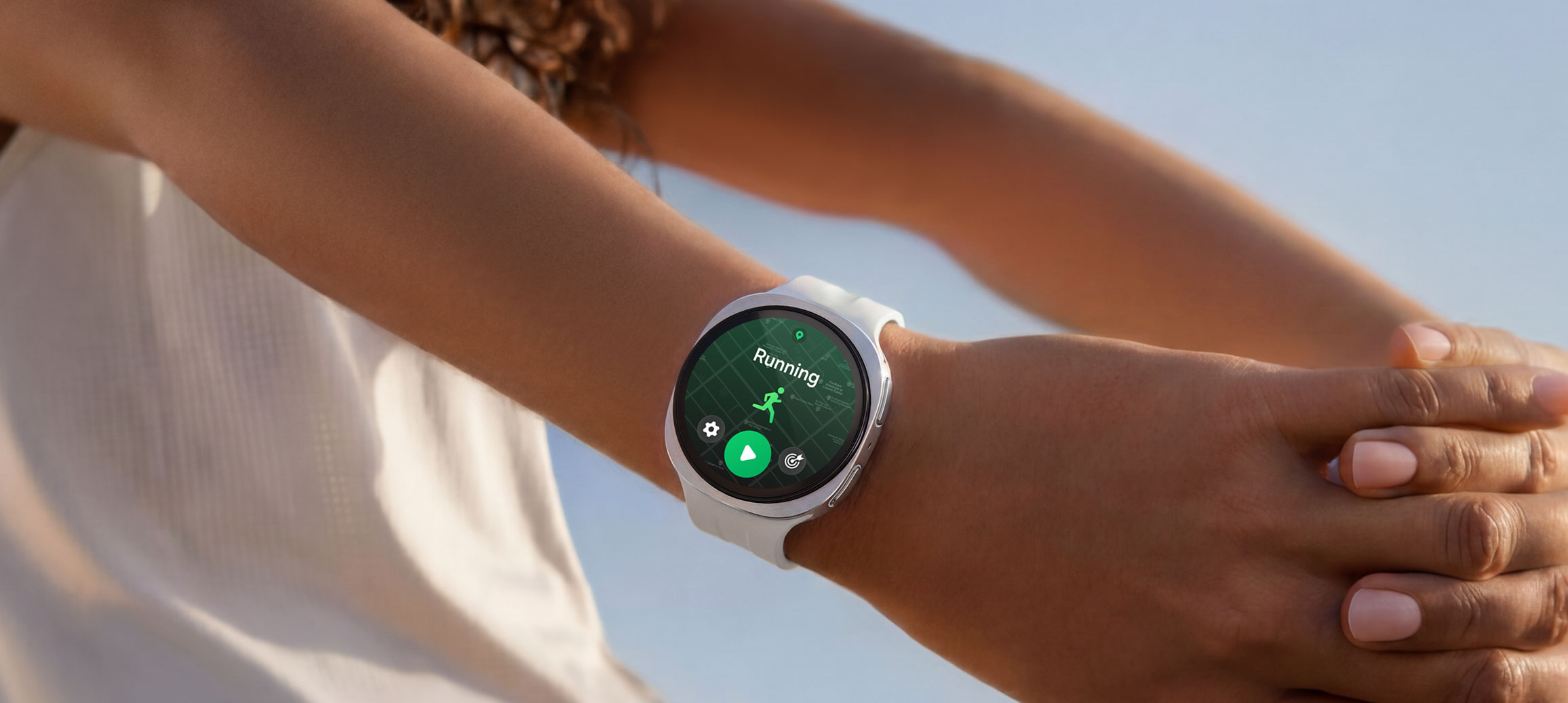
    A person is wearing Galaxy Watch9 in Cream with a Sport Band in Cream while stretching their arms and a running training program is open on the watch display.

    Galaxy Watch9 supports smarter workouts by learning from your body and health data. Train with guidance on when to push and when to recover, helping you improve without overtraining. 4

  •  

    Raise. Talk. Done


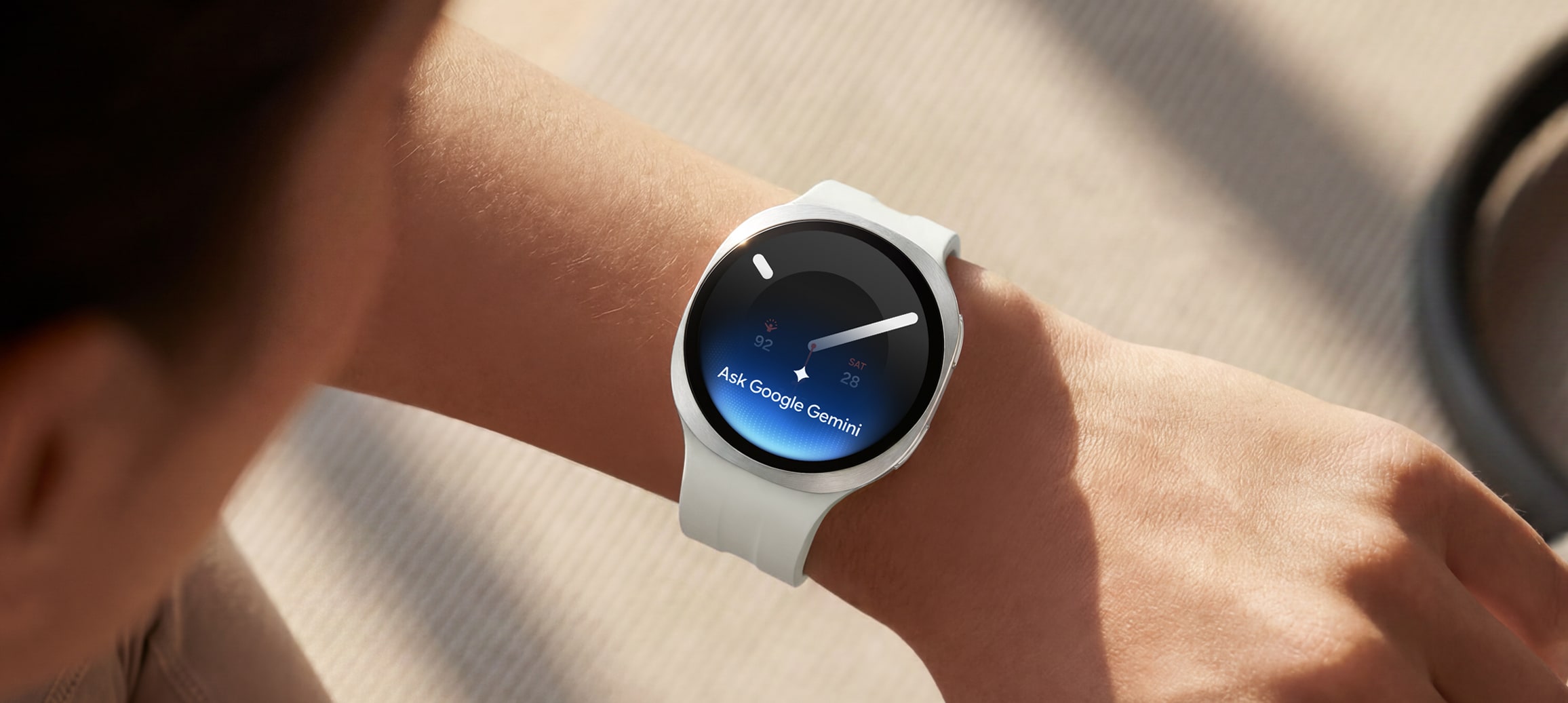
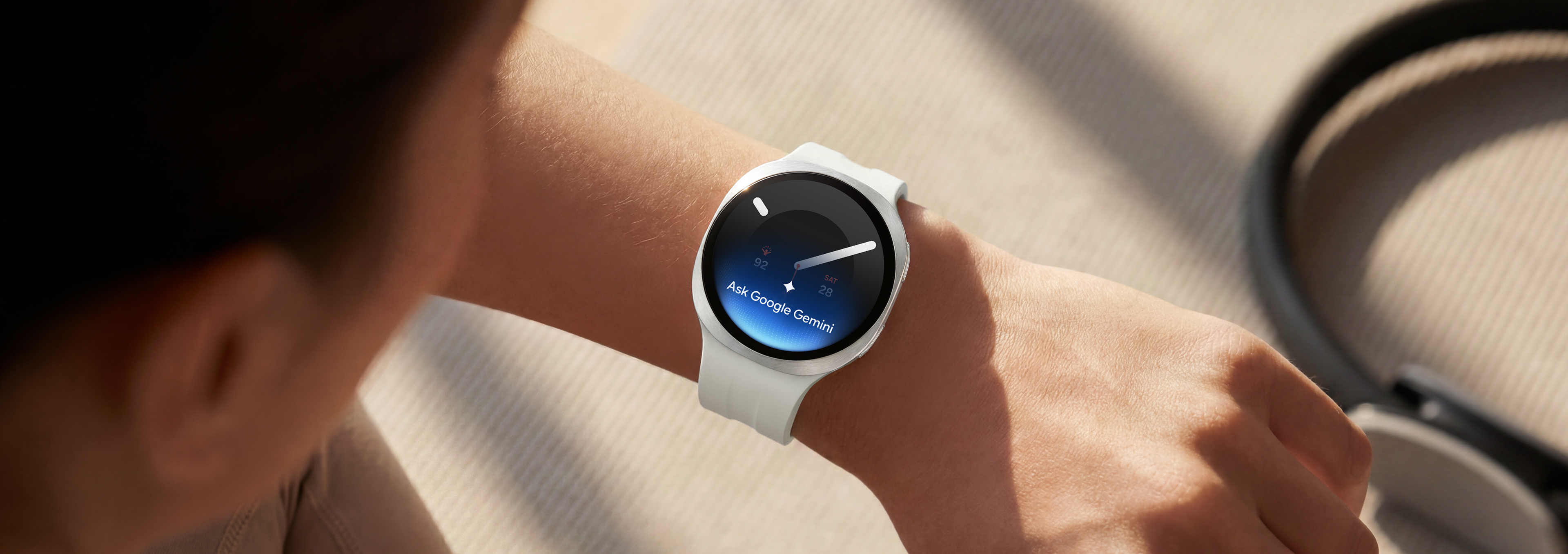
    A person wearing Galaxy Watch9 in Cream with a Sport Band in Cream raises their wrist to give a voice command to their watch using Google Gemini. Google Gemini icon and text Ask Google Gemini shown on the watch display.

    Voice command on Galaxy Watch9 is easily accessible — just raise your wrist. With Google Gemini built in, you can get answers, organize tasks and access key information across apps exactly when you need it. 5, 6

  •  

    Health doesn’t sleep.
    Neither does your Watch


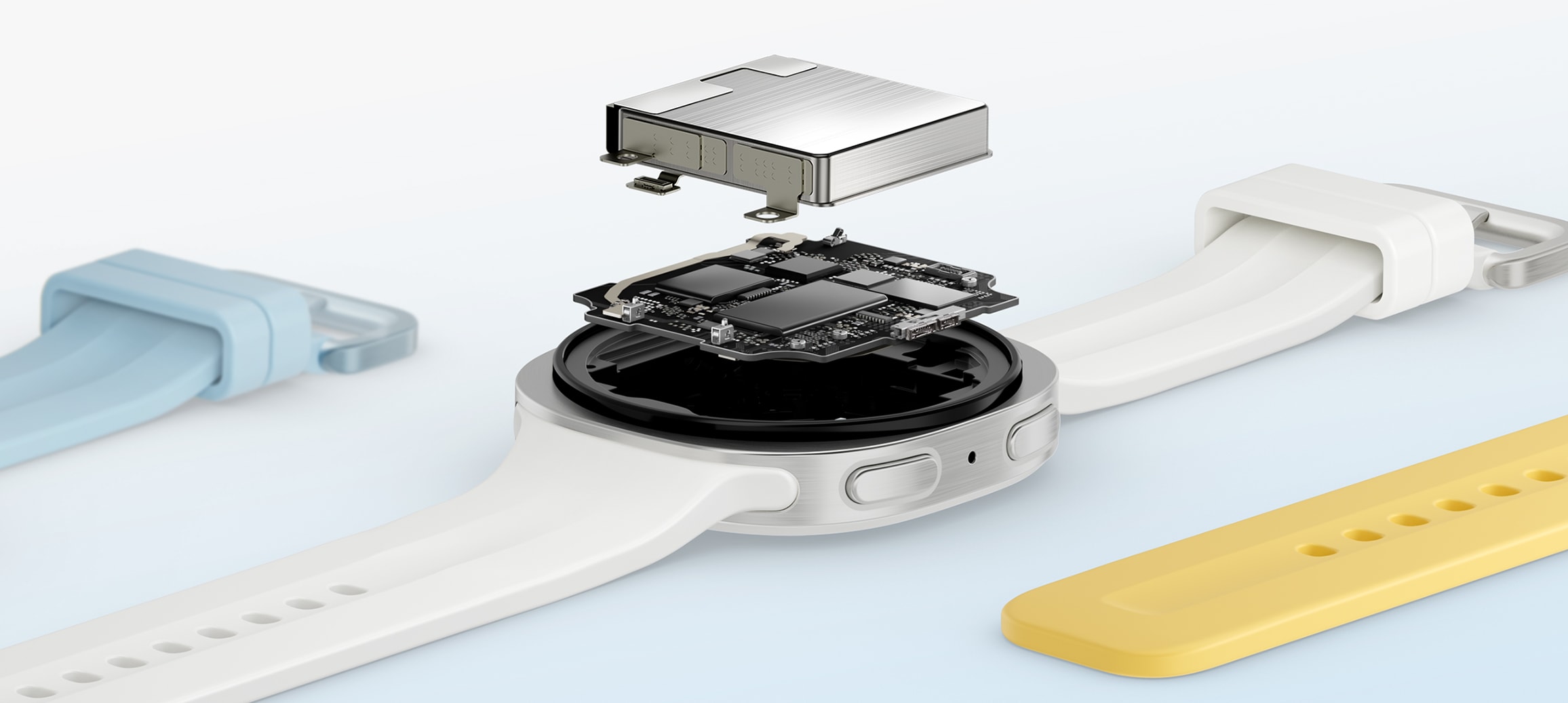
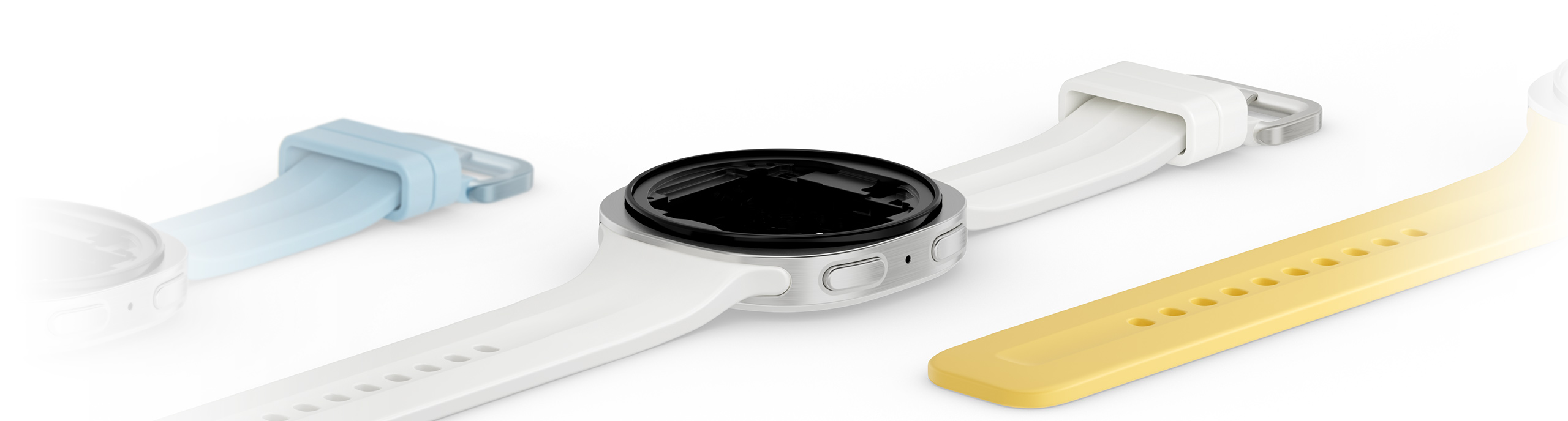
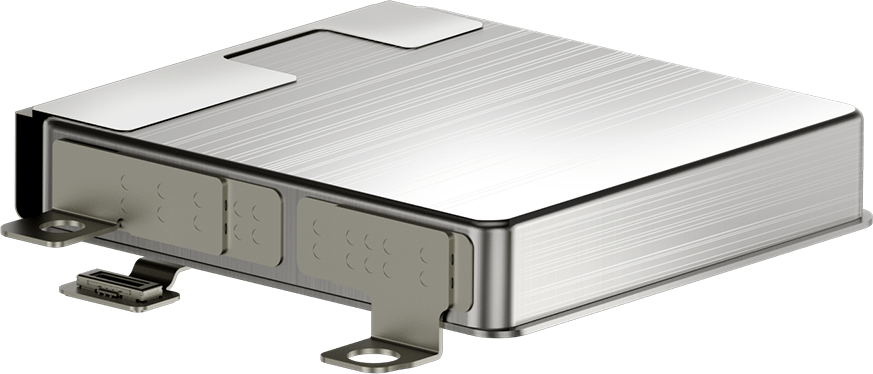
    Close-up view of the components inside the case of a Galaxy Watch9 in Cream with a Sport Band in Cream shown facing up with the watch battery placed on top, indicating the increased battery. A Sport Band in Blue and a Sport Band in Yellow placed around the watch.

    A larger battery with long-lasting power keeps Galaxy Watch9 going, whatever your day brings. Push past your usual mile on a run as Galaxy Watch9 tracks your exercise. Get more sleep with your rest monitored all through the night. 7

DESIGN

Light on the wrist. Heavy on detail

Galaxy Watch9 40 mm model in Cream with a Misty Band in Green, Galaxy Watch9 40 mm model in Cream with a Sport Band in Blue, Galaxy Watch9 44 mm model in Silver with a Sport Band in Cream, Galaxy Watch9 44 mm model in Graphite with a Misty Band in Yellow and Galaxy Watch9 40 mm model in Cream with a Fabric Band in Blue are lined up to showcase the light, comfortable and versatile design of the watch and compatible bands.


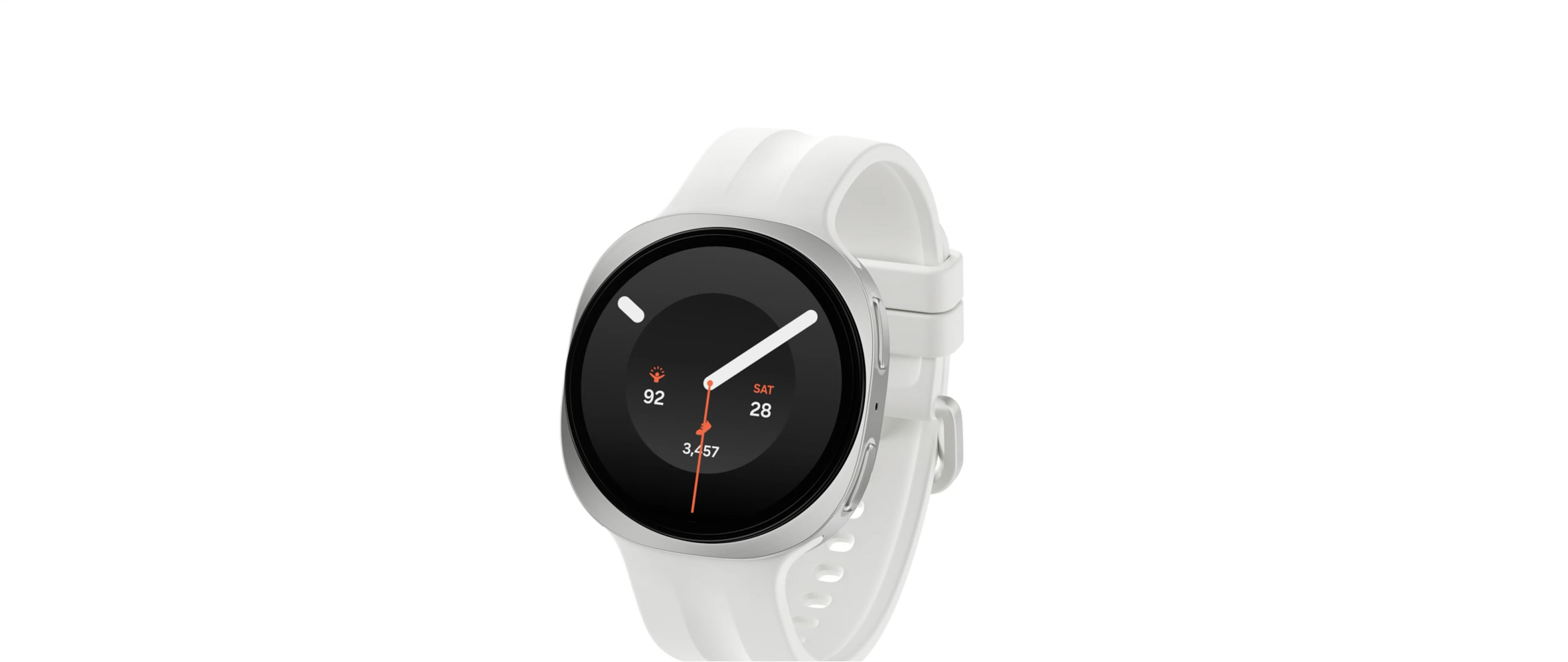
Galaxy Watch9 stands out with the signature cushion design while feeling light and right on your wrist.

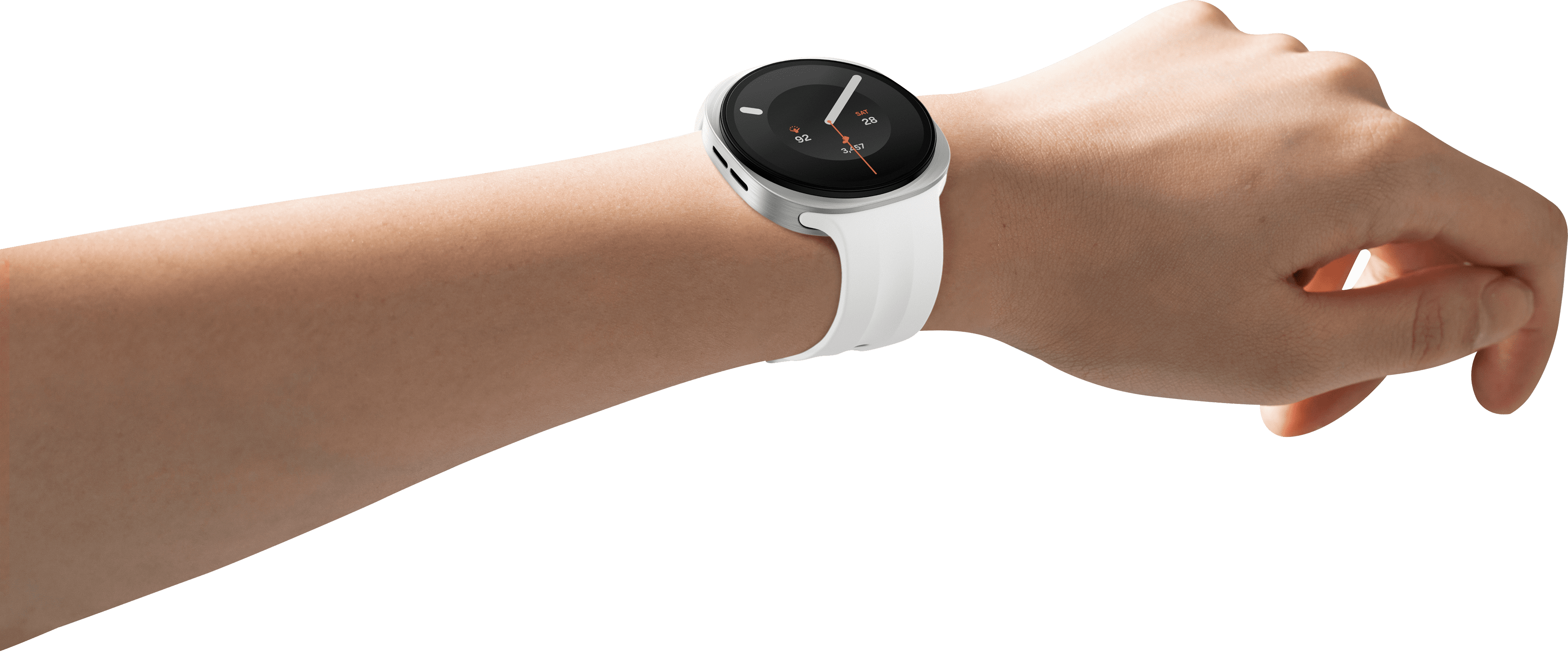
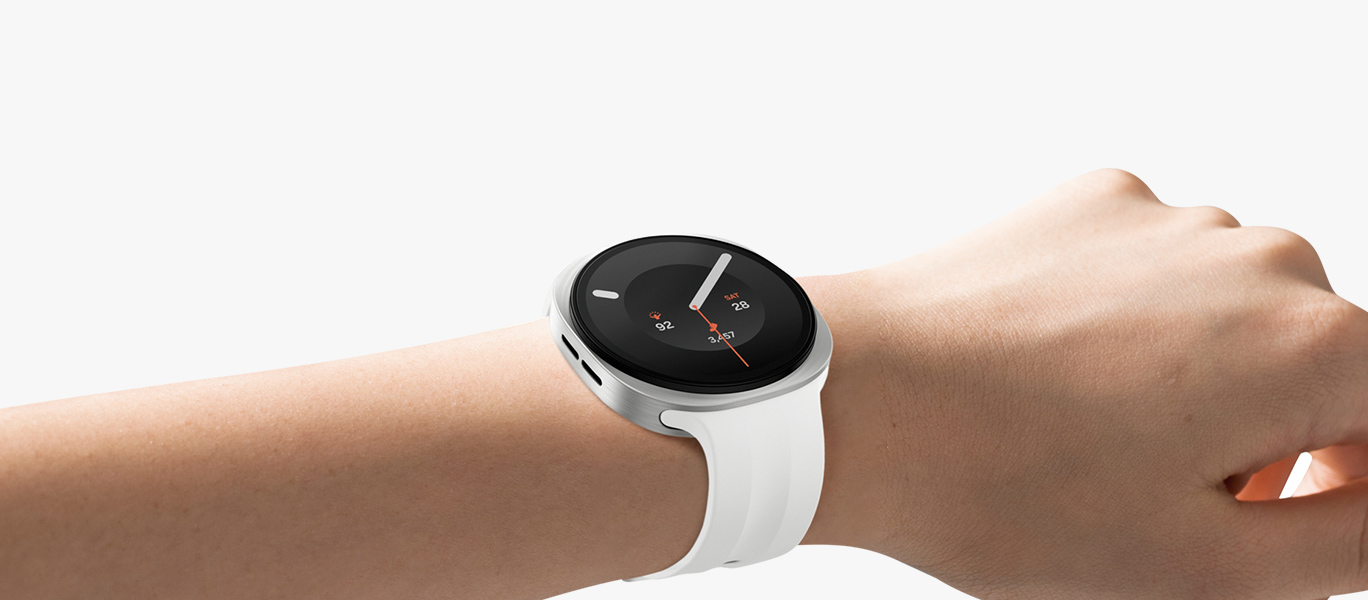
Galaxy Watch9 in Cream with a Sport Band in Cream worn on a person's wrist angled slightly to the right, showcasing the slim and smooth look of the watch with the signature cushion design, as well as the thin and flexible Sport Band for a snug, comfortable fit throughout the day with minimal gap thanks to the Dynamic Lug System.

The Dynamic Lug System and airy, flexible Sport Band bring Galaxy Watch9 closer to your wrist, minimizing gaps and keeping sensors in place for reliable health insights. Just wear it, forget it’s there and take on the day.

What's changed in the design?

Galaxy Watch9
  • 8.6mmThickness
  • 14gBand

Compare with

  • 9.7mmThickness
  • 22gBand

See the details up close 8


  • ColorsColor :SilverView More
    ColorsSilver

    40 mm

    44 mm

    Cream

    Galaxy Watch9 40 mm model in Cream with a Sport Band in Cream shown angled slightly to the left with the band fastened.


    Graphite

    Galaxy Watch9 40 mm model in Graphite with a Sport Band in Black shown angled slightly to the left with the band fastened.


    Silver

    Galaxy Watch9 44 mm model in Silver with a Sport Band in Olive shown angled slightly to the left with the band fastened.


    Graphite

    Galaxy Watch9 44 mm model in Graphite with a Sport Band in Black shown angled slightly to the left with the band fastened.

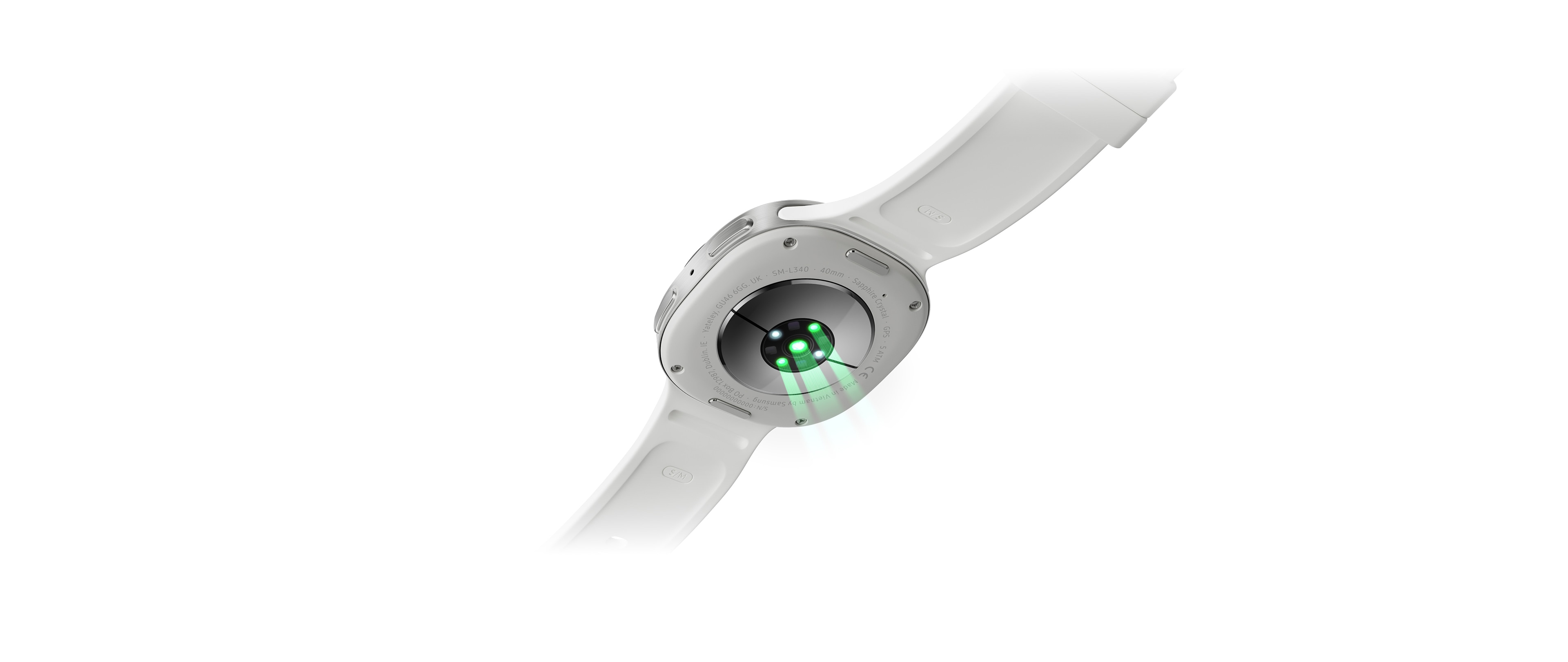
  • Galaxy Watch9 in Cream with a Sport Band in Cream shown from below, highlighting the BioActive sensor for accurate health tracking and the improved band fit.
  • Galaxy Watch9 in Cream with a Sport Band in Cream shown angled slightly to the left with the band unfastened, showcasing the thin and soft design of the Sport Band for all-day comfort around your wrist.

HEALTH

Health. Made easier

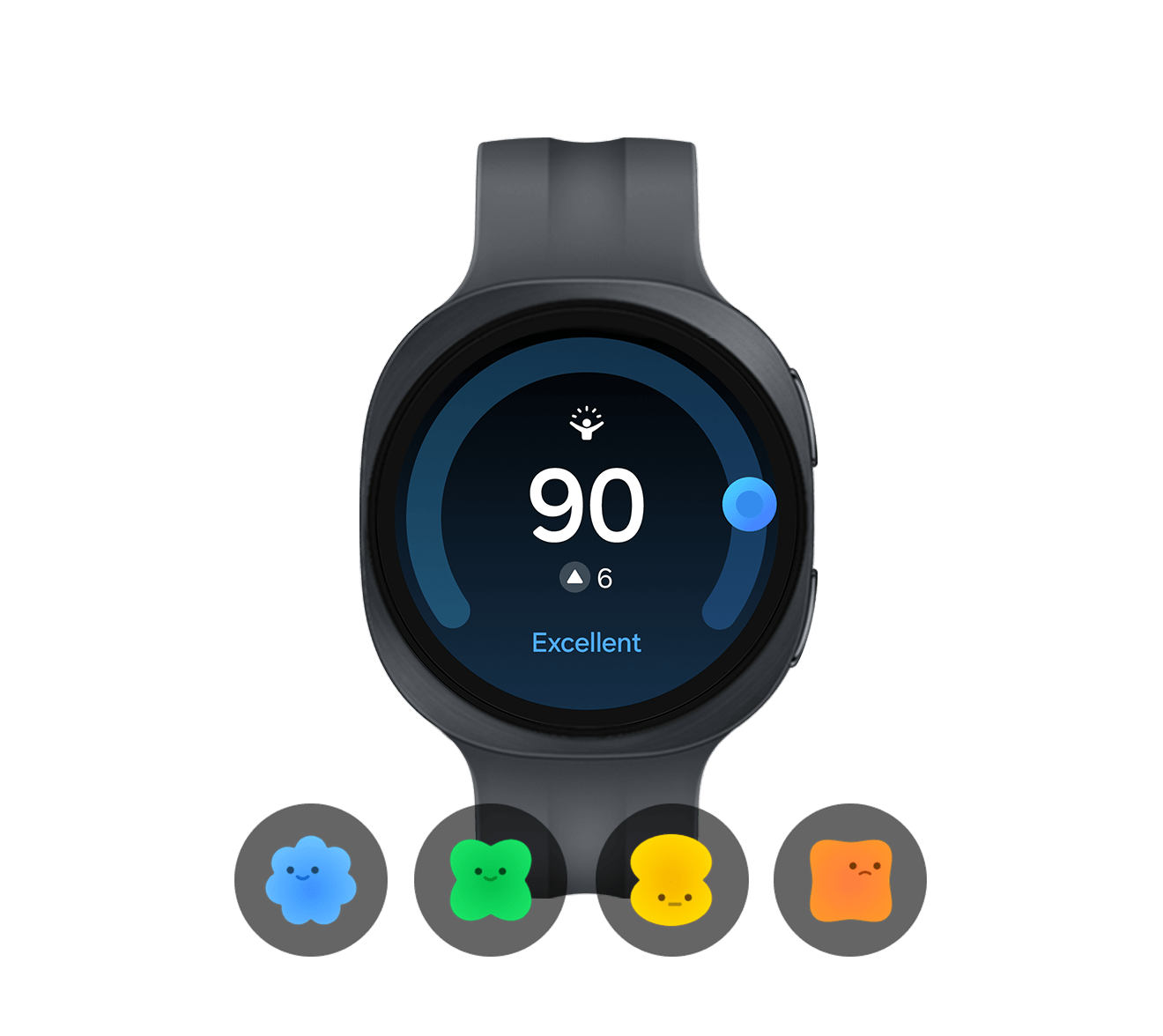
Samsung Health app icon is clicked, then Galaxy Watch9 in Cream with a Sport Band in Cream shown from up close, facing forward with an Energy Score shown on the display changing from Attention 50 to Excellent 90 with improvement of 6 from the day before. Various tiles showing health tracking information appear around the watch.


Tomorrow is built tonight

The quality of your sleep shapes your tomorrow.


Galaxy Watch9 monitors your sleep from bedtime to wake-up, delivering personalized insights into your rest and its impact on daily performance. Understand your sleep patterns, habits and duration for better sleep management. Just wear Galaxy Watch9 to bed and experience more relaxing nights and more refreshing mornings. 3

Galaxy Watch9 in Cream with a Sport Band in Cream worn on a person's wrist. Three sleep tracking tiles appear above the watch display, including a tile with sleep duration 7 h 58 m, a tile with an Excellent Energy score of 95 and a sleep coaching tile with a penguin icon and an Excellent sleep score of 92.


How to sleep for a better tomorrow

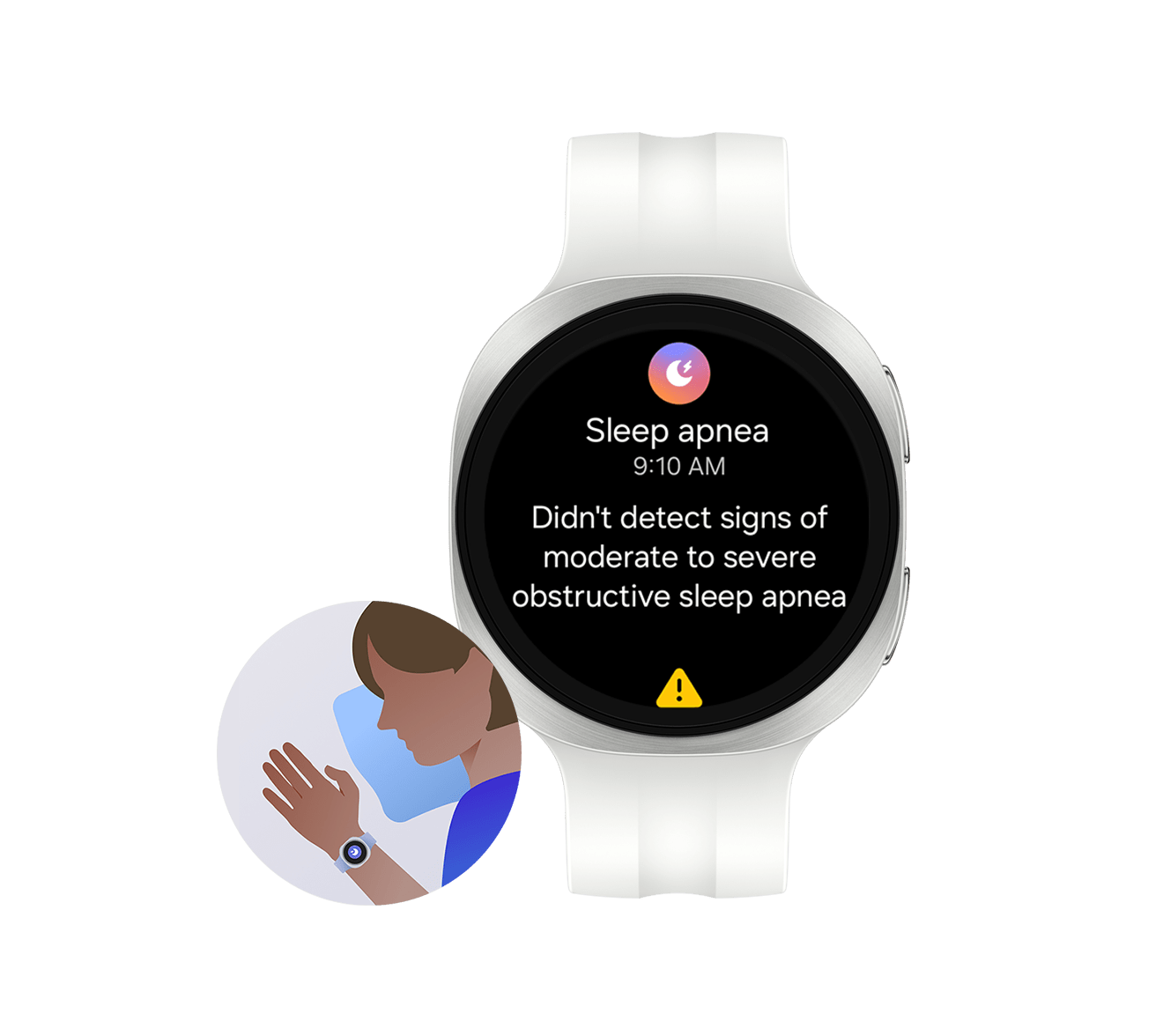
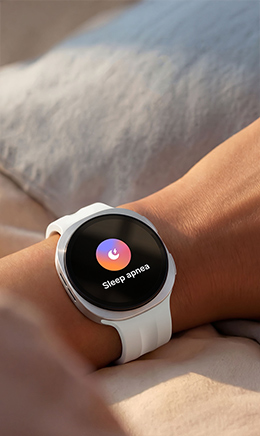
How to sleep well for a better tomorrow with Galaxy Watch9. Get started with Galaxy Watch Ultra2, Galaxy Watch9. Take care of your sleep journey from bedtime till you wake up. Three squares appear in order, each with text Bedtime Guidance, Sleep Apnea, Energy Score. First, pair your watch with your phone. Galaxy Watch9 and Galaxy Z Fold8. A popup screen appears on Galaxy Z Fold8 display Galaxy Watch9, a rotating Galaxy Watch9, A new device has been found, buttons Close and Connect. Tap Connect. Welcome appears on Galaxy Watch9 screen, indicating that the pairing is complete. Sequences shortened. Galaxy Z Fold8 sold separately. Video simulated for illustrative purposes. Actual UI may be different. You’re now ready to improve your sleep routine. 1. Bedtime Guidance. Start building healthier sleep habits. Sleep Experience 1. Bedtime Guidance. Track your sleep for 3 nights to set up Bedtime Guidance. Galaxy Z Fold8 showing the home screen. Open Samsung Health by tapping the Samsung Health app icon on Galaxy Z Fold8. Sleep feature on Galaxy Z Fold8 is tapped. Sleep score on Galaxy Z Fold8 is tapped. More button on Galaxy Z Fold8 is tapped to show different menus. Bedtime guidance on Galaxy Z Fold8 is tapped. Set target wake-up time on Galaxy Z Fold8 is tapped. The target wake-up time is set to 7:00 AM and Done button is tapped. Enable Bedtime notifications to get notified when it’s time to wind down. Bedtime notifications toggle on Galaxy Z Fold8 is turned on. Sequences shortened. Galaxy Z Fold8 sold separately. Video simulated for illustrative purposes. Actual UI may be different. Bedtime Guidance on Galaxy Watch9 is available on Android phones (Android 13 or above) and requires Samsung Health app (v6.30 or above). Bedtime Guidance based on 3 days of sleep analysis of user's circadian rhythm and sleep pressure. Intended for general wellness and fitness purposes only. The measurements are for your personal reference only. Not intended for use in detection, diagnosis, treatment of any medical condition or sleep disorder. Please consult a medical professional for advice. Galaxy Watch9 appears with Bedtime guidance notification on the screen, showing text Bedtime guidance, 8:50 PM, Try going to sleep between 10:50 PM and 11:30 PM tonight. Video simulated for illustrative purposes. Actual UI may be different. Bedtime Guidance on Galaxy Watch9 is available on Android phones (Android 13 or above) and requires Samsung Health app (v6.30 or above). Bedtime Guidance based on 3 days of sleep analysis of user's circadian rhythm and sleep pressure. Intended for general wellness and fitness purposes only. The measurements are for your personal reference only. Not intended for use in detection, diagnosis, treatment of any medical condition or sleep disorder. Please consult a medical professional for advice. Tomorrow is built tonight. 2. Sleep Apnea. Waking up tired even after a full night's sleep? Your watch detects signs of Sleep Apnea, helping you understand what happens during your sleep. Sleep Experience 2. Sleep Apnea. To get started, make sure Samsung Health Monitor is installed on both your phone and watch. Galaxy Watch9 screen is swiped up to show different app icons. Tap Samsung Health Monitor on your Galaxy Watch to open the app Sleep apnea, Install Samsung Health Monitor on your phone first. Download button at the bottom. Simply install it on your phone. Download button on Galaxy Watch9 screen is tapped. Icon of an arrow pointing to a smartphone appears, indicating that the app is being installed on the phone. Galaxy Z Fold8 appears, showing the home screen. Samsung Health Monitor app is downloaded on Galaxy Z Fold8. Tap Samsung Health Monitor to set up Sleep Apnea. Samsung Health Monitor app is opened. Answer a few quick questions to get started. On Galaxy Z Fold8 screen, Did you know your breathing can pause during sleep without waking you up? This can lead to snoring, waking up tired or with a headache, or feeling drowsy during the day. Find out if you're at risk for sleep apnea. The screen is scrolled down and Get started button is tapped. First, let's see if this feature's right for you, Has a doctor diagnosed you with sleep apnea? Answer No is selected and Next button is tapped. Has a doctor ever diagnosed you with: Movement related condition: Parkinson's, Tremor, Periodic leg movement during sleep (PLMS), Cardiac condition: Congestive heart failure (CHF), atrial fibrillation, Lung condition: Chronic obstructive pulmonary disease (COPD), chronic bronchitis, emphysema, pulmonary fibrosis. Answer No is selected and Next button is tapped. This feature is right for you, Your Galaxy Watch can let you know if you should talk to your doctor about sleep apnea. Next button is tapped. Sleep apnea is a serious sleep disorder, With obstructive sleep apnea (OSA), your throat muscles relax too much and block your airway, which disrupts your breathing. This can cause your body to get less oxygen, which can damage your heart and brain. Next button is tapped. Your watch can check for signs of obstructive sleep apnea while you sleep, Your watch will check for breathing disruptions while you sleep to see whether there are enough to indicate moderate to severe obstructive sleep apnea. Next button is tapped. Contact your doctor if your watch detects signs of moderate to severe obstructive sleep apnea. Next button is tapped. Screen changes to Sleep apnea screen. Switch on the Sleep apnea feature. Galaxy Z Fold8 screen is scrolled down and Sleep apnea feature toggle is turned on. Wear your watch for 2 nights while you sleep. Galaxy Z Fold8 screen shows Wear your watch to sleep, You need to collect 2 more nights of sleep data within 10 days to get a result, 0 of 2 nights complete, Finish second night by: July 22nd, two sleep icons. Then, 0 of 2 nights complete changes to 2 of 2 nights complete as the sleep icons change to indicate the sleep data tracking is complete. Screen changes to show the result that signs of moderate to severe obstructive sleep apnea has been detected and to recommend that the user talk to a doctor about the result. Check for signs of sleep apnea after 2 sleep sessions. Sequence shortened. Galaxy Z Fold8 sold separately. Video simulated for illustrative purposes. Actual UI may be different. Sleep Apnea is currently available in some selected countries only. Do not use feature if you are pregnant or have previously been diagnosed with Sleep Apnea. 22 years+ only. Sleep Apnea feature requires at least 2 days of sleep data within a span of 10 days (the 2 days do not necessarily have to be consecutive, but must be recorded within those 10 days). Not intended for use in detection, diagnosis, treatment of any medical condition. Sleep Apnea detection result is for your personal reference only. Please consult a medical professional for advice. Sleep Apnea on Galaxy Watch9 is available on Android phones (Android 13 or above). Uncover what could be affecting your sleep with Galaxy Watch. 3. Energy Score. Good morning! Let's check your Energy Score. Your Energy Score shows how ready you are for the day based on recent sleep and activity. Sleep Experience 3. Energy Score. Wear your Galaxy Watch while you sleep. On the right, Galaxy Watch9 with an Excellent Energy Score of 92, which is 6 points higher than the previous day. Your health data is combined into your Energy Score. Energy Score ranges from 0 to 100 across four levels. Energy Score bar graph and related icons appear at the bottom with different levels: 0 to 60 Needs attention, 61 to 75 Fair, 76 to 85 Good, 86 to 100 Excellent. Low score? Take it easy today Galaxy Z Fold8 with a Fair Energy Score of 66 and the detailed information. High score? Push your limits. Galaxy Z Fold8 with an Excellent Energy Score of 92 and the detailed information. Check the factors behind your Energy Score. Galaxy Z Fold8 screen is scrolled down to show a list of various Energy Score factors with corresponding levels. Get more AI-powered insights on phone. Galaxy Z Fold8 screen is scrolled down again to show Skin temperature during sleep, Respiratory rate during sleep, Energy score over last 7 days and Achievement. Galaxy Watch9 appears, with an Excellent Energy Score of 92 on the screen. Get more AI-powered insights on watch. Galaxy Watch9 screen is scrolled down on the Energy Score screen, showing similar insights. Sequence shortened. Galaxy Z Fold8 sold separately. Video simulated for illustrative purposes. Actual UI may be different. Energy Score on Galaxy Watch9 is available on Android phones (Android 13 or above) and requires the Samsung Health app (v6.27 or above). Samsung Account login required. Service availability may vary by country or region. Not intended for use in detection, diagnosis or treatment of any medical condition. The result is for your personal reference only. Please consult a medical professional for advice. Push or pause? Energy Score will tell you. Experience a holistic sleep journey with Galaxy Watch. Build a better tomorrow starting tonight. samsung dotcom. Samsung logo.

Learn how to build lasting habits for better sleep quality through AI-powered insights and tailored guidance.

A program built around your stride

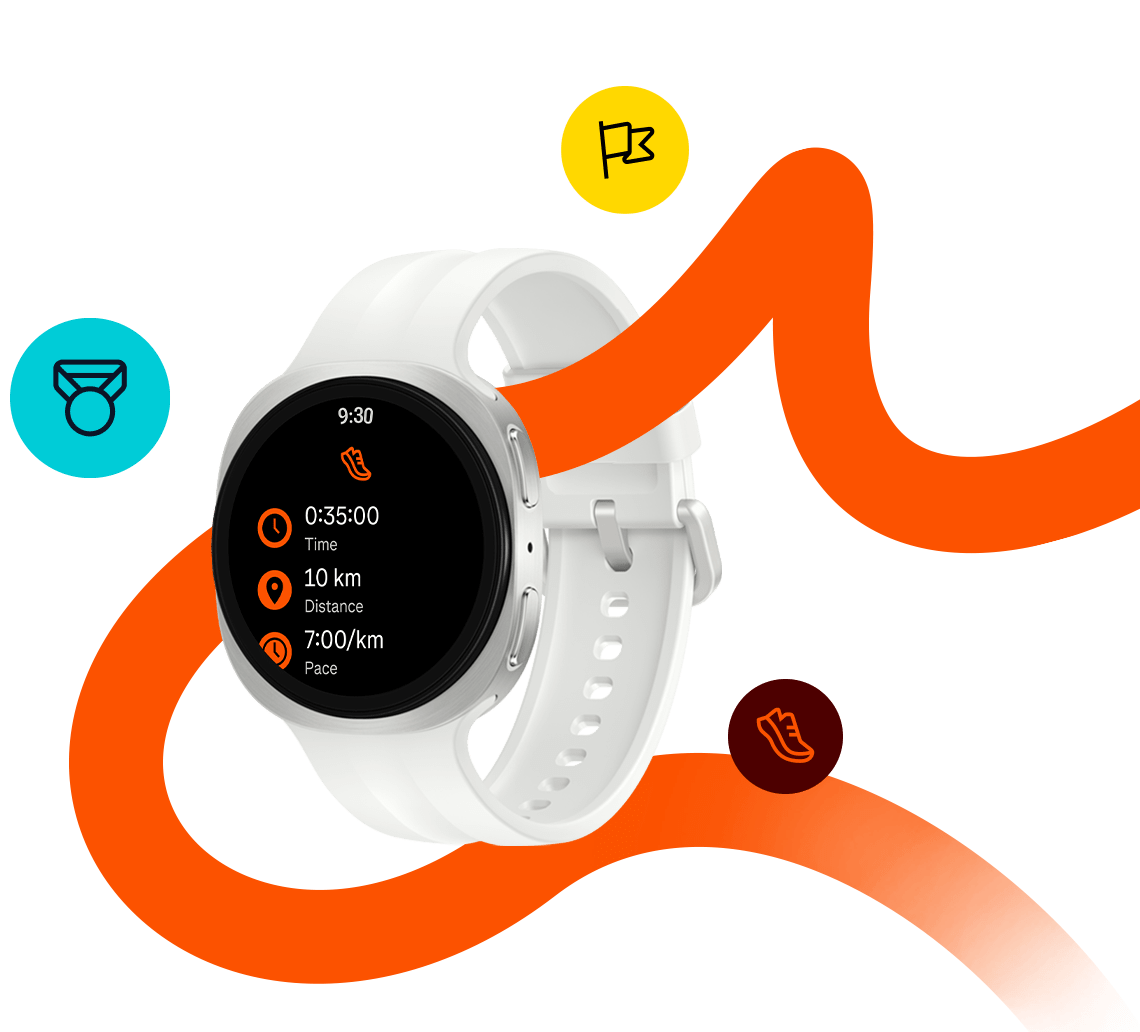
After a restful night, you're ready to step into your stride and take on the day — starting with a steady morning run or easing into movement that suits your energy. A personal coach on your wrist makes every workout smarter and more effective. Galaxy Watch9 learns from your body and health data to guide your training — when to push harder and when to recover — helping you improve without overtraining. From intense runs to recovery days, Galaxy Watch9 is with you every step of the way. 4

A person is wearing Galaxy Watch9 in Cream with a Sport Band in Cream while stretching their arms and a running training program is open on the watch display.

How to take running to the next level

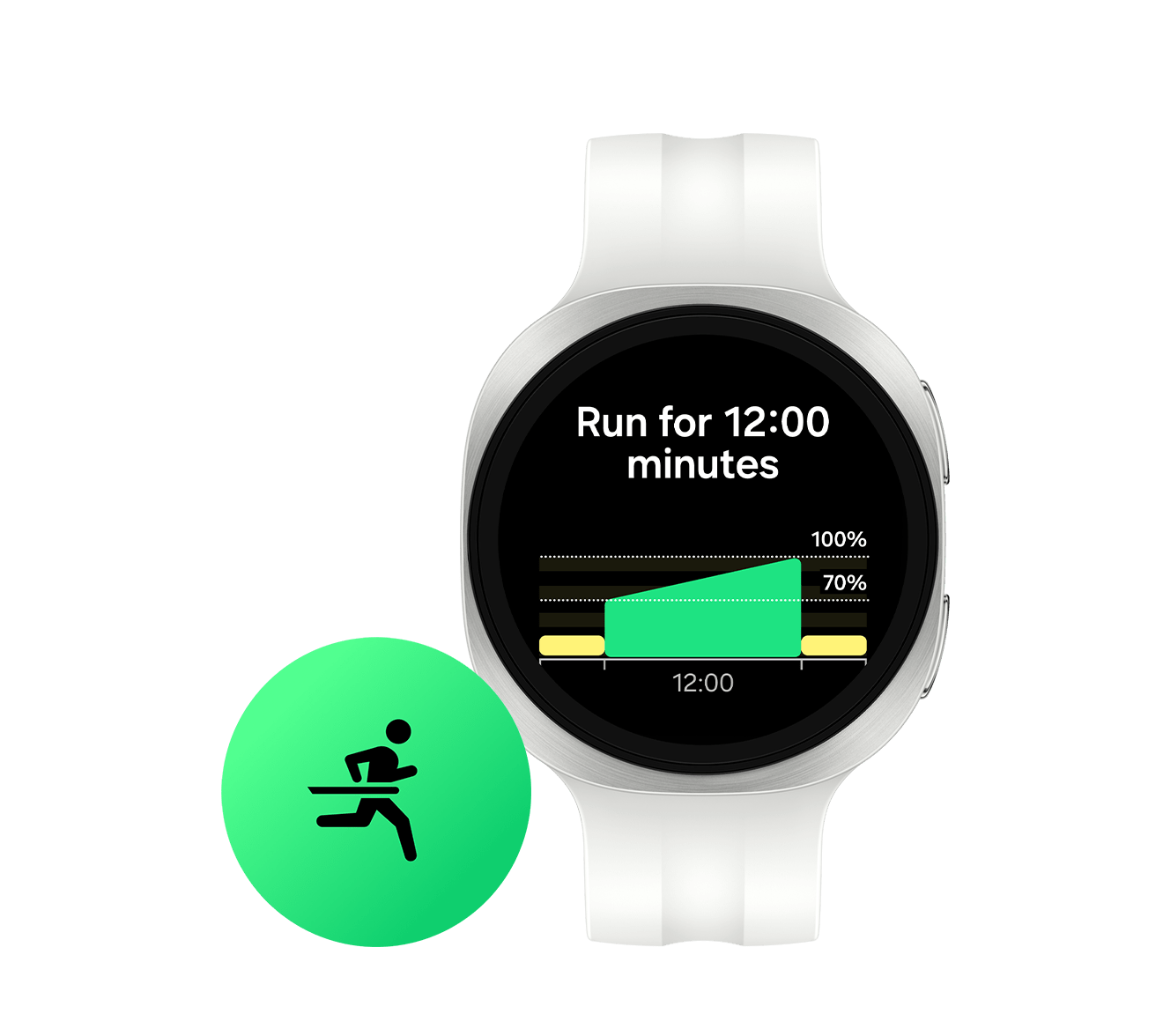
How to take running to the next level with Galaxy Watch Ultra2. Get started with Galaxy Watch Ultra2, Galaxy Watch9. Personal training, on the run. First, pair your watch with your phone. In the middle, Galaxy Watch Ultra2 and Galaxy Z Fold8 Ultra are next to each other, ready for pairing. A popup screen appears on Galaxy Z Fold8 Ultra display with Galaxy Watch Ultra2, a rotating Galaxy Watch Ultra2, A new device has been found, buttons Close and Connect. Tap Connect. Welcome appears on Galaxy Watch Ultra2 screen, indicating that the pairing is complete. Sequences shortened. Galaxy Z Fold8 Ultra sold separately. Video simulated for illustrative purposes. Actual UI may be different. Galaxy Watch Ultra2 must be paired with a smartphone with Android 13.0 or above and minimum 1.5 GB Memory. You're all set. Time to lace up!. 1. Running Coach. Meet your personal Running Coach. Running program 1. Running Coach. Let's find your running level. Galaxy Watch Ultra2 screen is swiped from right to left, showing Running feature with icon 1, text Running coach, Find your running level. The level in the middle changes from 1 to 4. The screen is tapped to show details on finding your running level. To get started set up your profile. Galaxy Watch Ultra2 screen is scrolled down to show Next button. Next button is tapped. Galaxy Z Fold8 Ultra with profile setup screen. The nickname Christina is entered and saved. Profile and running history is on the screen. And tap Next. There are two ways to find your running level. On the right is Galaxy Z Fold8 Ultra with Running coach feature on the screen. Have running history? On the right, Galaxy Z Fold8 Ultra screen is scrolled down and Skip button is tapped. Popup screen appears, showing Skip the running test? Taking the test helps us tailor the training plan to you. If you skip it, we'll use the distance running experience you provided earlier. This may result in a lower starting level than if you took the rest. Close and Skip buttons at the bottom. Skip button is tapped. The screen changes to Training plan and a confetti effect is on with icon 1 and text Your running level at the top. Your running level is set automatically. Running level on Galaxy Z Fold8 Ultra is highlighted, showing Your running level, Welcome to level 1! A brief information about the level and View plan button at the bottom. New to Running Coach? Galaxy Watch Ultra2 with Running level test details on the screen. The screen is scrolled down to show Got it, Settings, About buttons. Got it button is tapped. Take a quick level test. Galaxy Watch Ultra2 screen has a confetti effect on and is displaying 12:00, 100 percent of goal. The screen changes and shows text Your running level and icon 1. Now, let's level up your running level. Galaxy Watch Ultra2 screen changes to Running feature, Running coach, You reached level 1! Follow your personalized training plan. The Running Coach panel on Galaxy Watch Ultra2 screen is tapped to show the details on the training plan. The screen is scrolled down. Journey to 5K Level 1 section is tapped. Level 1 training details appear. It's tailored to your running level. On the right, Galaxy Watch Ultra2 screen is scrolled down. Complete each workout at your own pace. On the right, the first training session is tapped. Workout 1, Walking, 30:00, 12'00", 2.50 kilometer. The screen is scrolled down to show Got it, Settings buttons. Got it button is highlighted and then tapped. Running coach program is about to begin. Keep reaching new goals. The start button on Galaxy Watch Ultra2 is tapped. Real-time record of the run, including time, main duration and average, and heart rate are onscreen. Screen transitions with confetti effect to show the user has passed with a medal with a score of 98. Screen goes back to the training session screen. As you progress, you'll reach new levels. On the right, Galaxy Watch Ultra2 shows the list of training sessions, all completed, with Level test button near the bottom. Take the Level test. Level test button on Galaxy Watch Ultra2 is tapped. Level test screen with Level test, 1.50 kilometers and details on the level test. Galaxy Watch Ultra2 screen is scrolled down to show Got it, Settings buttons. Tap Got it. The screen changes to running mode, recording the level test. Push your limits and unlock your potential. Galaxy Watch Ultra2 screen transitions with confetti effect and Level 2, showing the user passed the level test. Sequences shortened. Galaxy Z Fold8 Ultra sold separately. Video simulated for illustrative purposes. Actual Ul may be different. Running Coach program on Galaxy Watch Ultra2 is available on Android phones (Android 13 or above) and requires Samsung Health app (v6.30 or above). Samsung Account login required. Mastered the road? There's more to explore! 2. Trail Run. Go further on every trail, only on Galaxy Watch Ultra2. Choose a trail and import the GPX file. On the right, a search page is open on Galaxy Z Fold8 Ultra and trail run gpx file is being entered in the text box. Now add your route to your watch. On the right is Galaxy Watch Ultra2 with Trail run feature onscreen. Target button is tapped. Target screen is scrolled down. Tap Route. Galaxy Watch Ultra2 displays My routes, Add on phone with plus icon in the middle.Tap plus. Select your GPX file. On the right, Galaxy Z Fold8 Ultra with Internal storage on the screen. Uploaded Trail Route 1 gpx file is highlighted and then selected. Done button is tapped. The Trail Route 1 file is open. Choose your workout type. On Galaxy Z Fold8 Ultra screen, Select workout type popup screen shows workout types Bike, Running, Trail run, Hiking, Walking and Cancel, Select buttons. Trail run is selected. Details on the trail run appears. Scroll down and tap Add to my routes. Galaxy Z Fold8 Ultra screen is scrolled down and Add to my routes button is tapped. Popup screen appears with Start a workout with this route? Choose where you want to start the workout, options Watch and Phone, buttons Not now and Start. Set your watch as your primary running device. On Galaxy Z Fold8 Ultra, Watch option and Start button are tapped. Your trail route is ready. Let's explore Settings. On the right is Galaxy Watch Ultra2 with Trail run Trail route 1 open. Settings button is tapped. Settings screen appears. Discover more features designed for trail running. Galaxy Watch Ultra2 screen is scrolled down. Stay hydrated with Water Intake Alarm. Tap Nutrition. Get timely reminders tailored to your profile. Nutrition toggle on Galaxy Watch Ultra2 is turned on. The screen is scrolled down. Tap Hydration. Galaxy Watch Ultra2 shows Hydration tips and a Next button. Tap Next. Galaxy Watch Ultra2 shows Hydration plans and a Done button. And tap Done. Watered up? Time to get on trail. Run with confidence on every trail. On the right, Galaxy Watch Ultra2 with Trail run Trail route 1 open. The start button is highlighted and then tapped. Real-time navigation is on the screen. Route Navigation keeps you on the right path. Galaxy Watch Ultra2 screen changes to show Elevation gain, Climb, Descent information. Read the elevation ahead with Climb Guidance. Sequences shortened. Galaxy Z Fold8 Ultra sold separately. Video simulated for illustrative purposes. Actual Ul may be different. GPS accuracy may vary depending on network environment and other factors. Trail Run on Galaxy Watch Ultra2 is available on Android phones (Android 13 or above) and requires the Samsung Health app (v7.0 or above). Samsung Account login required. Service only available with Galaxy Watch Ultra2. Internet connection required to increase GPS accuracy or to view outdoor exercise results along with the route map. GPS function can be used on LTE models without pairing smartphones. Non-LTE models require a Bluetooth connection to pair smartphones. To improve GPS accuracy, go to Settings > Location > Location accuracy > improve Location Accuracy. Off-grid. On track. From first step to finish line Galaxy Watch runs with you. samsung dotcom. Samsung logo.

Learn how Running program can help you train your runs and stay on the right track, even during trail runs.

Smart ways to train

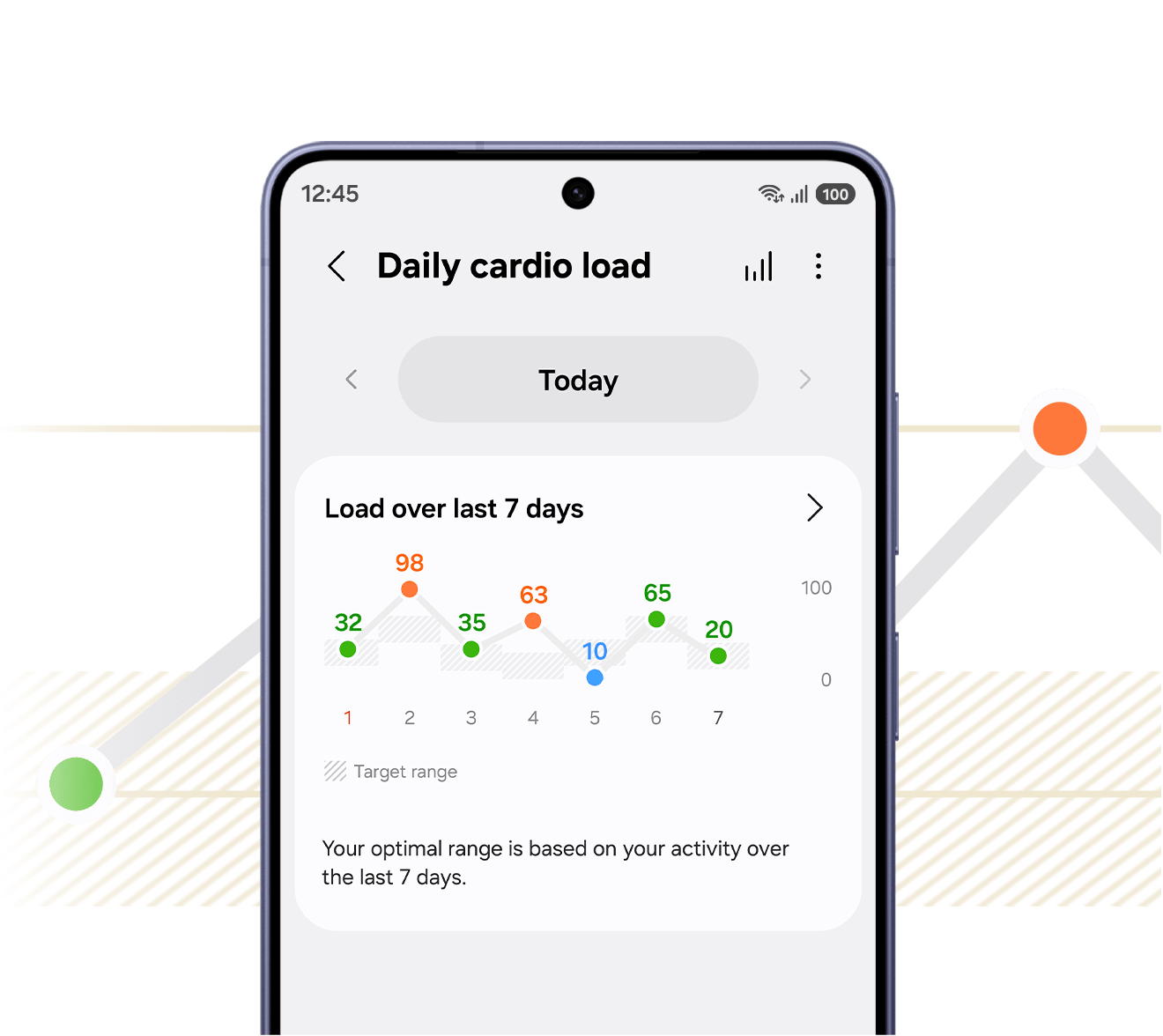
How to train better with Daily Cardio Load and Fitness Index. Get started with Galaxy Watch Ultra2, Galaxy Watch9. Know your body, train smarter. First, pair your watch with your phone. In the middle, Galaxy Watch Ultra2 and Galaxy Z Fold8 Ultra next to each other, ready for pairing. A popup screen appears on Galaxy Z Fold8 Ultra display with Galaxy Watch Ultra2, a rotating Galaxy Watch Ultra2, A new device has been found, buttons Close and Connect. Connect button is tapped, Welcome appears on Galaxy Watch Ultra2 screen, indicating that the pairing is complete. Sequences shortened. Galaxy Z Fold8 Ultra sold separately. Video simulated for illustrative purposes. Actual UI may be different. Galaxy Watch Ultra2 must be paired with a smartphone with Android 13.0 or above and minimum 1.5 GB Memory. You're all set. Let's get started! 1. Daily Cardio Load. Get personalized cardio guidance. Fitness insights 1. Daily Cardio Load. Balance every workout with the rest your body needs. To get started, add the Daily cardio load tile. Galaxy Watch Ultra2 screen is swiped from right to left to show Add tiles. Plus sign on Galaxy Watch Ultra2 screen is tapped and the screen is scrolled down. Activity is tapped on Galaxy Watch Ultra2 screen, showing different Samsung Health Activity features. Daily cardio load tile is added to the screen. Next, open Samsung Health on your phone to set up. Daily cardio load tile on Galaxy Watch Ultra2 screen is tapped. Galaxy Watch Ultra2 screen is scrolled down to show the Show on phone button. Show on phone button is tapped. Galaxy Watch Ultra2 goes away and Galaxy Z Fold8 Ultra appears, with Daily cardio load on the screen. More button is tapped to show different menus. Set target is tapped. Choose your training focus. Set your training focus is on Galaxy Z Fold8 Ultra screen, showing 4 training focus: Overall health, Healthy weight, Cardiovascular fitness, Peak performance. Overall health is selected. Check your cardio status anytime on your watch. Galaxy Watch detects moderate or higher intensity activity and recommends a target that matches your training focus. Galaxy Watch Ultra2 with Under target Daily cardio load of 5 percent. Daily cardio load goes up to Optimal level of 20 percent. And then up to Over target Daily cardio load of 65 percent. Galaxy Watch Ultra2 goes away and Galaxy Z Fold8 Ultra appears. Under target? You're ready for more. Galaxy Z Fold8 Ultra screen shows today’s progress in percentage, target and a graph showing that the user is Under target. Tips to follow your training plan is also shown. Over target? Time to recover. The screen shows similar information with the user being Over target. Tips to sleep and rest are shown. View your cardio load over time to track your progress. Galaxy Z Fold8 Ultra screen is scrolled down. Load over last 7 days section shows a graph of Daily cardio load for the past 7 days. Graph button at the top is tapped. The more you train, the more tailored your guidance gets. Daily cardio load trend graph on Galaxy Z Fold8 Ultra shows data ranging from 7 days with the average workload percentage, showing which days are over target, optimal, under target or rest needed. Sequences shortened. Galaxy Z Fold8 Ultra sold separately. Video simulated for illustrative purposes. Actual UI may be different. Daily Cardio Load on Galaxy Watch Ultra2 is available on Android phones (Android 13 or above) and requires the Samsung Health app (v7.0 or above). Samsung Account login required. To use the feature, at least 7 days of activity records are required, while 28 days of continuous wear is recommended for optimal accuracy. Please note that values may increase in daily situations where heart rate rises, such as during tension, anxiety, or stress. Train, recover, track it all. 2. Fitness Index. Understand your fitness at a glance. Let's explore your Fitness Index. Samsung Health Activity open on Galaxy Z Fold8 Ultra screen. The screen is scrolled down and Fitness index feature is tapped. Fitness Index gives you a comprehensive view of your fitness. Fitness index on Galaxy Z Fold8 Ultra screen, showing details. Fitness index graph with factors Body composition, Cardio, Endurance, Flexibility, Strength changes as the screen is scrolled down, showing See your fitness index, 3 activities to go. Complete these three steps. Measure your body composition, Record a walk or run, Track 2 days of steps sections on Galaxy Z Fold8 Ultra are highlighted. 1 Measure your body composition. The section on Galaxy Z Fold8 Ultra is highlighted, showing Measure your body composition, For accurate results, measure in the morning on an empty stomach and a Measure button. Measure button is tapped. Popup screen appears with an instruction and Continue on watch, Your Galaxy Watch Ultra2 can measure your body fat, skeletal muscle, and more. To get the best measurement, place your fingers on the watch keys as shown. OK button at the bottom. A wrist with Galaxy Watch Ultra2 appears for demonstration. A finger is placed on the watch’s home button and another finger is on the back button. Galaxy Watch Ultra2 screen displays percentage that goes up to 100 and Keep touching buttons. Fitness index on Galaxy Z Fold8 Ultra with Almost ready! 2 activities to go. The icon next to text Measure your body composition has changed to indicate the measuring is complete. 2 Record a 10+ minute outdoor walk or run. Record a walk or run section is highlighted, with Walk or run outdoors at a brisk paces (4 km/h or faster) for at least 10 minutes to measure your VO2 max. Your workout will be factored into your index the next day and a Record workout button. Record a walk or run’s icon has changed, indicating the workout is complete. Fitness index on Galaxy Z Fold8 Ultra with text Almost ready! 1 activity to go. 3 Wear your watch for 2 days to track your steps. Track 2 days of steps section is highlighted with Wear your watch to record your activity and step count. The icon has changed, indicating the activity is complete. Your Fitness Index updates as your changes. Fitness index on Galaxy Z Fold8 Ultra with the graphs and numbers changing. Discover recommended workouts to improve your Fitness Index. Follow your plan and work toward your goals. Fitness index on Galaxy Z Fold8 Ultra with Today's Fitness index of Average 91 and the related graphs below. The screen is scrolled down and the Weekly missions section is highlighted. The section is tapped. Every session is one step closer. Weekly missions on Galaxy Z Fold8 Ultra screen is scrolled down to show details such as curated fitness content. Sequences shortened. Galaxy Z Fold8 Ultra sold separately. Video simulated for illustrative purposes. Actual UI may be different. Fitness Index on Galaxy Watch Ultra2 is available on Android phones (Android 13 or above) and requires the Samsung Health app (v7.0 or above). Samsung Account login required. To use the feature, BIA and VO2 Max each need to be measured at least once, along with 2 days of activity records and step count data. Know your fitness level, own your progress. Turn insights into results with Galaxy Watch. samsung dotcom. Samsung logo.

A complete picture of your heart health on your wrist

Designed for everyday health tracking, Galaxy Watch9 brings a complete picture of your heart health. Stay informed with continuous tracking and clear insights, all in one place on your wrist. 15

A person lying on their back is wearing Galaxy Watch9 in Cream with a Sport Band in Cream on their wrist and a Heart Health Score of 73 is shown on the watch display, showcasing the heart health tracking capabilities of Galaxy Watch9.

How to monitor your body signals with Vitals

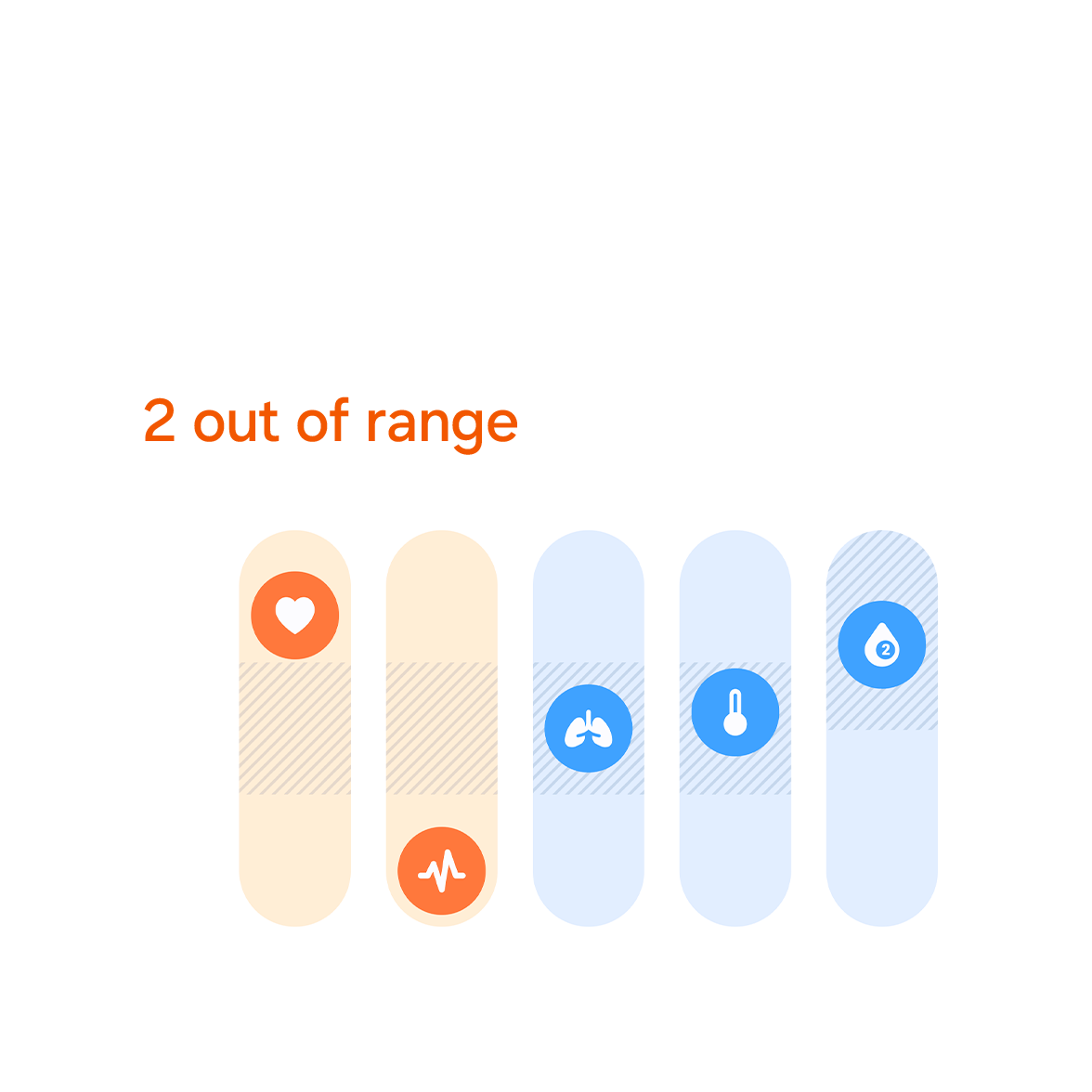
How to monitor your body signals using Vitals on Galaxy Watch9. Get started with Galaxy Watch Ultra2, Galaxy Watch9. Vitals tracks your key health metrics and flags anything unusual compared to your baseline. First, pair your watch with your phone. In the middle, Galaxy Watch9 and Galaxy Z Fold8 are next to each other, ready for pairing. A popup screen appears on Galaxy Z Fold8 display with Galaxy Watch9, a rotating Galaxy Watch9, A new device has been found, buttons Close and Connect. Tap Connect. Welcome appears on Galaxy Watch9 screen, indicating that the pairing is complete. Sequences shortened. Galaxy Z Fold8 sold separately. Video simulated for illustrative purposes. Actual UI may be different. All set? Let's see how Vitals works. 1. Explore your Vitals. Get to know the 5 key health metrics tracked while you sleep. Vitals 1. Explore your Vitals. Open Samsung Health to access Vitals. On the right, Galaxy Z Fold8 showing the home screen. Samsung Health app icon is tapped. Samsung Health app is opened. Tap Vitals. The 5 key health metrics appear on Galaxy Z Fold8 screen with All in range, Normal vital activity, Your vitals remained within expected ranges, with no clear signs of change with related graphs and icons. Here are the 5 key health metrics. The 5 key health metrics on Galaxy Z Fold8 screen are highlighted. Heart rate, Heart rate variability, Respiratory rate, Skin temperature, Blood oxygen appear one by one, as each factor is highlighted on Galaxy Z Fold8 screen. Go to About vitals and view for more details and guidance. More button is tapped on Galaxy Z Fold8 to show About vitals menu. About vitals is tapped to show details. Galaxy Z Fold8 screen is scrolled down. Galaxy Z Fold8 sold separately. Video simulated for illustrative purposes. Actual UI may be different. Vitals on Galaxy Watch9 is available on Android phones (Android 13 or above) and requires the Samsung Health app (v7.0 or above). Samsung Account login required. Vitals requires at least 7 nights of sleep data, and wearing a Galaxy Watch during sleep is necessary. Vitals is for wellness only, not for the diagnosis or treatment of any medical condition. If you're concerned about your health, be sure to see a medical professional. Now, it's time to set up your baseline. 2. Build your baseline. Before Vitals can identify unusual changes, you'll need a personal baseline. To build your baseline, you'll first need sleep data. Now, let's set it up. Open Samsung Health on your Galaxy Watch. Samsung Health app icon on Galaxy Watch9 is tapped. Samsung Health app is opened. Scroll down and tap Settings. Samsung Health settings is open on Galaxy Watch9 screen. Tap Sleep. Galaxy Watch9 screen is scrolled down. Toggle on Blood oxygen and Skin temperature. The toggles on Galaxy Watch9 screen are turned on. Your personal baseline is now being set up. Wear your watch during sleep for 7 days to build your baseline. On the right, Galaxy Watch9 with text Finding baseline, 4 nights to go, icons indicating sleep data of 7 days, Wear your Galaxy Watch to sleep. Screen changes, showing Baseline established, You're all set!, icons indicating sleep tracking is complete, Track your sleep to measure vitals. You're ready to check your insights. On the right, another Galaxy Watch9 appears from the back with Vitals feature on the screen, showing All in range with graphs and icons related to the 5 key health metrics. Sequences shortened. Video simulated for illustrative purposes. Actual UI may be different. Vitals on Galaxy Watch9 is available on Android phones (Android 13 or above) and requires the Samsung Health app (v7.0 or above). Samsung Account login required. Vitals requires at least 7 nights of sleep data, and wearing a Galaxy Watch during sleep is necessary. Vitals is for wellness only, not for the diagnosis or treatment of any medical condition. If you're concerned about your health, be sure to see a medical professional. 3. Monitor your insights. Continue wearing your watch after your baseline is set up. Now that you’ve built up more data, let's review it on a larger screen. Show on phone button on Galaxy Watch9 is tapped. The shaded area represents your baseline. On the right, Galaxy Z Fold8 with Vitals feature on the screen. The 5 key health metrics are highlighted with All in range with related graphs and icons. The screen is scrolled down to show Sleep vitals. All 5 metrics are within your baseline. Sleep vitals on Galaxy Z Fold8 is highlighted. If any metric falls outside your baseline, it will be marked in orange. On the right, Vitals on Galaxy Z Fold8 shows 3 of the key health metrics are out of range. Review metrics outside your usual range. The screen on Galaxy Z Fold8 is scrolled down. Want to see more details about your data? Check overall trends in Vitals out of range. On the right, Galaxy Z Fold8 screen is scrolled down to show Vitals out of range (last 7 days). The section is highlighted with Vitals out of range (last 7 days), 3 days out of range with related graph. The details button is tapped, showing Vitals trend based on Days, Weeks and Months. You can also compare data for each metric. Compare data section on Galaxy Z Fold8 is highlighted. Heart rate button is tapped. Heart rate graph appears with the average 66 bpm and 2 days out of range. Skin temperature button is tapped. Skin temperature graph appears with the average minus 0.2 degrees Fahrenheit and 1 day out of range. Sequence shortened. Galaxy Z Fold8 sold separately. Video simulated for illustrative purposes. Actual UI may be different. Vitals on Galaxy Watch9 is available on Android phones (Android 13 or above) and requires the Samsung Health app (v7.0 or above). Samsung Account login required. Vitals requires at least 7 nights of sleep data, and wearing a Galaxy Watch during sleep is necessary. Vitals is for wellness only, not for the diagnosis or treatment of any medical condition. If you're concerned about your health, be sure to see a medical professional. Track your vital signals with Galaxy Watch. Catch subtle changes before you feel them. samsung dotcom. Samsung logo.

Learn how Vitals can help you stay on top of your health by tracking key health metrics, informing you of unusual changes.

More ways to understand your health

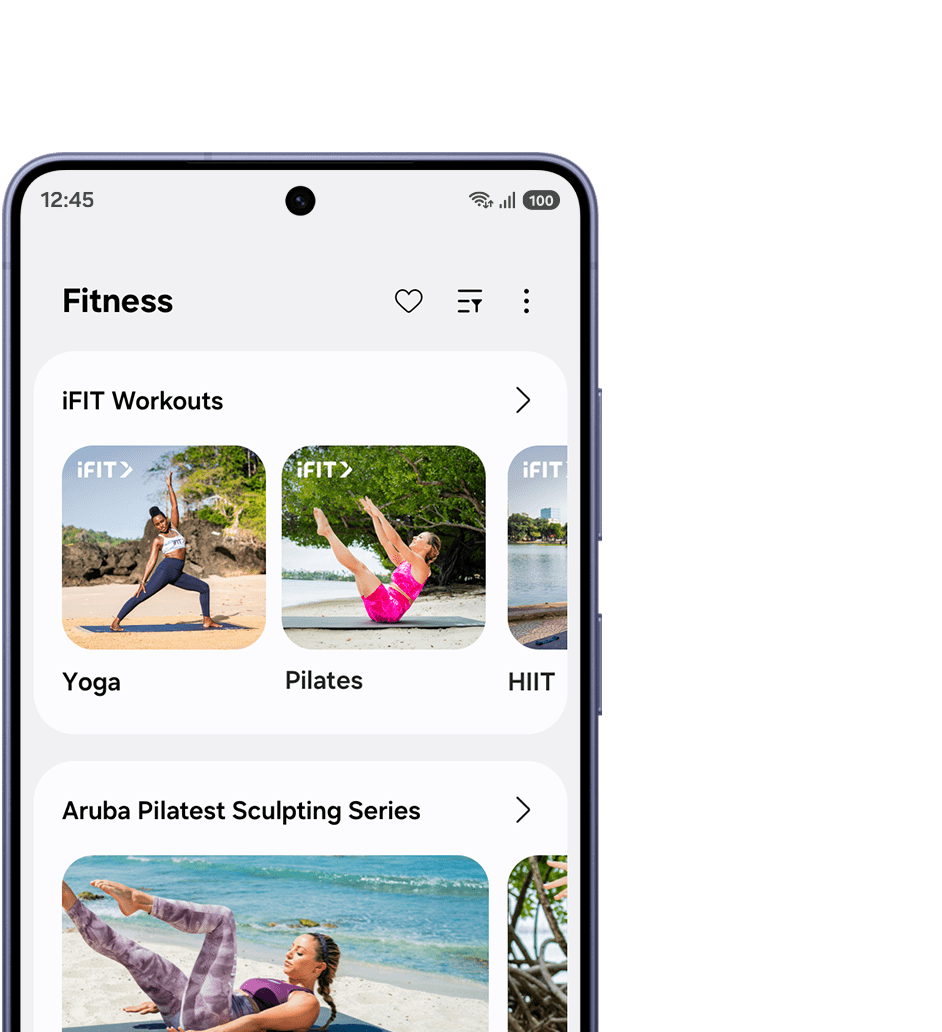
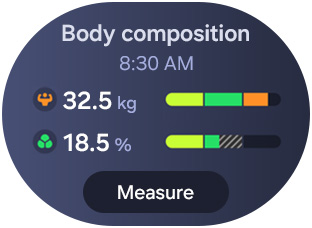
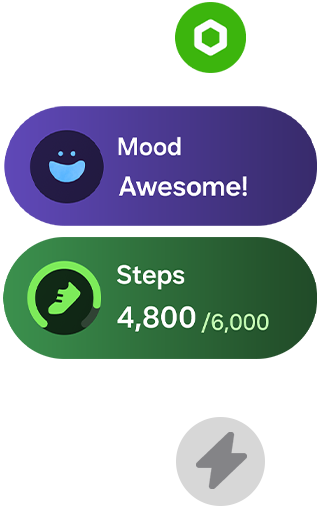
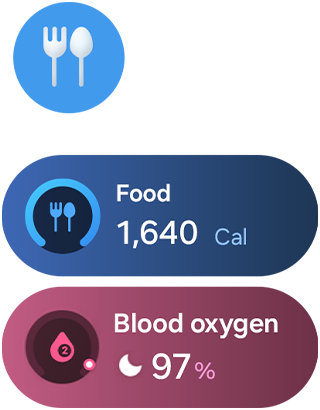
Samsung Health brings your health data, fitness goals and wellness programs together in one connected platform. Monitor key metrics, track progress and build healthier habits with an intuitive dashboard designed for everyday wellness.

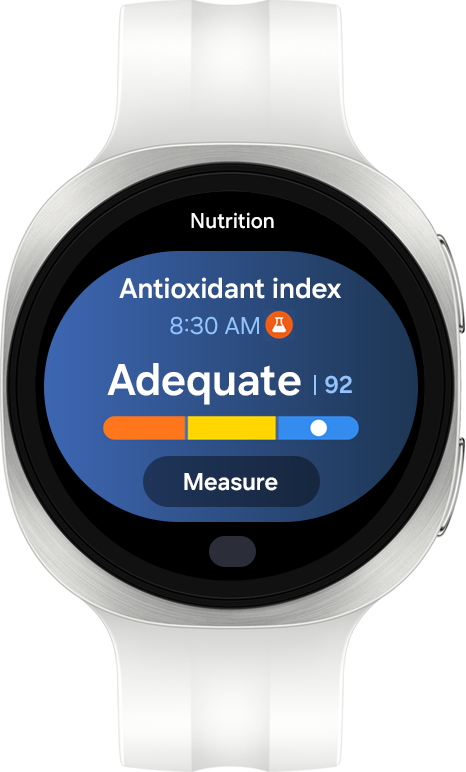
Galaxy Watch9 in Cream with a Sport Band in Cream shown facing forward with Samsung Health tiles displaying various information about the user's health and daily habits. Samsung Health's Antioxidant index feature is on display, with the level Adequate.

PERFORMANCE

Reengineered from the core

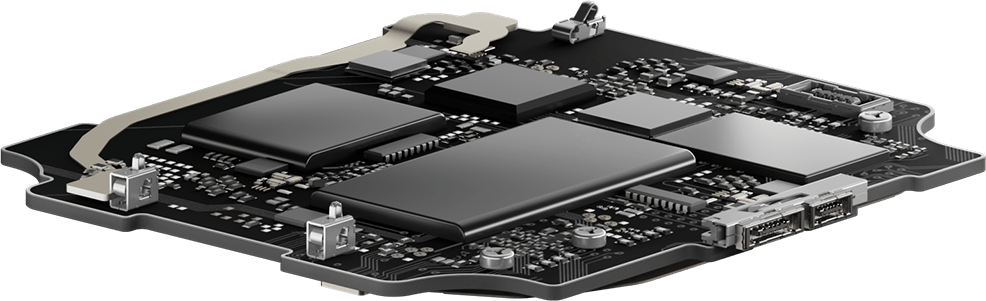
Five Galaxy Watch9 lined up with the watch bands fastened. Galaxy Watch9 in Cream with a Sport Band in Cream is in the center. Components inside the case are revealed, with the highlight on the large-capacity battery. The internal components are shown to illustrate that Galaxy Watch9's performance has been upgraded.


Health doesn’t sleep. Neither does your Watch

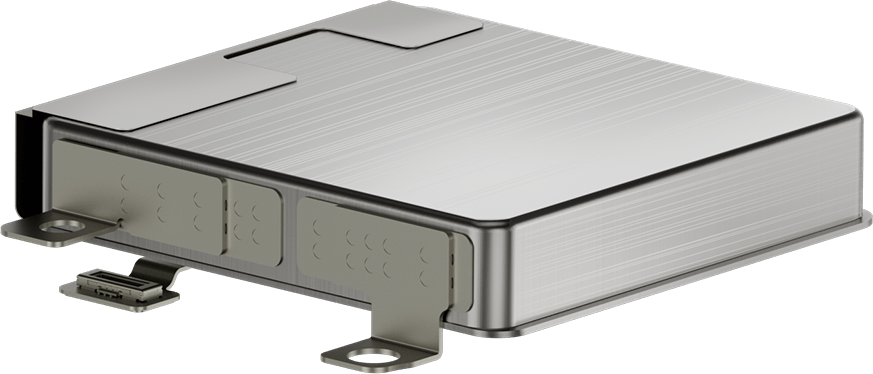
A larger battery that lasts beyond expectations powers Galaxy Watch9


— keeping you ready for whatever your day brings. Spend more time outdoors doing what you love and push past your usual mile on a run. Get more sleep for full recovery, while your rest is monitored overnight. All with the confidence of knowing Galaxy Watch9 only stops when you do. 7

Battery capacity390mAh

Close-up view of the components inside the case of a Galaxy Watch9 in Cream with a Sport Band in Cream shown facing up with the watch battery placed on top, highlighting the increased 390 mAh battery capacity for reliable, lasting power through daily activities and night recovery. A Sport Band in Blue and a Sport Band in Yellow placed around the watch.

How long does the battery last?

Galaxy Watch9
  • 390mAhBattery Capacity

Compare with

  • 300mAhBattery Capacity

Powered by Snapdragon®

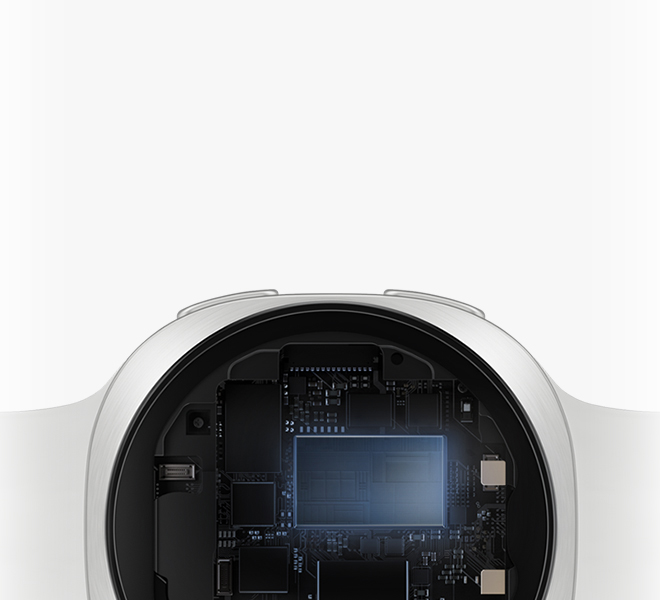
Galaxy Watch9 runs on the all-new Snapdragon® Wear Elite Platform that enables seamless performance across every interaction. Workout tracking starts instantly, apps launch quickly and everyday use feel smoother than ever. Galaxy Watch9 keeps pace without missing a beat. 18, 19

Close-up view inside the case of a Galaxy Watch9 in Cream with a Sport Band in Cream, highlighting the power-efficient Snapdragon® Wear Elite Platform that delivers faster performance with quick responses for daily multitasking across various watch apps and workout tracking. Powered by Snapdragon® Wear Elite Platform logo shown.

AI

Raise. Talk. Done

Get help instantly — just raise your wrist to start chatting with Google Gemini. With Gemini built into Galaxy Watch9, everyday tasks become faster and more seamless, even on your busiest days. No pauses, no extra steps — just speak naturally and get answers instantly. Find answers, organize tasks and access key information across apps the moment you need it by just lifting your wrist. 5, 6

A person wearing a Galaxy Watch9 in Cream with a Sport Band in Cream and raises their wrist to give a voice command to their watch using Google Gemini.

GALAXY EXPERIENCE

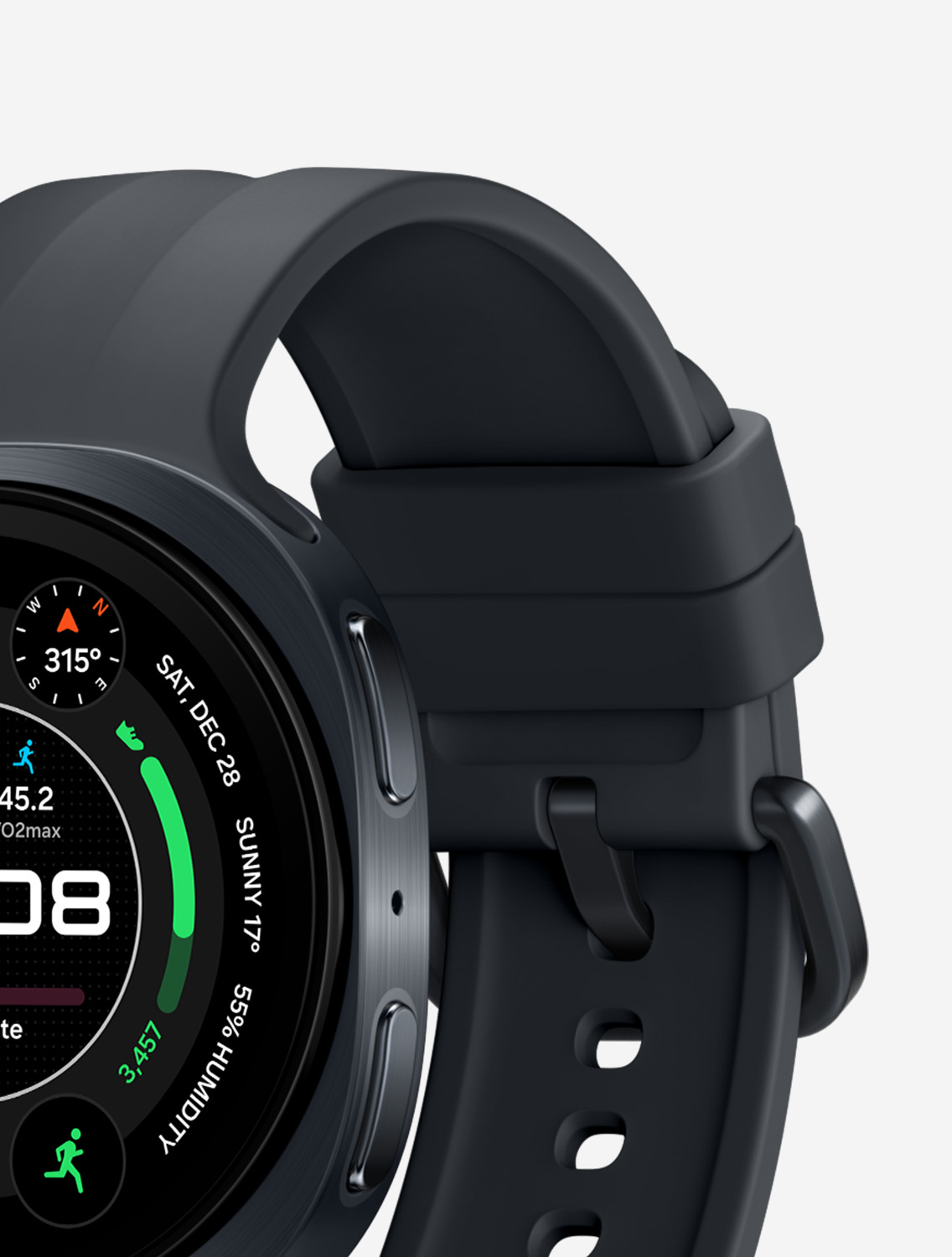
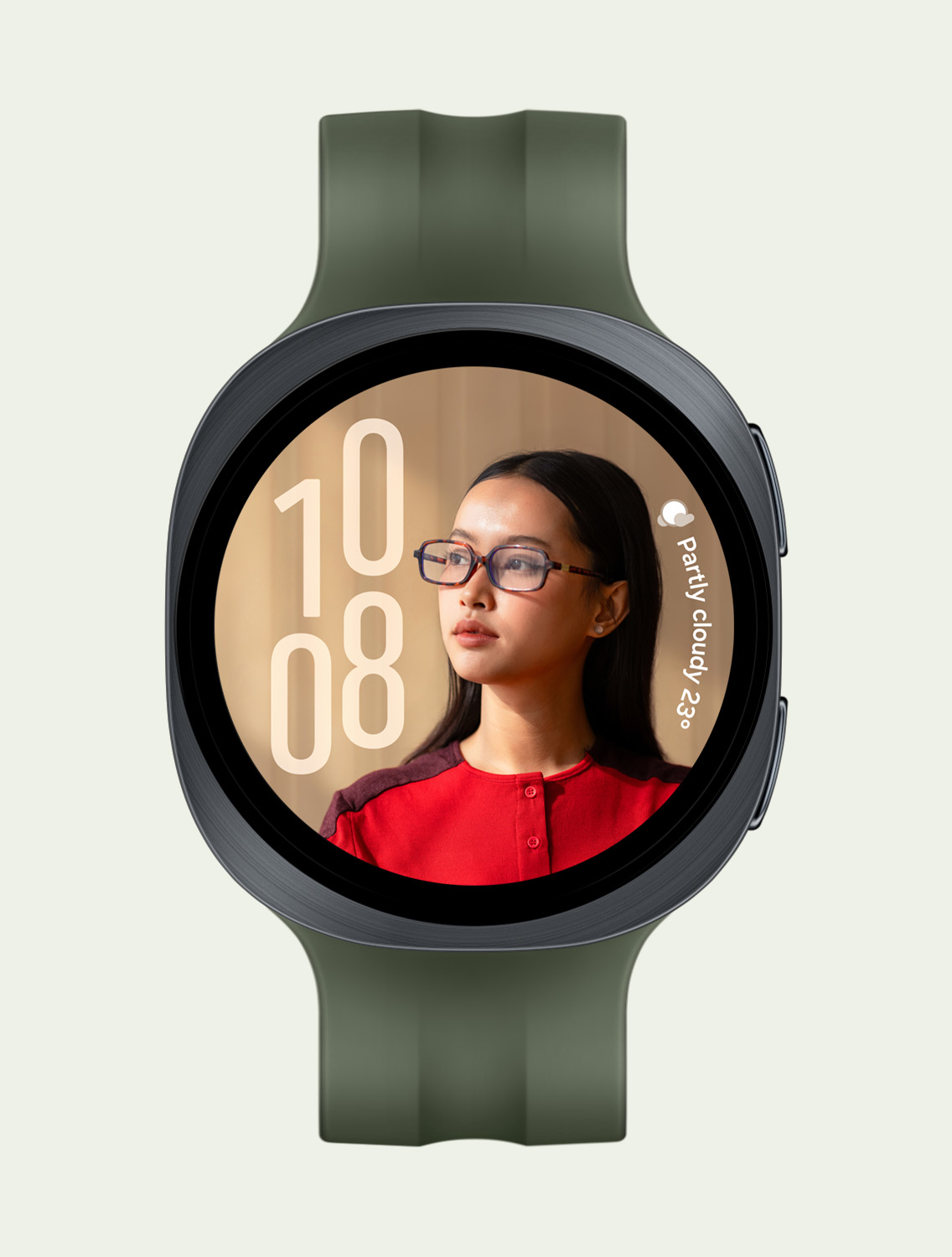
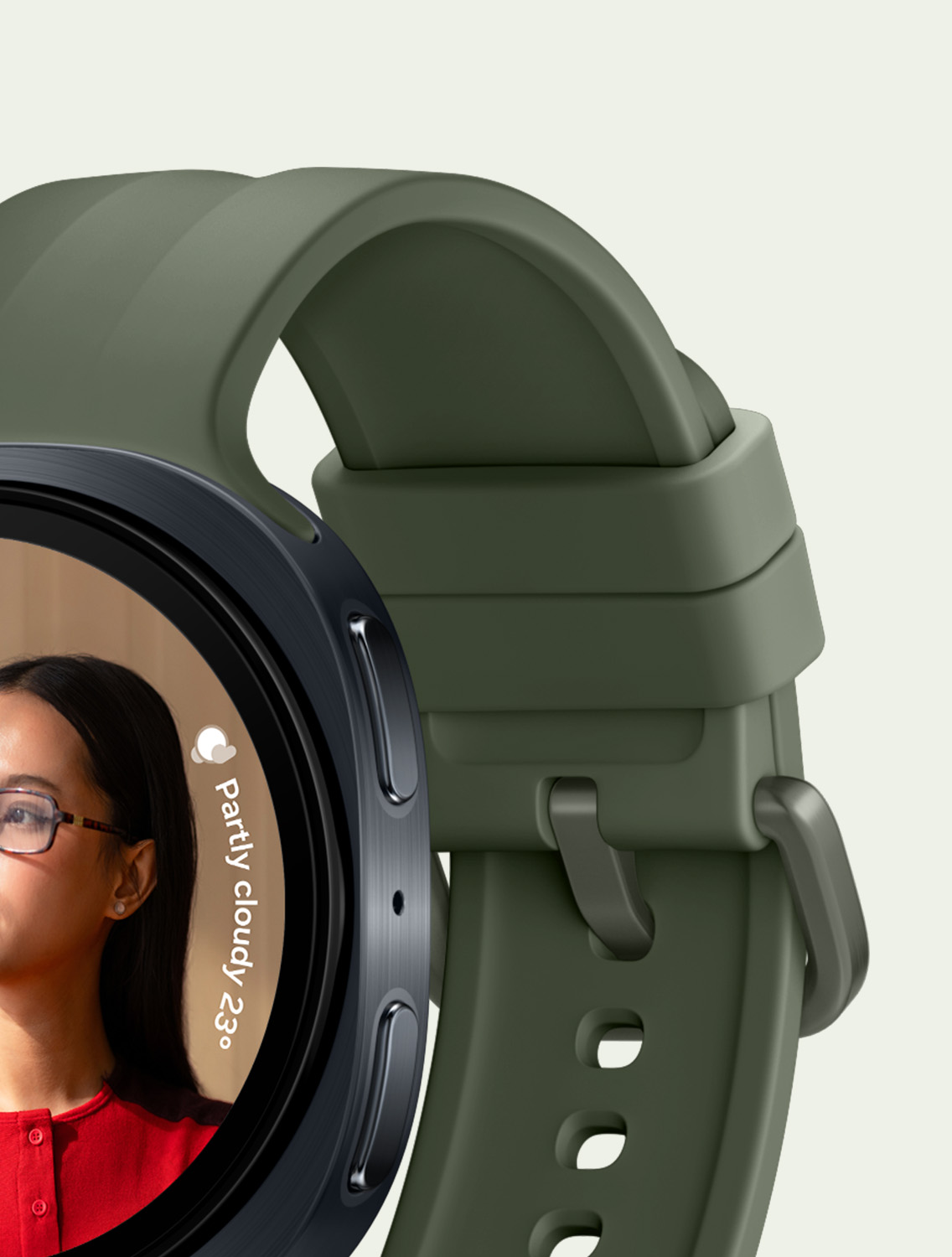
Personalized watch faces and bands

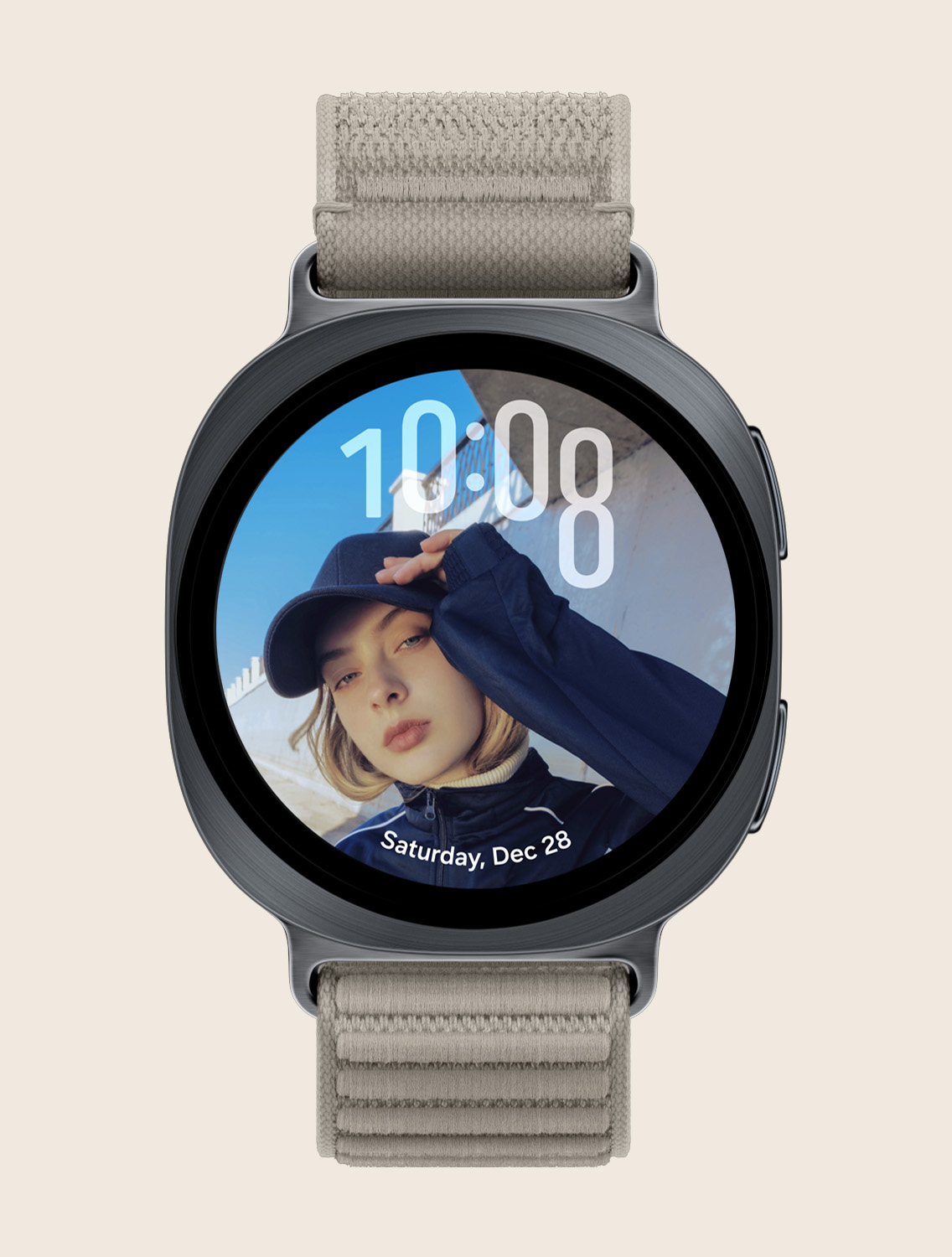
Make Galaxy Watch9 truly yours. Mix and match watch faces and bands for any occasion. Personalize your Watch further using your favorite picture. The new Portrait Watch Face intelligently analyzes your photo and beautifully blends watch elements with the photo subject in a harmonious way. Complete your look with a matching band for a unique, personalized style. 20, 21

Your Watch, your apps

Galaxy Watch9 is powered by WearOS by Google (WearOS 7) — giving you access to the Google Play Store and a world of apps made to match the way you live. Beyond the features already built into Galaxy Watch9, find and install the apps that fit the way you train, recover and explore. 6

Icons of different third-party apps that are supported on Galaxy Watch9, such as Google Maps, Gmail, Strava, Spotify, Google Messages and YouTube Music.

Key takeaways at a glance

View full comparison
  • Light on the wrist.
    Heavy on detail

    Galaxy Watch9 in Cream with a Sport Band in Cream worn on a person's wrist angled slightly to the right, showcasing the slim and smooth look of the watch with the signature cushion design, as well as the thin and flexible Sport Band for a snug, comfortable fit throughout the day with minimal gap thanks to the Dynamic Lug System.
  • 390 mAh

    Battery
  • Processor

    Powered by Snapdragon®
    Close-up view inside the case of a Galaxy Watch9 in Cream with a Sport Band in Cream, indicating faster performance with quick responses.
  • Health.
    Made easier

    Samsung Health logo to indicate Galaxy Watch9 is a watch for everyday health tracking.
  • Sleep Coaching

    Practice makes great mornings
  • Running Coach

    Personal training, on the run
  • Heart Health

    Your daily compass for heart health management

Join Galaxy.


Reap the benefits

  • Trade-in

    Receive an instant discount when you trade in your old device. 22Samsung Care+

  • Peace of mind today, lasting value tomorrow. 23

The connected power of Galaxy

View full details